Alpha · launch price The licence at $4.99 one-time instead of $30, for as long as we are in alpha · a free week, no card See the offer

for 1920 × 480 strip displays

Your little screen
finally does something.

TinyScreen turns an 8.8-inch strip display into a live dashboard — temperatures, loads, music, messages and your Claude Code usage. All of it at a glance, without taking your eyes off the main screen.

Windows 10/11 · no credit card · installed and running in a minute

39 seconds. Every frame is the application itself, over its own live wallpapers.

Demonstration

Four things a screenshot cannot show you

All of it is the application itself, over its own live wallpapers. No screen recording, no mock-up.

01 · Skins

One board, twelve hands

Not a widget moves and not a number changes — only the way they are drawn. Neon tubes, an oscilloscope, nixie tubes, airport flaps, liquid in glass, mosaic, comic, handwriting.

02 · Widgets

Add until it is your board

Start with four, add four more, keep going. Fifty-five to choose from, and every one of them takes the skin you chose without asking you anything.

03 · Wallpaper & opacity

A live wallpaper behind, and the cards dissolve

Thirty live wallpapers to choose from. And two separate opacity controls — one for the card, one for what is inside it — so you can go from a solid panel all the way to nothing but the readings, floating over the artwork.

04 · Drag & resize

Edit mode: drag it, size it, and it stays that way

This is edit mode itself: a frame around every tile, a blue corner to resize, an ✕ to delete. Take a widget with the mouse and drag it wherever you like. The arrangement is remembered per skin, and separately for across and upright — because a turned screen is a different shape, not the same shape lying down.

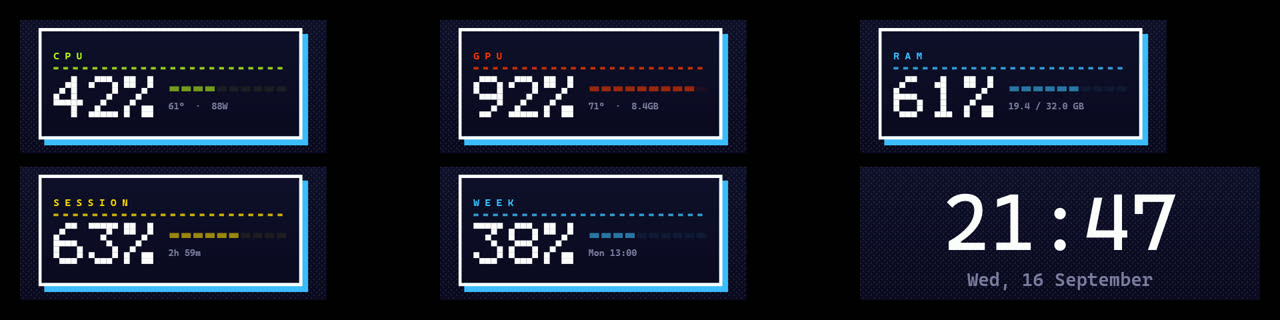
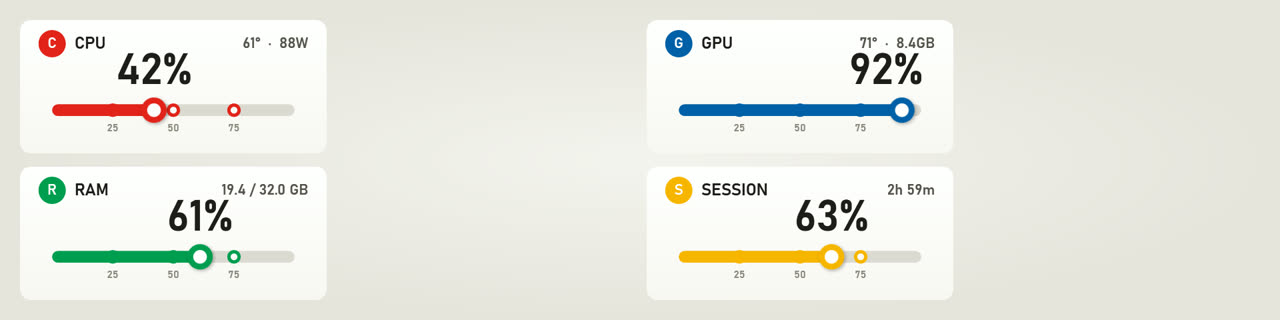
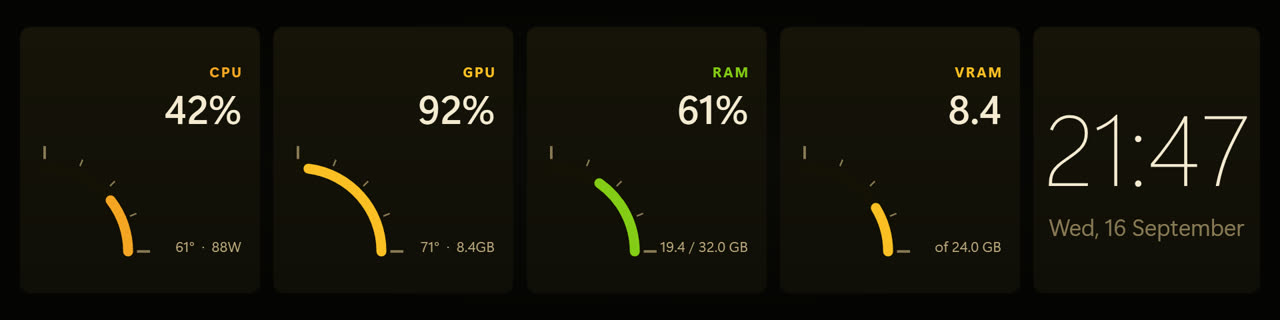
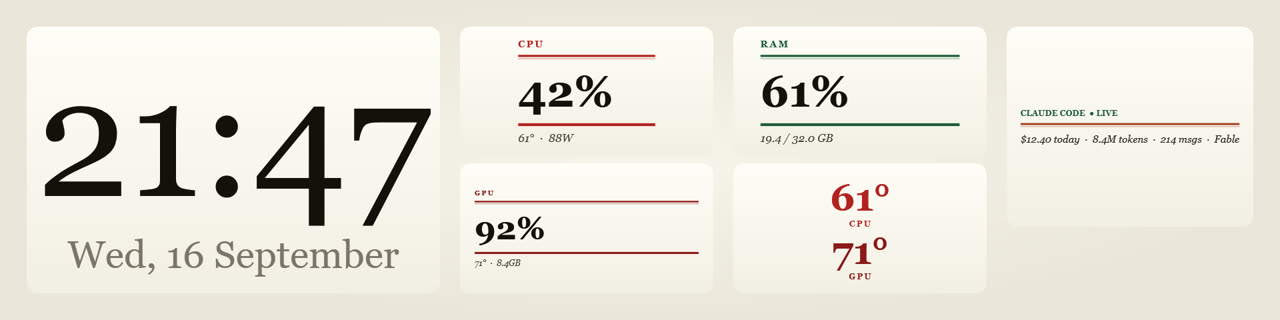
Every skin has its own handwriting

The same reading, six design languages. Change the skin and every widget changes shape together — not only its colour. Including one you add tomorrow.
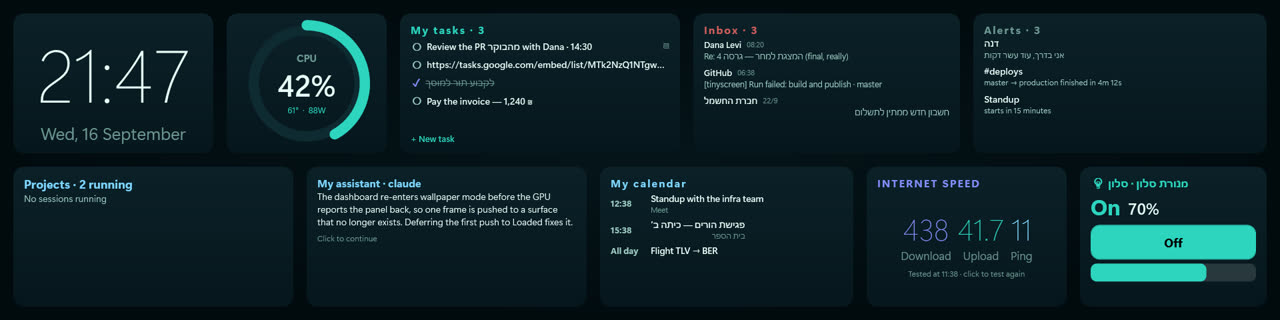
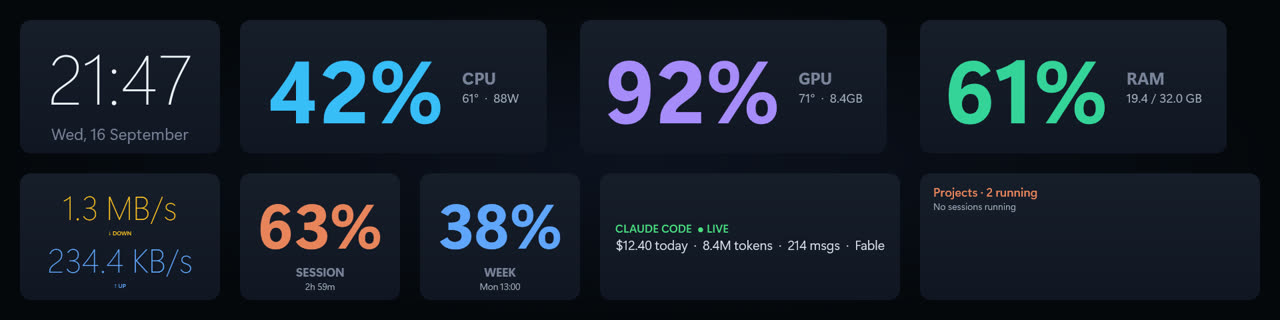
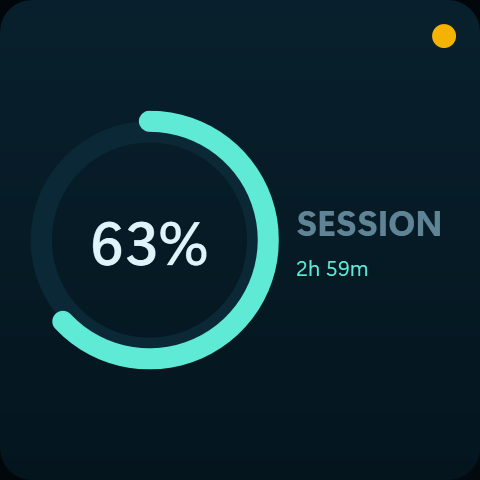
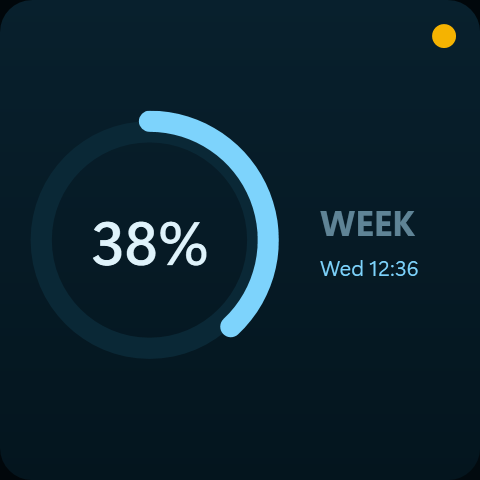
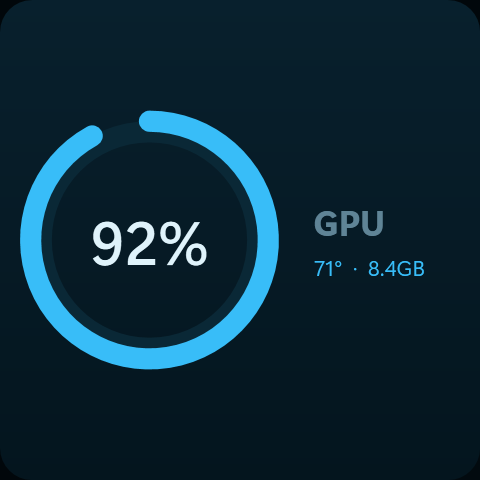
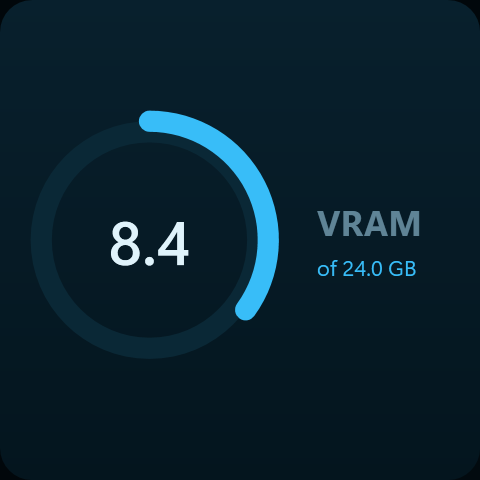
The board in the Rings hand: circular gauges, clean sans type
Rings
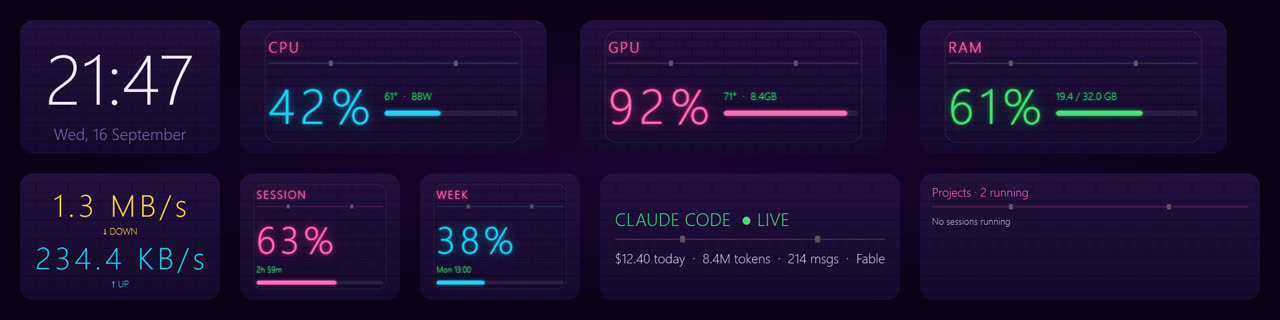
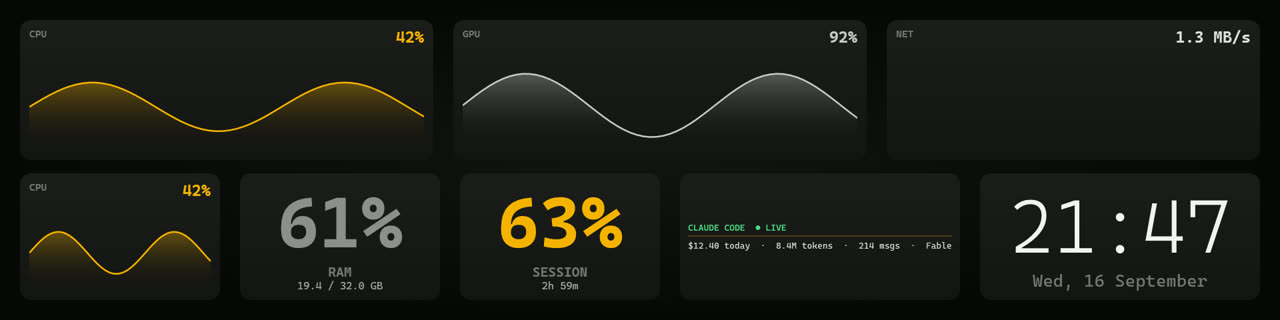
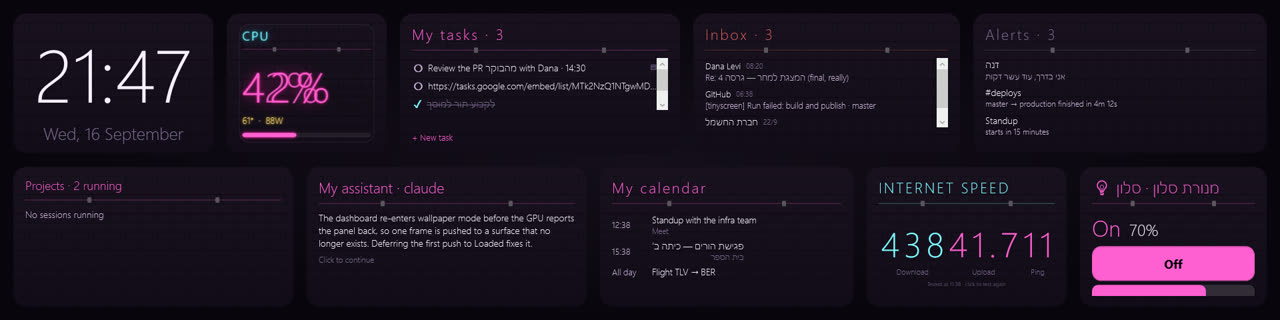
The same board in the Neon hand: glowing tubes on brick
Neon
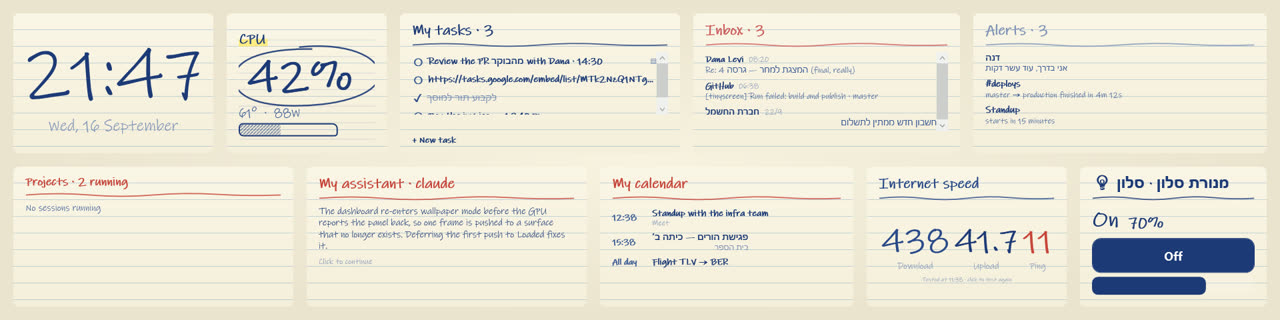
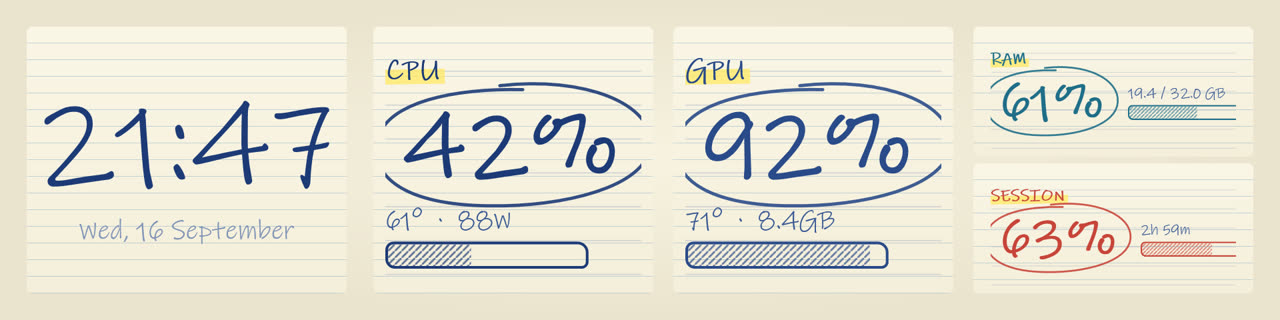
The same board in the Ink hand: handwriting on ruled paper
Ink
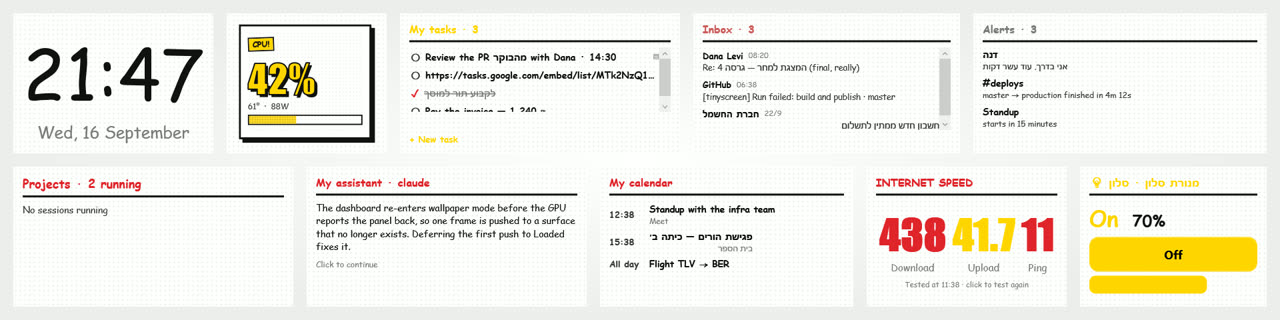
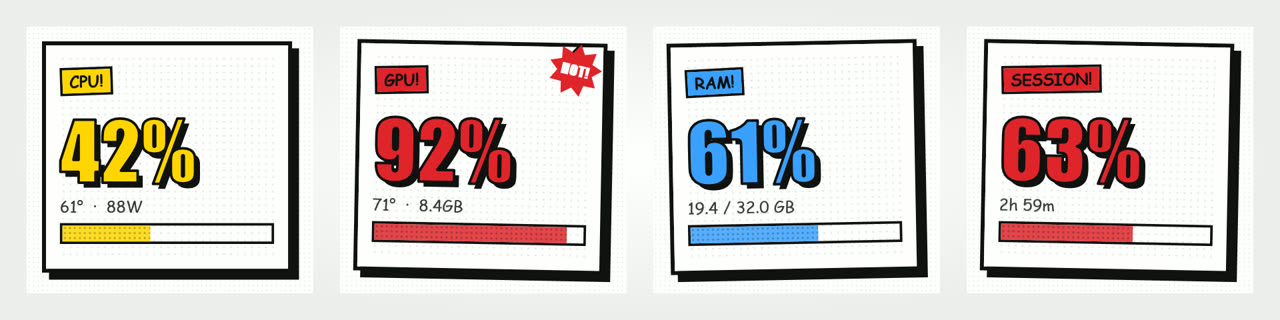
The same board in the Comic hand: panels, halftone and heavy ink
Comic
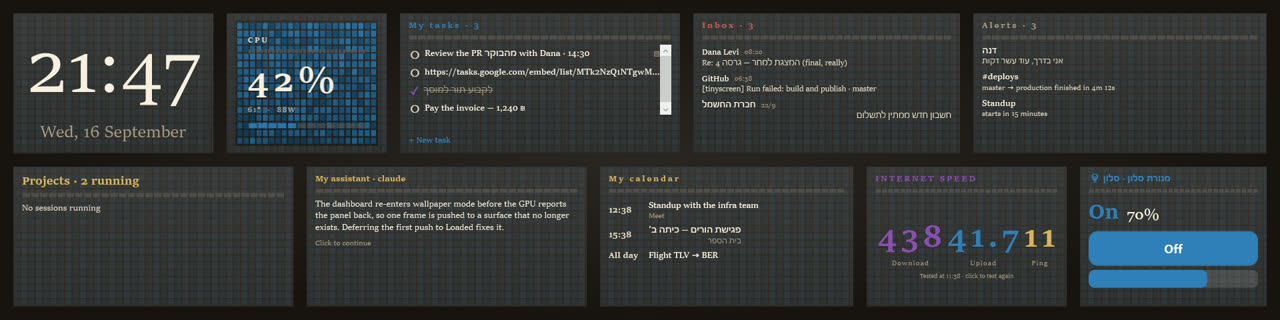
The same board in the Mosaic hand: Roman capitals over stones
Mosaic
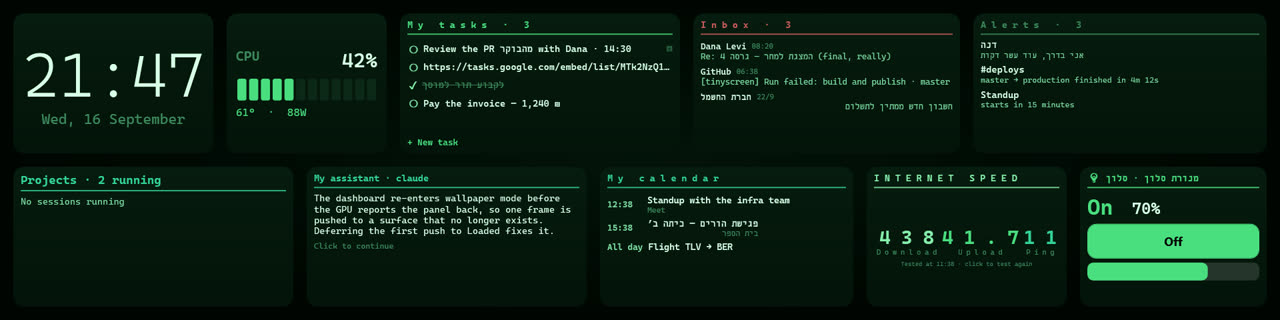
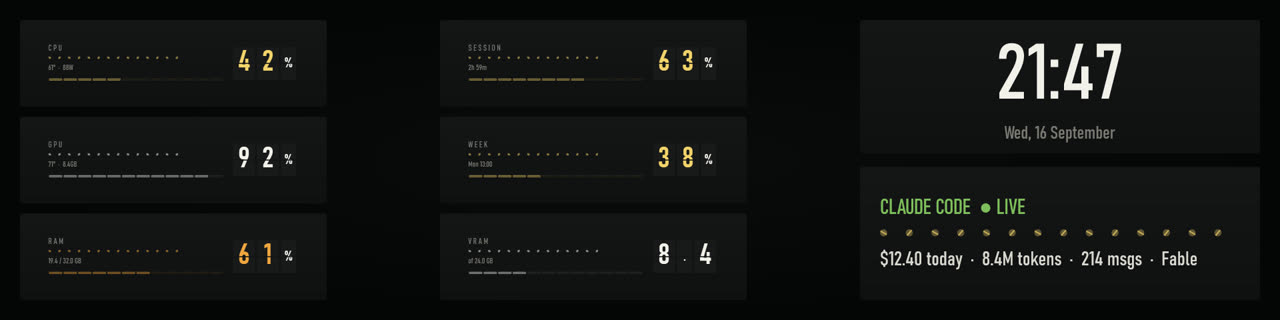
The same board in the Segment hand: an LED instrument panel
Segment

Look at the task list, the inbox and the home device — it is not only the gauges that change.

What it shows

Drag widgets wherever you like. The layout is kept separately for across and upright.

🌡️

Hardware, live

Processor, graphics, memory, temperatures, fans, drives and network — read straight from the sensors.

◆

Claude Code

How much of the usage window is left, what today has cost, and which projects are running.

♪

What is playing

The current track from any Windows player, with no plugin to install.

💬

Messages and calls

WhatsApp, Windows notifications, and an incoming Discord call with the caller's picture.

🎮

Gaming and streaming

Steam, Battle.net, Riot, and your OBS stream — connection health included.

🔋

Your batteries

Phone, tablet and headphones — all in one place.

30 live wallpapers

Not pictures. Smoothly looping video — fire breathing, neon rain, an aurora. And you can generate one of your own from inside the app, by describing it.

Fire · ice · lightning · space

Ten classics, every one of them moving.

Fantasy

An elder tree, sky islands, a rune forge, a moonlit lake, a phoenix.

Cyberpunk

Neon rain, a megacity, a datastream, a black market.

On your phone too

An Android app mirroring exactly the same board — the same widgets, the same skin, the same layout. Paired once, by scanning a code.

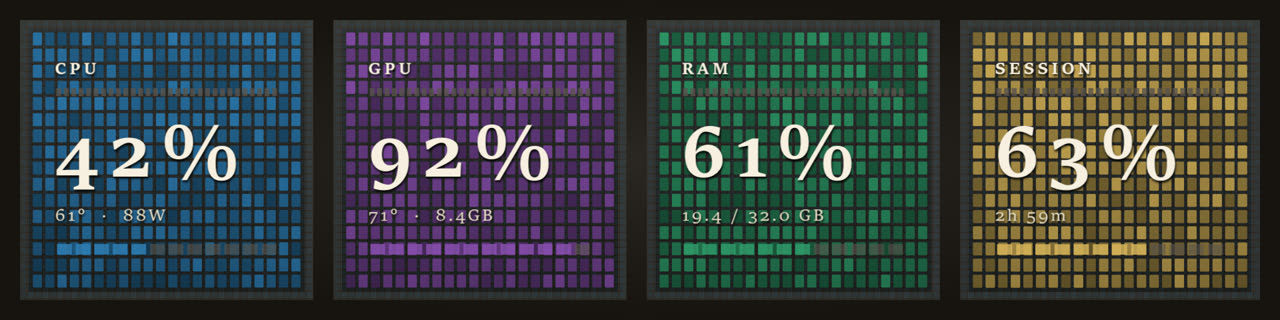
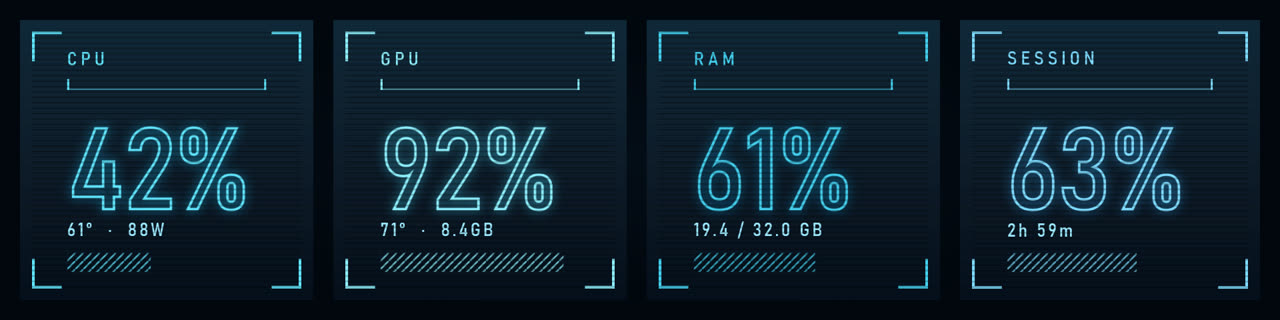
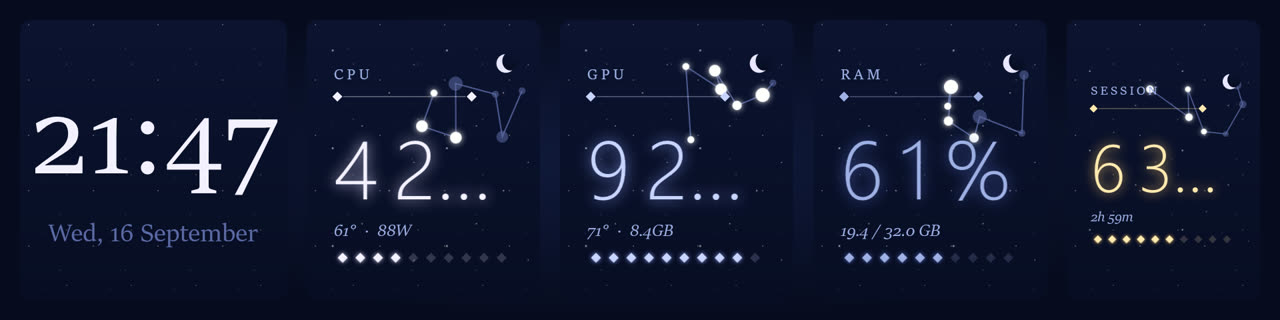
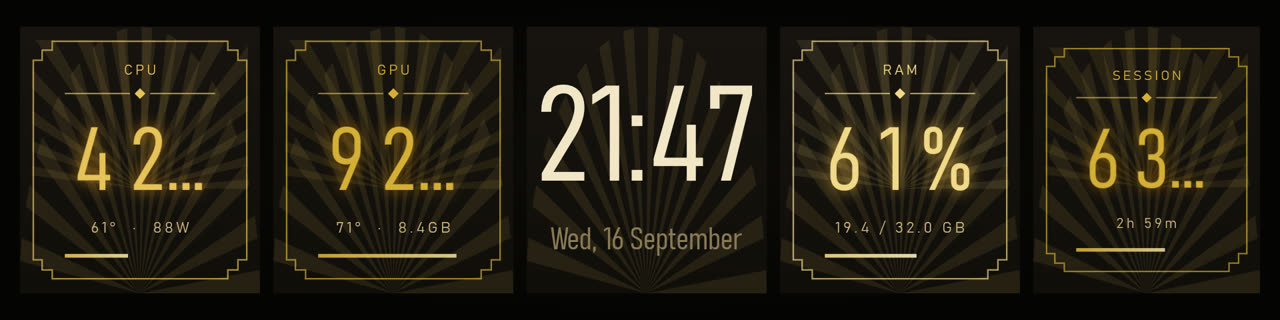
Fifty-one skins. Not one of them is a colour scheme.

Every skin is a complete hand: typeface, texture, how a figure is set and how a list reads. These are real frames from the application, not mock-ups.
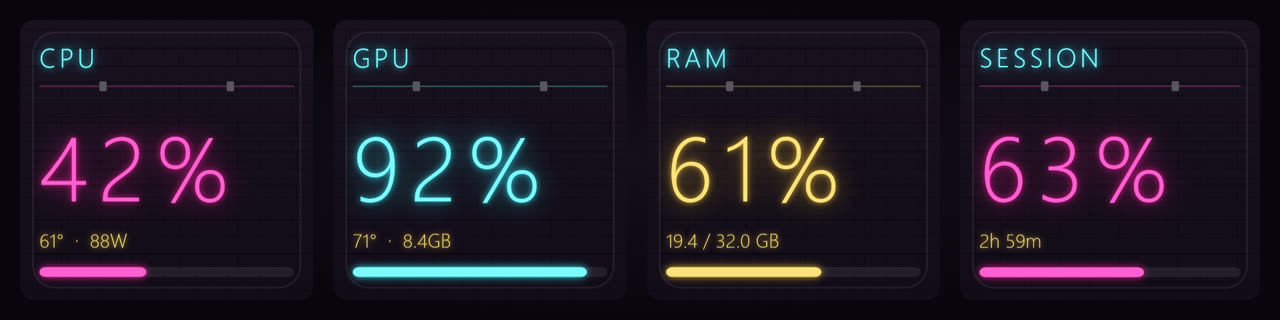
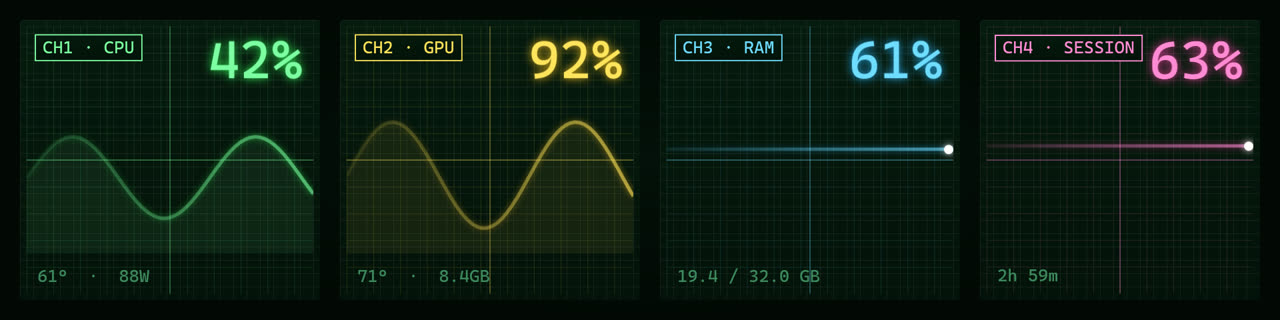
The Neon Alley skin: glowing tubes on a brick wall
Neon Alley
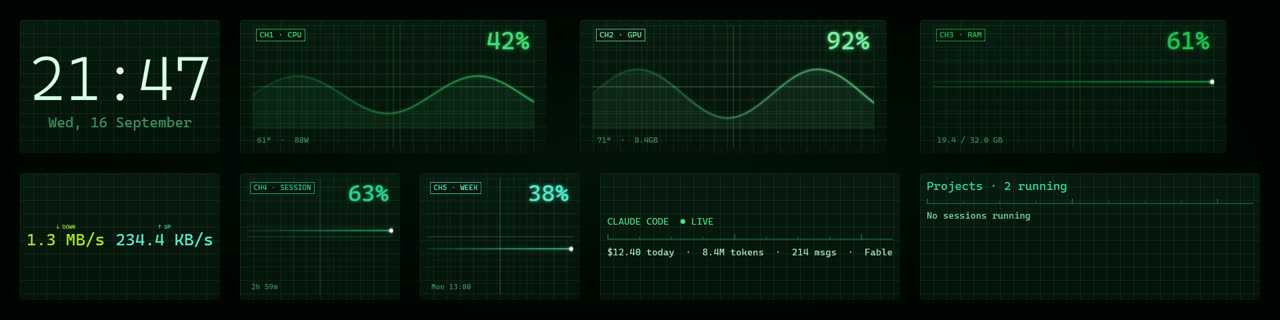
The Scope skin: an oscilloscope graticule with phosphor traces
Scope
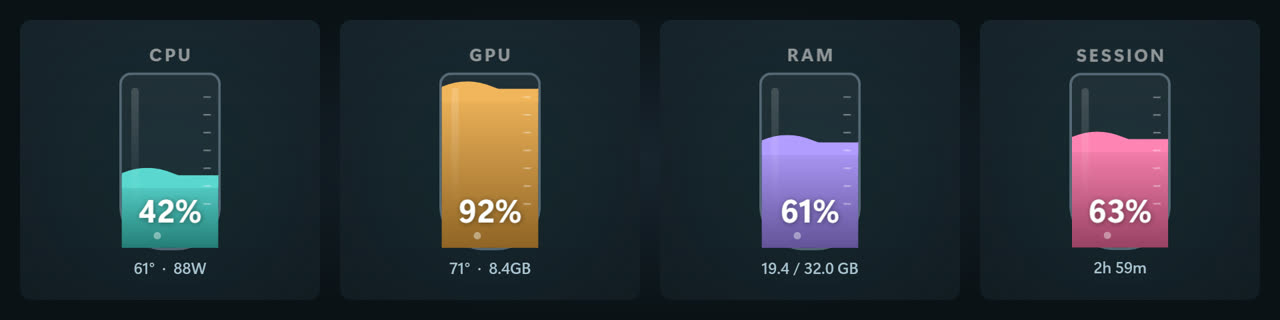
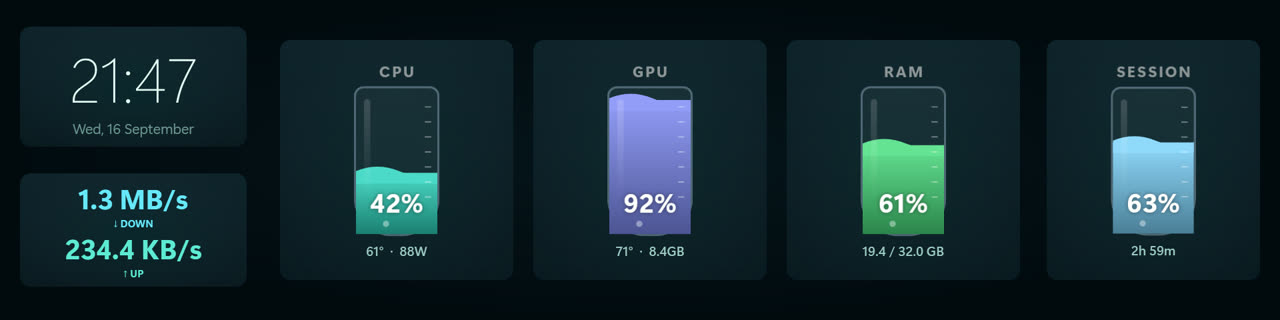
The Lab skin: readings as liquid rising in glass vessels
Lab
The Departures skin: split-flap cards like an airport board
Departures
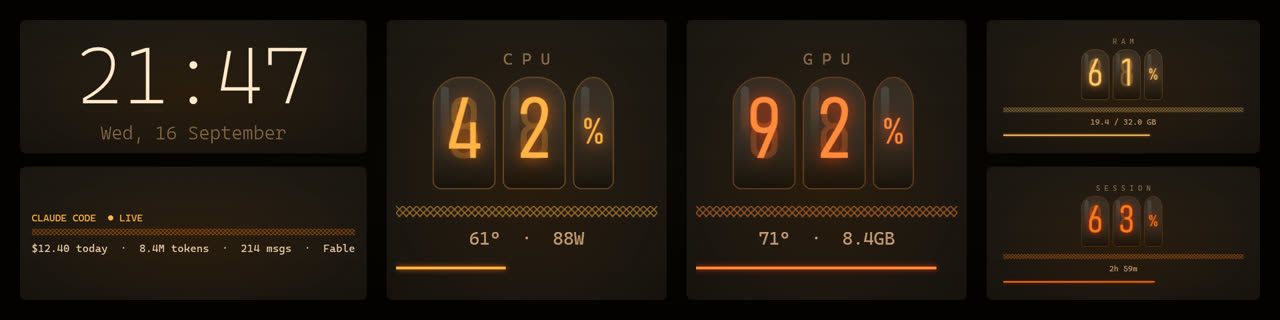
The Nixie skin: digits glowing inside glass tubes
Nixie
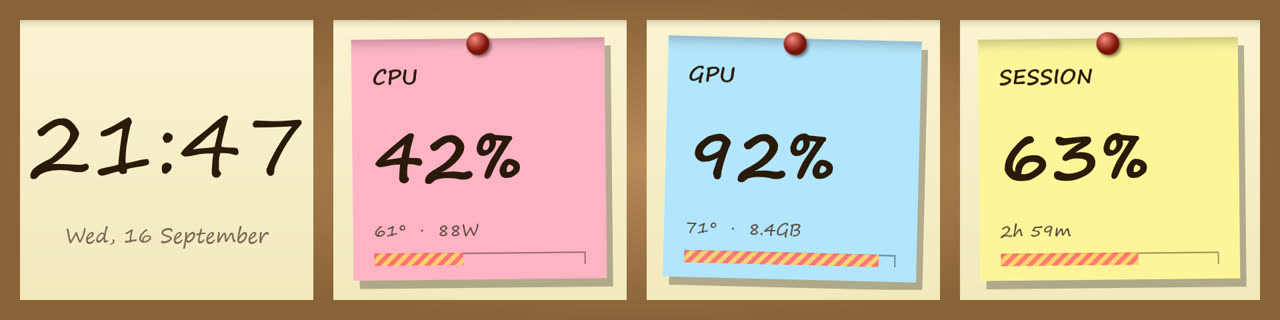
The Corkboard skin: sticky notes pinned to cork
Corkboard
The Cathedral skin: figures cut over a mosaic of stones
Cathedral
The Hologram skin: outlines only, with scanlines
Hologram
The Observatory skin: constellations over a night sky
Observatory
The Gatsby skin: gold art-deco plaques
Gatsby
The Panel skin: comic panels with heavy ink borders
Panel
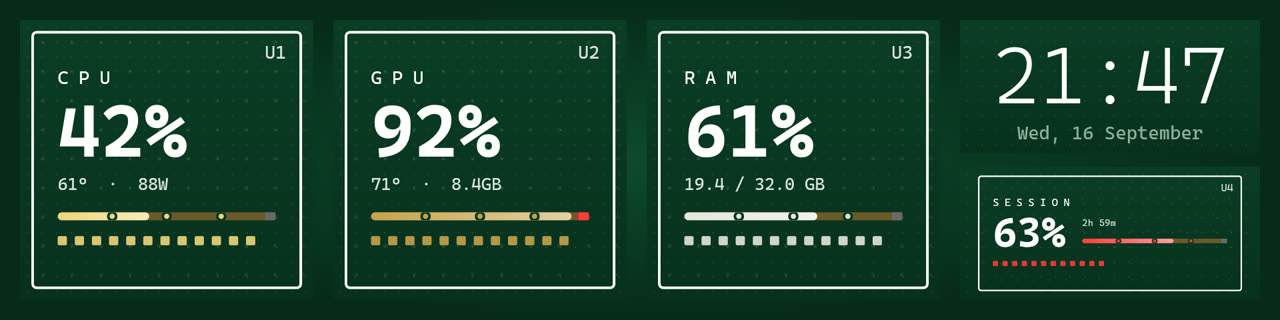
The Solder skin: a green circuit board with gold traces
Solder
The Notebook skin: handwriting on ruled paper
Notebook
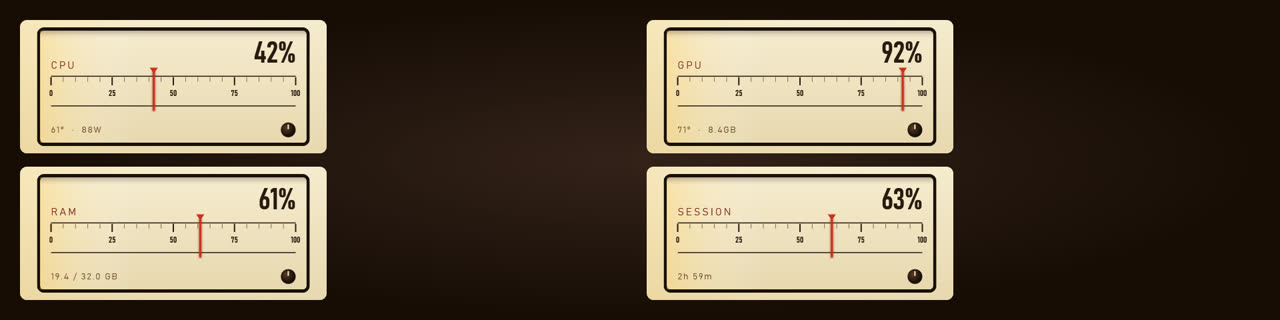
The Wireless skin: a lit radio dial with a red needle
Wireless
The Arcade skin: an eight-bit pixel dashboard
Arcade
The Transit skin: readings as metro lines with stations
Transit
The Cockpit skin: amber quarter-dials at night
Cockpit
The Broadsheet skin: newsprint typesetting
Broadsheet
The Synthwave skin: neon pink and cyan on purple
Synthwave
The Matrix skin: green phosphor on black
Matrix
The Aurora skin: cold greens over polar blue
Aurora
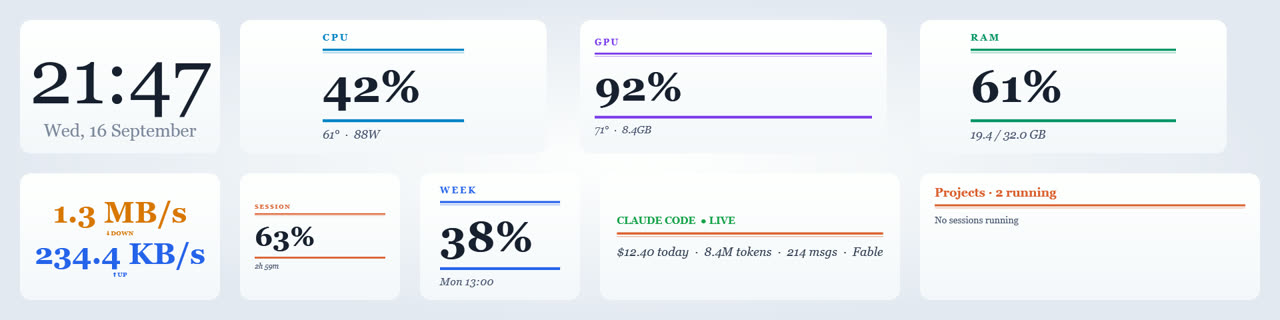
The Daylight skin: a bright printed page
Daylight
The Midnight skin: deep blue glass
Midnight
The Mission Control skin: an operations wall of graphs
Mission Control

And once you have chosen, drag any widget anywhere. The arrangement is remembered per skin.

66 widgets, and this is how they look

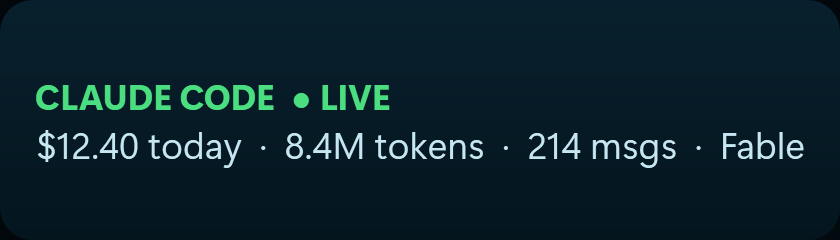
Every picture here is the widget itself, drawn by the application in one skin. Drag them where you like, and they take on whichever skin you choose.
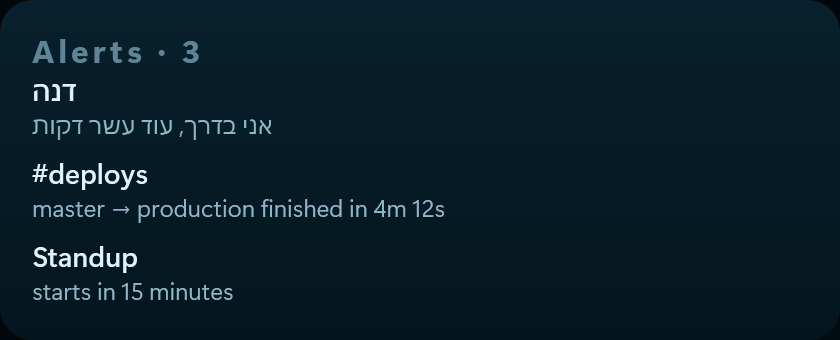
The Alerts widget
Alerts Connection: Windows notifications. Everything from every app, newest first.
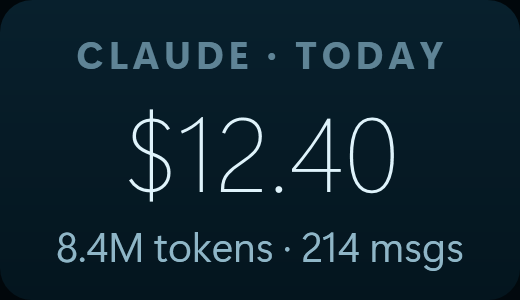
The Claude · usage widget
Claude · usage Connection: Claude. What today cost, how many tokens went through and how many messages were sent.
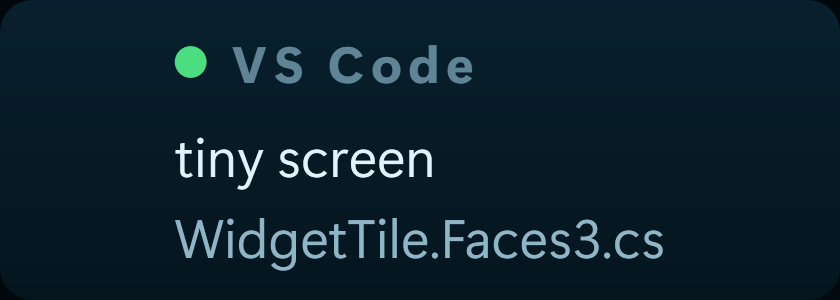
The Code editor widget
Code editor Connection: code editors. Which project and file you are working on in Cursor, VS Code and the like.
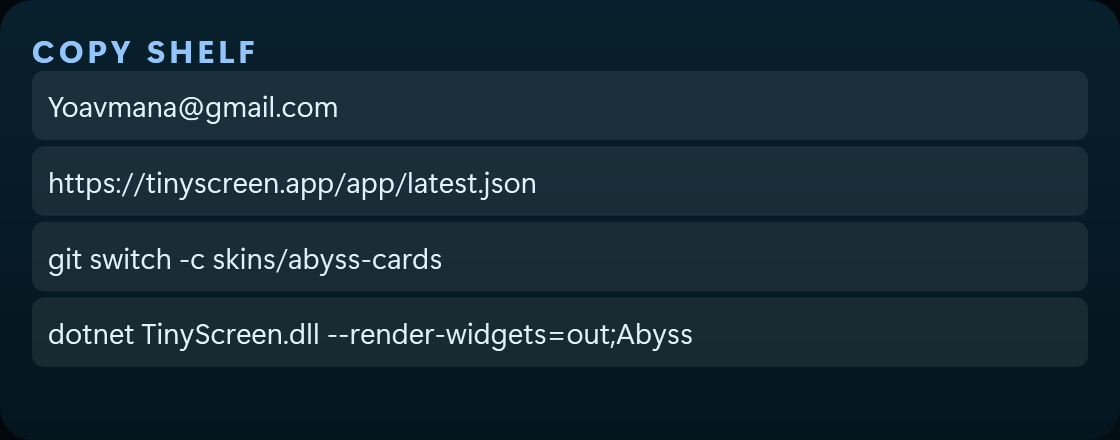
The Copy shelf widget
Copy shelf The last things you copied; one press puts one back on the clipboard. Kept in memory only, never on disk — a clipboard holds passwords.
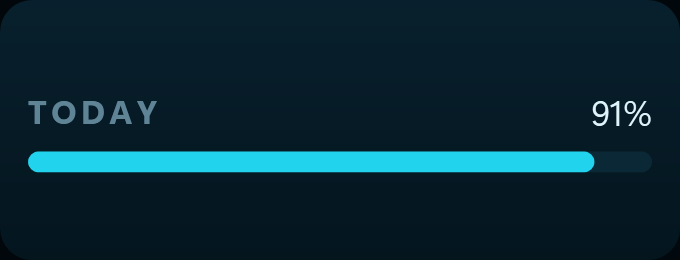
The Day progress widget
Day progress How much of the day has gone, midnight to midnight. At 12:00 it reads 50%. Based on this computer's clock alone — nothing to do with a calendar, tasks or any service.
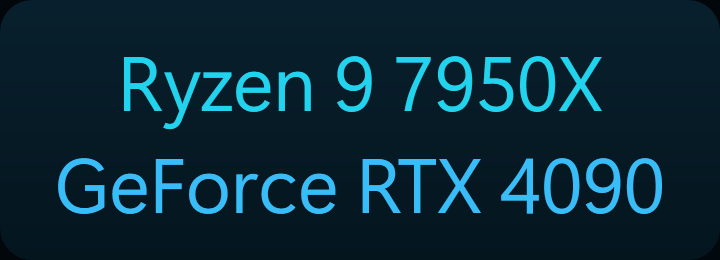
The Hardware widget
Hardware The CPU and GPU models installed.
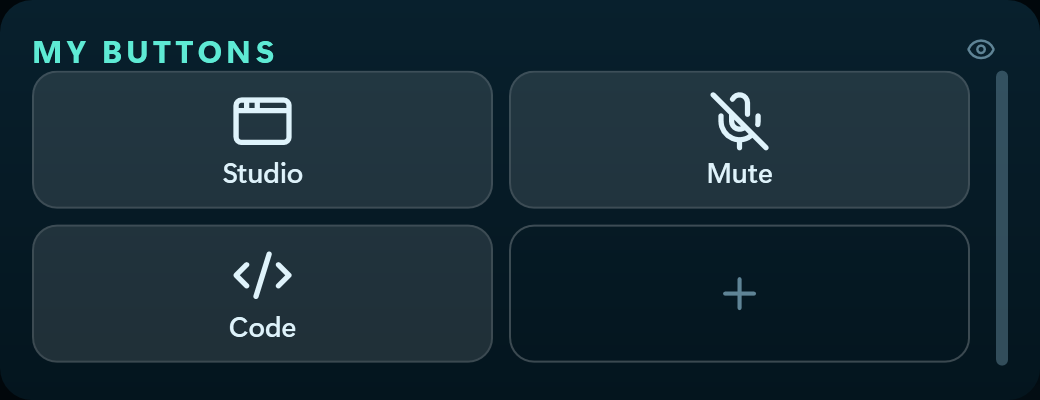
The My buttons widget
My buttons Every button gets a fitting icon by itself, and pressing the widget opens the editor.
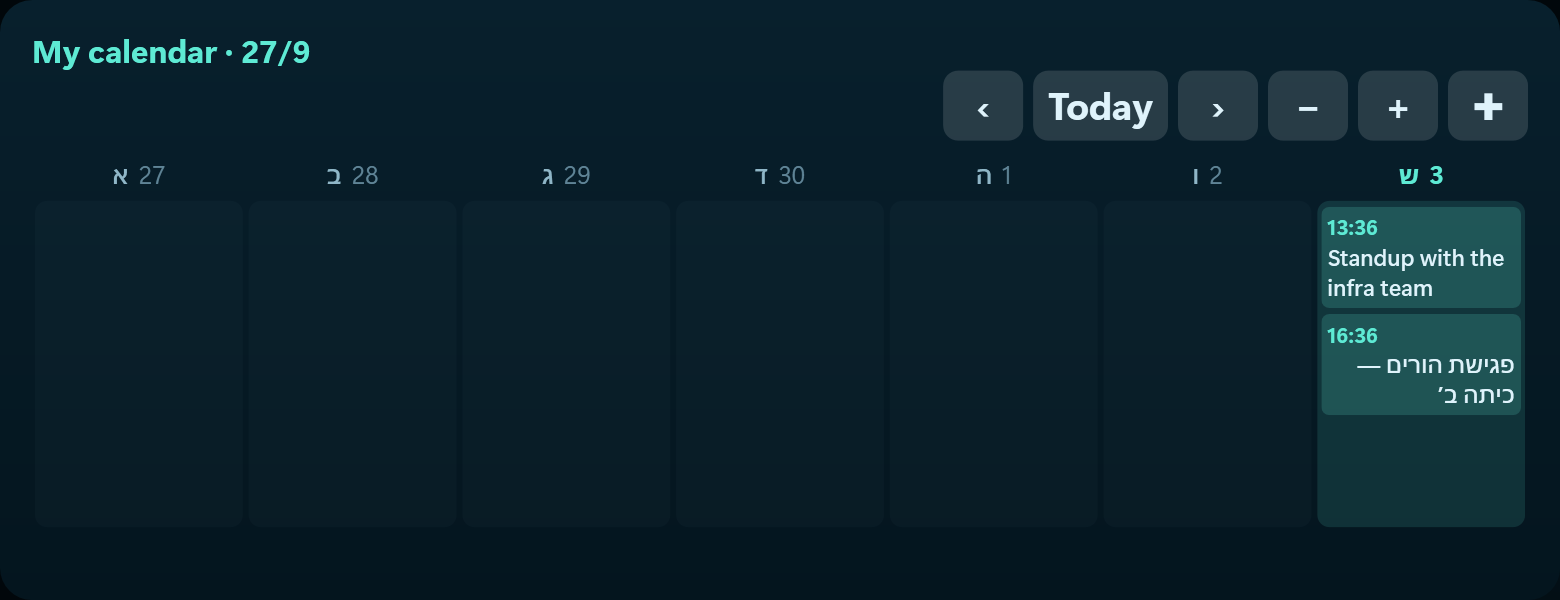
The My calendar widget
My calendar Your week as a grid — seven days from Sunday, today lit, and a card for each event. Press one to open it, and you can add to the calendar too.
The Now playing widget
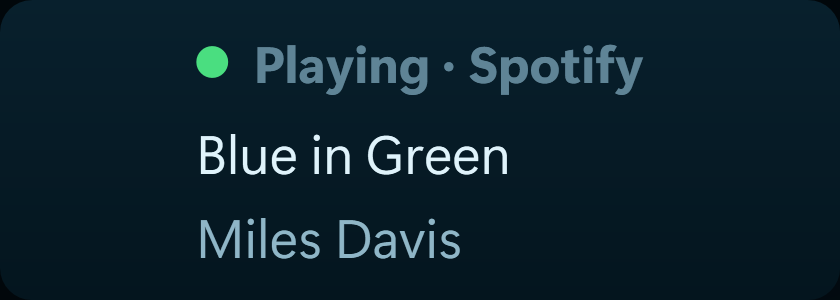
Now playing Connection: media. What is playing now — Spotify, YouTube Music, YouTube in a browser or any other player. Read from Windows, no account.
The Playing now widget
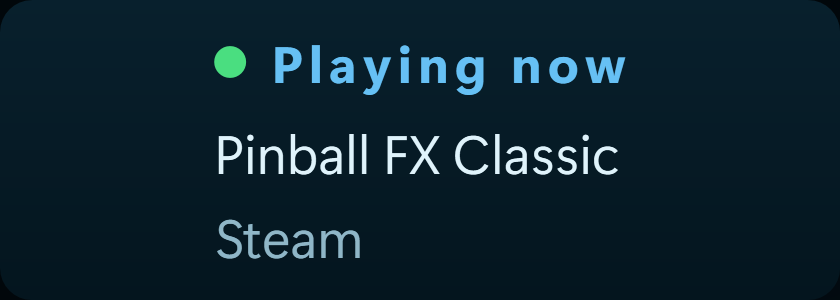
Playing now Connections: Steam · Battle.net · Riot. Whatever is running, from wherever it came, with the name of the launcher. When nothing is running, the last thing played.
The Sound device widget
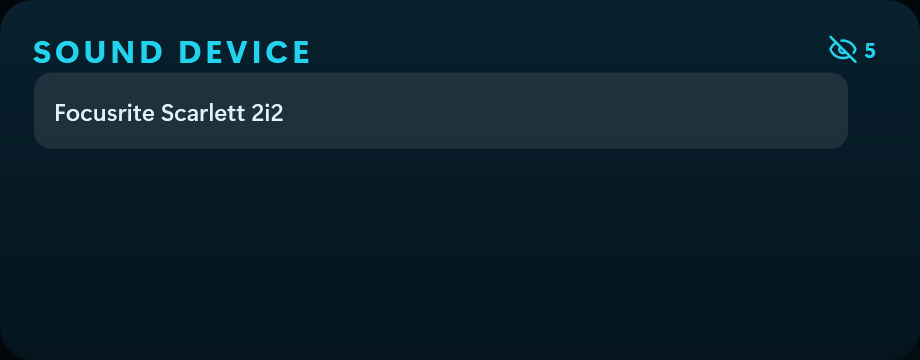
Sound device Every playback device as a button — speakers, headset, monitor. One press moves the sound, with no hunting through Windows settings.
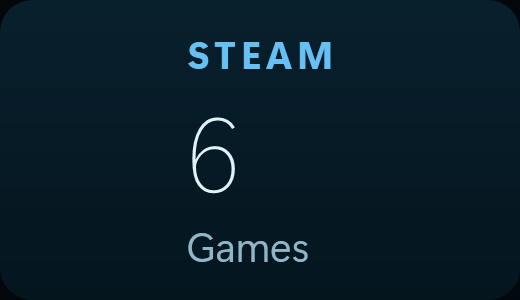
The Steam · playing now widget
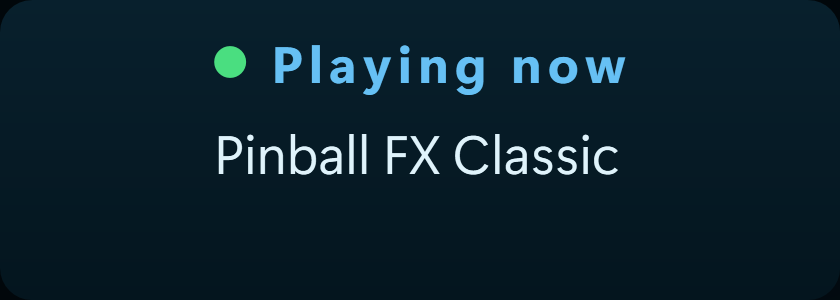
Steam · playing now Connection: Steam. What is running on Steam now, or the last thing you played if nothing is.
The Ticker tape widget
Ticker tape A scrolling strip of the whole list with price and daily change — like the business news channels.
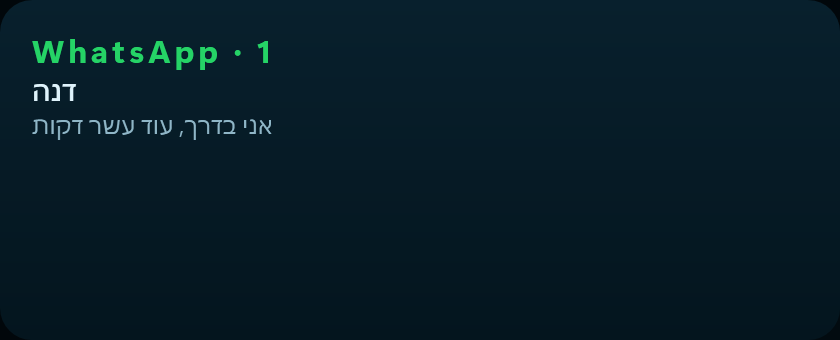
The WhatsApp · messages widget
WhatsApp · messages Connection: WhatsApp. Messages as they arrive, through the Windows notification centre. Needs WhatsApp for Windows and notification permission.
The Battle.net · library widget
Battle.net · library Connection: Battle.net. How many Blizzard games are installed.
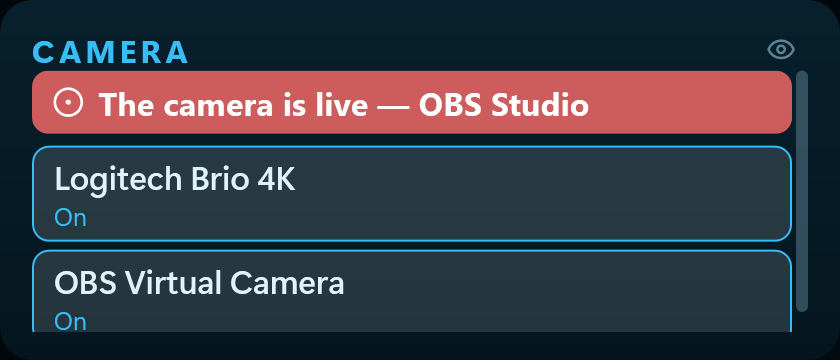
The Camera widget
Camera A red light when something is filming, and the list of cameras. Windows has no default camera — choosing here turns the others off so programs find only one.
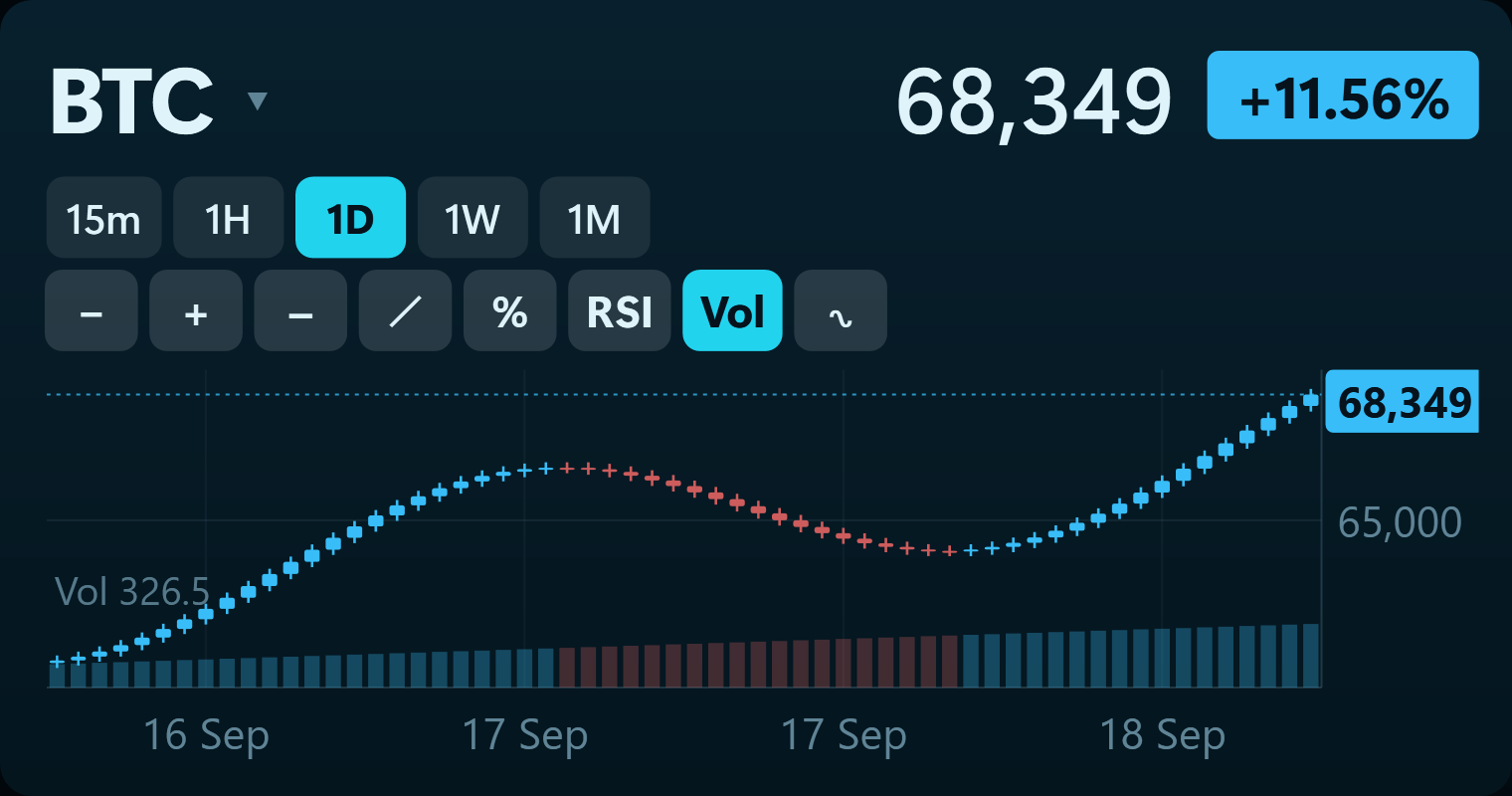
The Chart widget
Chart One instrument, charted TradingView-style. When adding it you pick a stock, fund or crypto, and you can add several charts. On the strip: click the name to change it, the buttons change the timeframe, and the mouse wheel zooms.
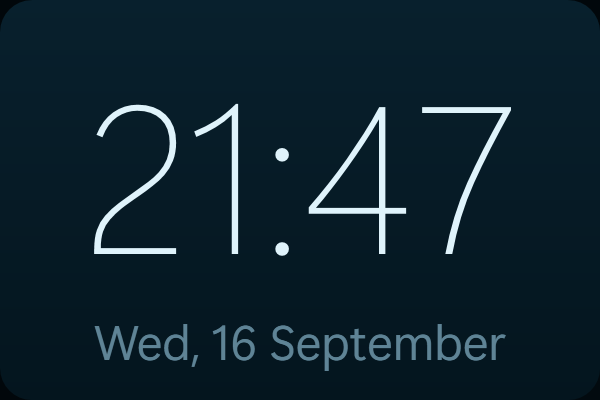
The Clock widget
Clock This computer's time and date. Needs nothing connected.
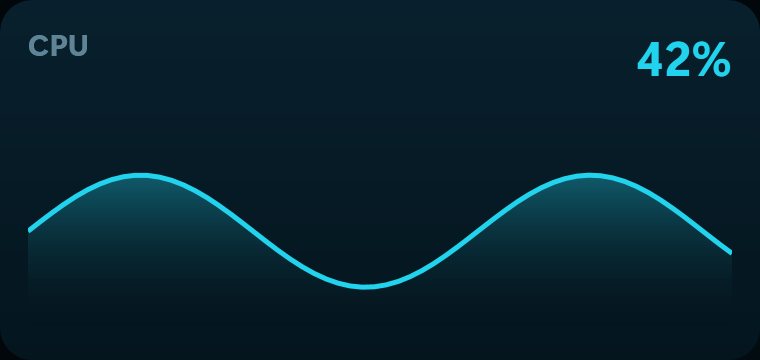
The CPU graph widget
CPU graph CPU load over the last minute.
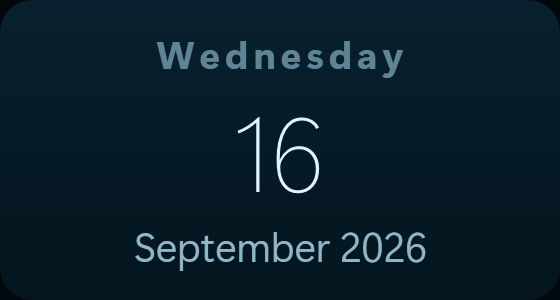
The Date widget
Date Day, month and year. Needs nothing connected.
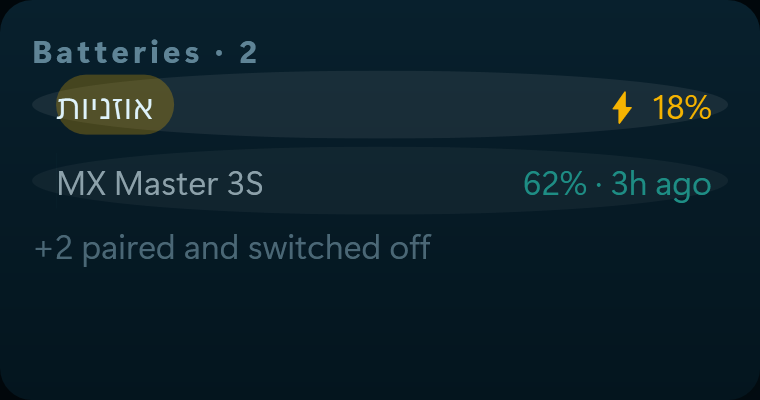
The Device batteries widget
Device batteries Connection: Bluetooth. Battery level for every paired device — phone, headphones, controller. A device that reports no battery simply will not appear.
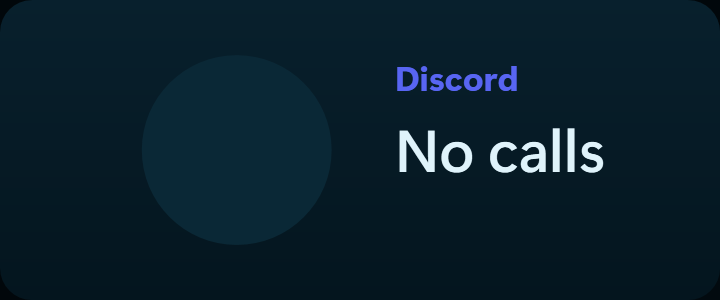
The Discord · calls widget
Discord · calls Connection: Discord. Who is calling — a portrait with their name and a ring that pulses while it rings.
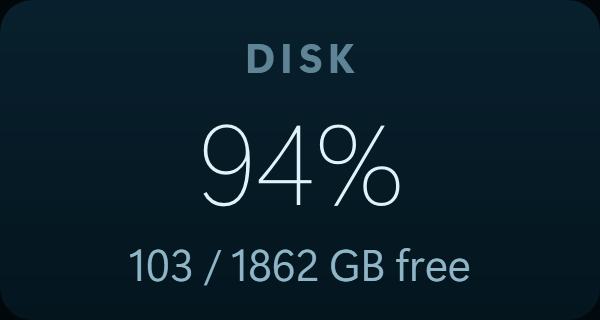
The Disk widget
Disk How much of the system drive is used.
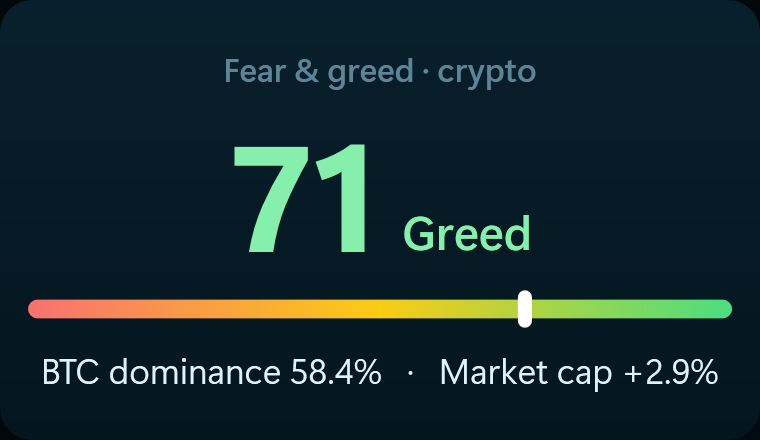
The Fear & greed widget
Fear & greed The crypto Fear & Greed index (alternative.me) and Bitcoin's dominance (CoinGecko). Updates every fifteen minutes.
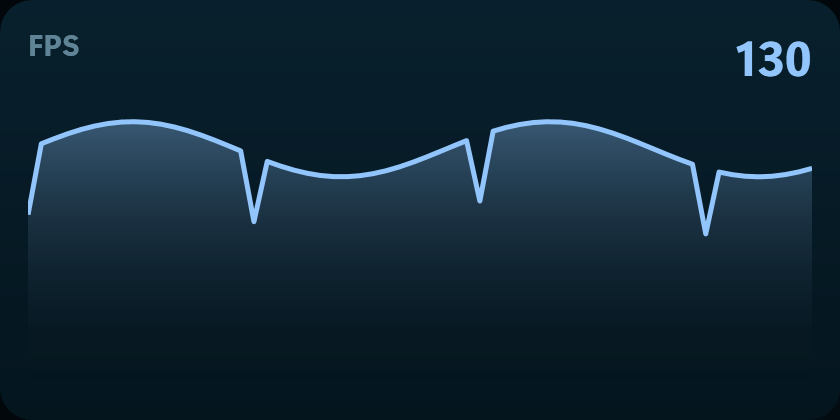
The FPS widget
FPS The frame rate of the game that is running, with a graph of the last minute. Measured from Windows' own frame notifications — nothing attaches to the game and nothing draws over it.
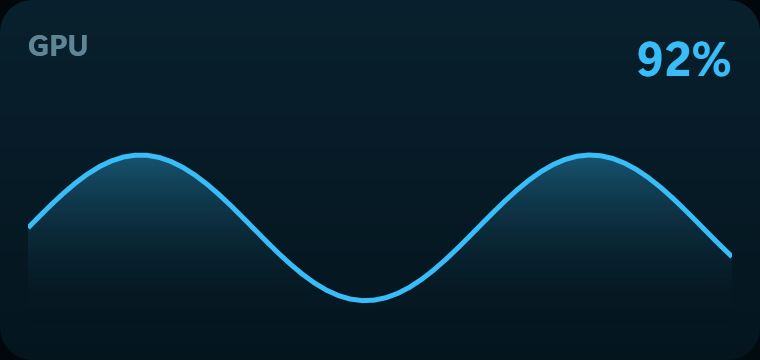
The GPU graph widget
GPU graph GPU load over the last minute.
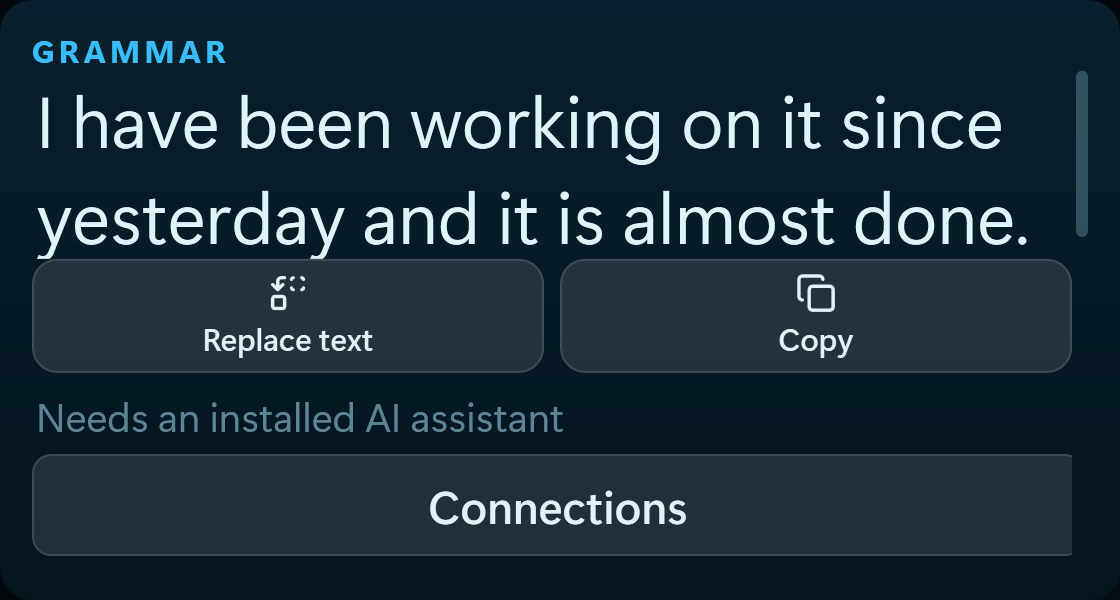
The Grammar widget
Grammar Connection: your AI assistant. Fixes grammar, spelling and punctuation in selected English text and offers to replace it. Runs through the Claude Code, Codex, Gemini or Ollama you already have — your model, your account.
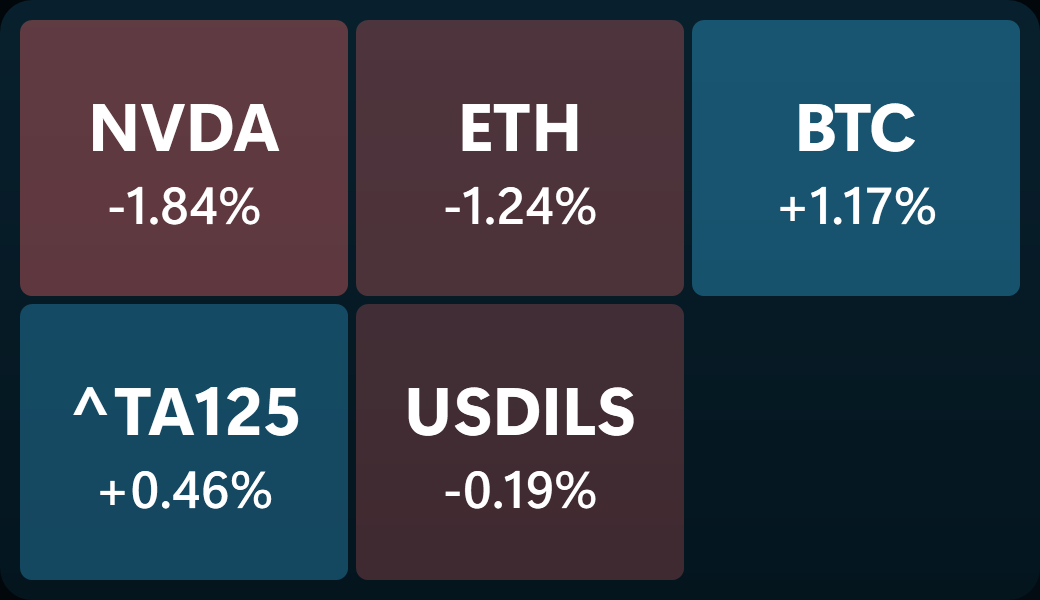
The Heat map widget
Heat map The whole markets list as coloured squares: green up, red down, and the bigger the move the stronger the colour.
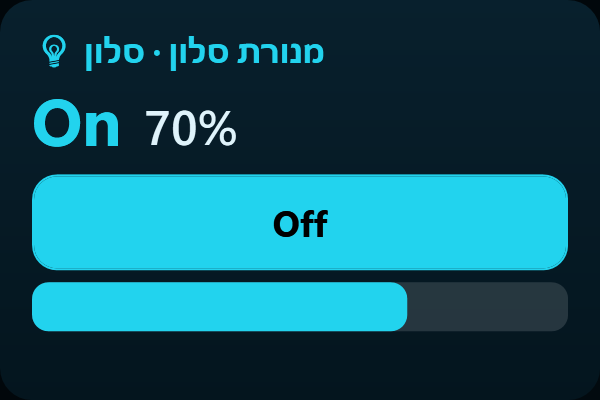
The Home device widget
Home device One device from the house on a tile of its own: state, level and everything it can do. Add one per device and arrange them wherever you like.
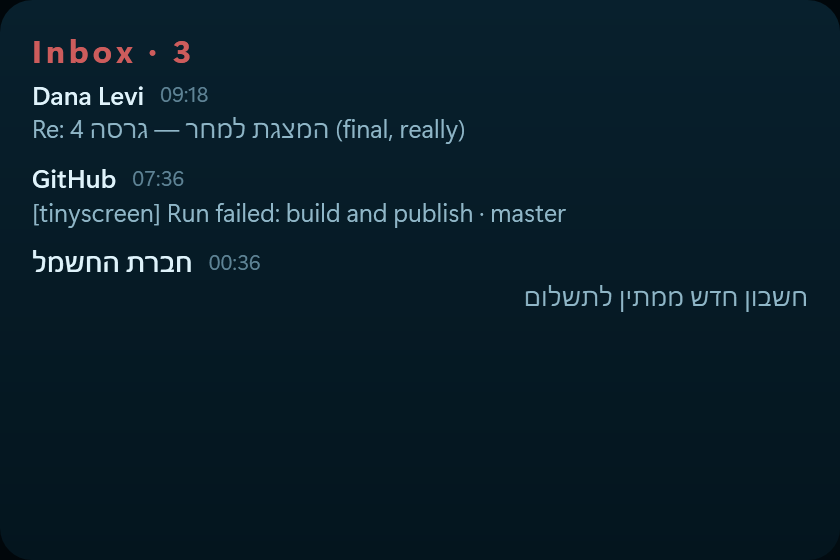
The Inbox widget
Inbox How much unread mail is waiting, and who the latest is from. The list brings a sender, a subject and a first line. The body is fetched only when you open a message, and is not stored. You cannot send, reply or delete from here.
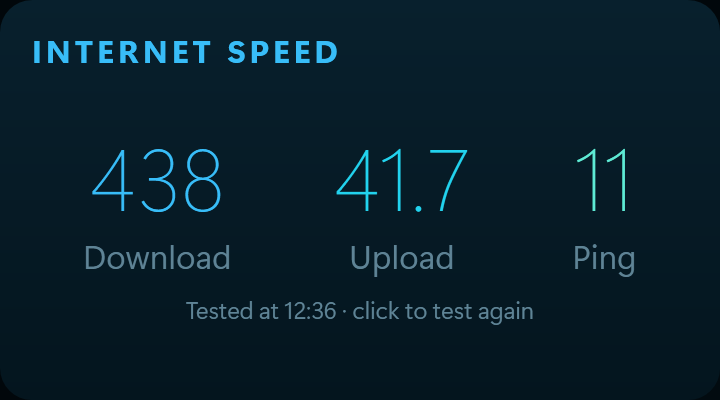
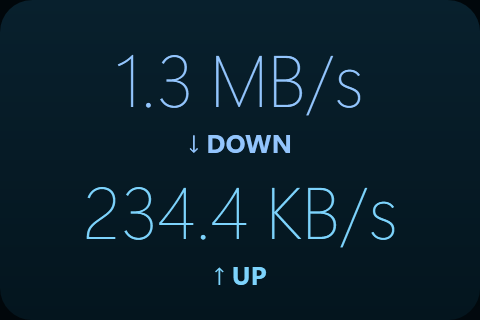
The Internet speed widget
Internet speed Your connection's download, upload and response time — click to run a fresh test. Measured from this computer, with nothing to install.
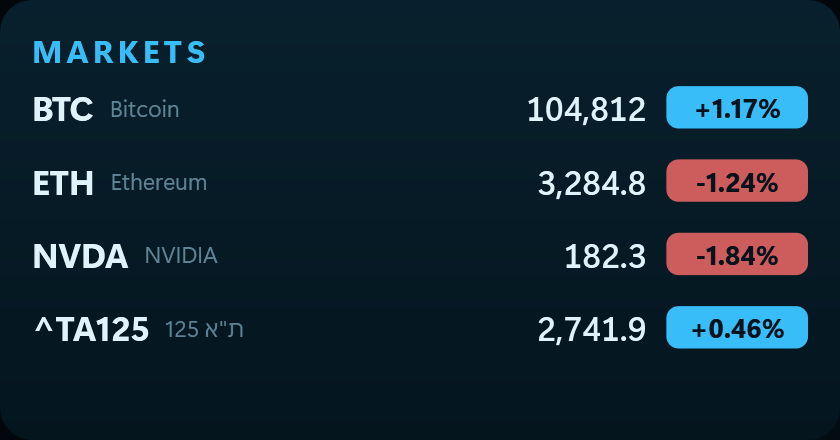
The Markets widget
Markets A watchlist of stocks and crypto with the day's move. Click the tile to edit the list. Crypto works without connecting; stocks and funds need a free Alpaca connection.
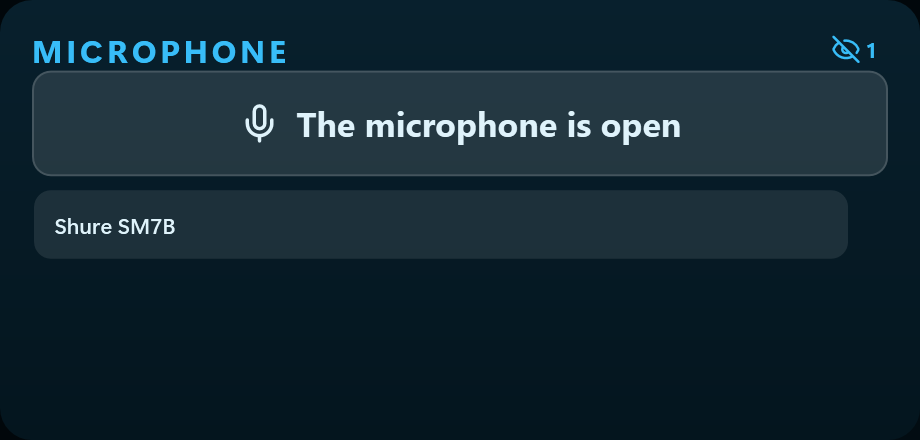
The Microphone widget
Microphone Switch microphone with a press, and a mute you can see across the room. The mute is on the device itself, so it silences every app that records.
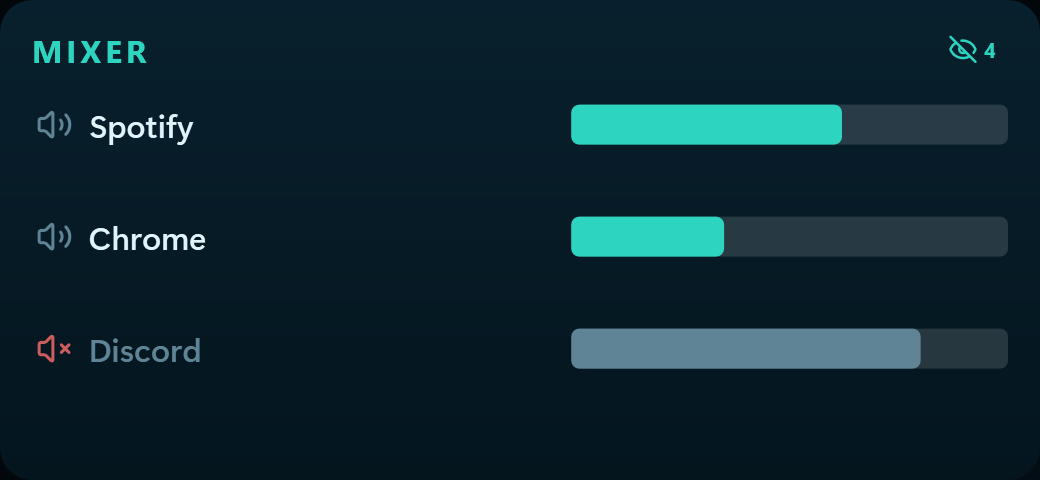
The Mixer widget
Mixer A separate volume for every program making sound — turn the browser down without turning the call down. Drag the bar, or press the speaker to silence one program.
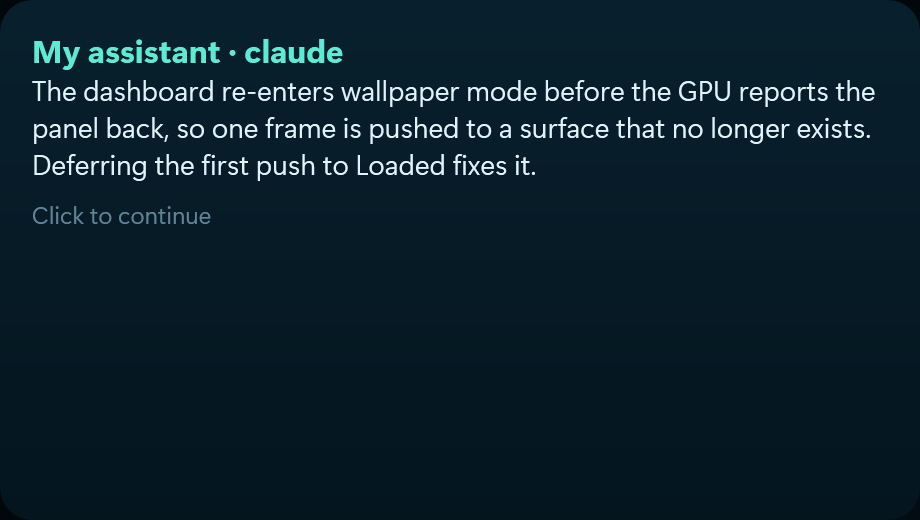
The My assistant widget
My assistant A personal assistant on the screen, using the AI tool you already have installed and signed in — Claude Code, Codex, Gemini or Ollama. The conversation stays on your computer, and it runs on your own account.
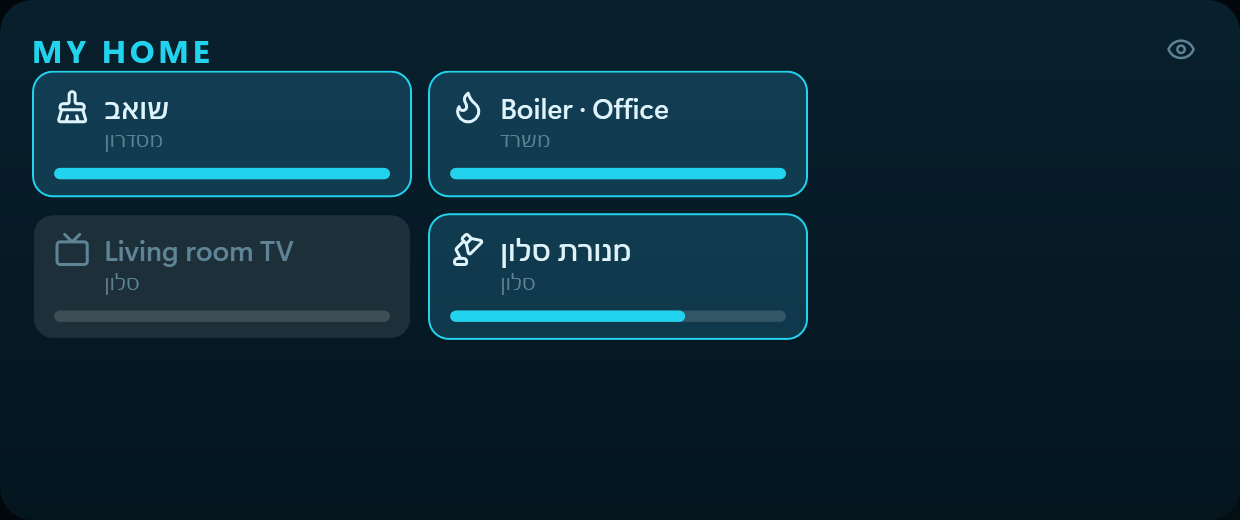
The My home widget
My home Your smart home on the strip: lights, plugs, the boiler and the rest — press a card to switch it. Works through the TinyScreen app on your phone, which needs to be open.
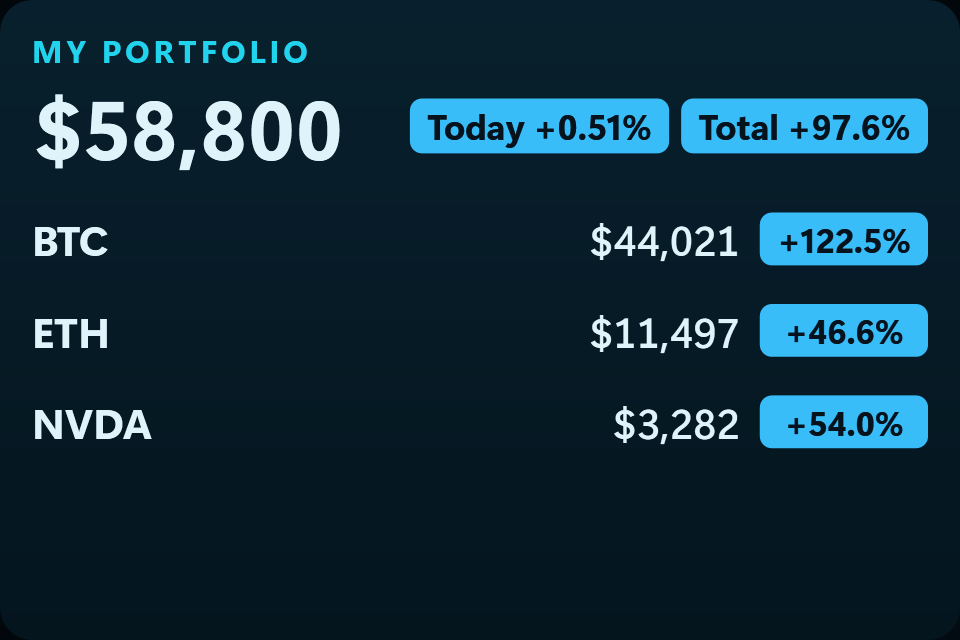
The My portfolio widget
My portfolio Your holdings: total value, today's profit and loss, and the gain since you bought. The data stays on this computer only. Click the tile to edit the holdings.
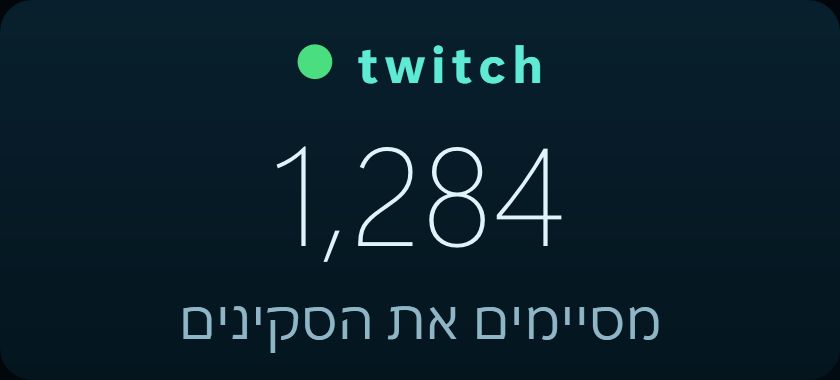
The My stream widget
My stream Connections: Twitch · Kick · YouTube. Whether you are live, how many are watching and what the stream is called. Whichever platform you are actually broadcasting on is the one shown.
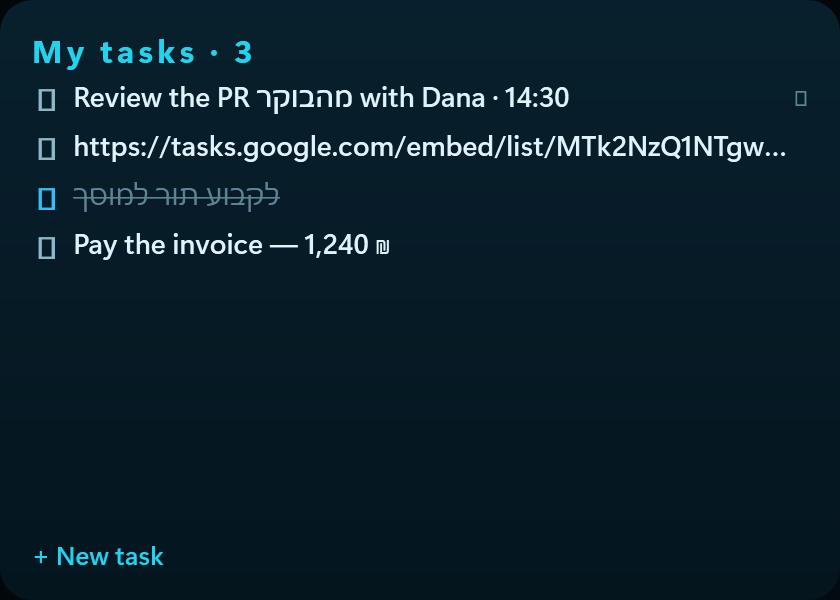
The My tasks widget
My tasks Your Google Tasks list: click to tick one off, and add a new one without leaving the screen. It syncs with your phone and with Gmail.
The Network widget
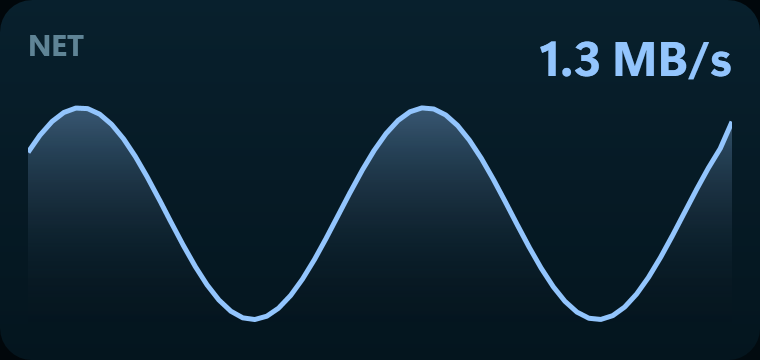
Network Download and upload speed right now.
The Network graph widget
Network graph Network traffic over the last minute.
The Note widget
Note A free note. Whatever you write is saved as you go.
The OBS · stream widget
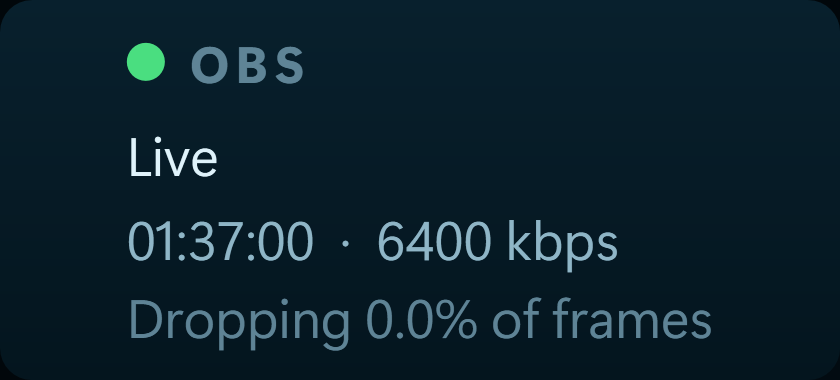
OBS · stream Connection: OBS. Whether the stream is live, how long it has run, the bitrate and the connection quality. Green means steady, red means frames are being dropped.
The Power draw widget
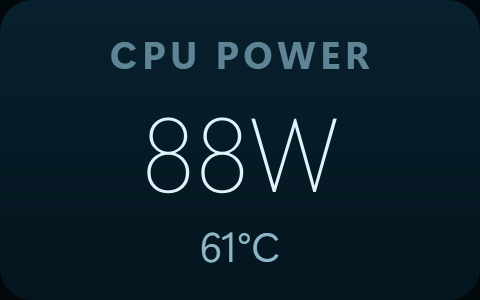
Power draw How much power the CPU is drawing right now, in watts.
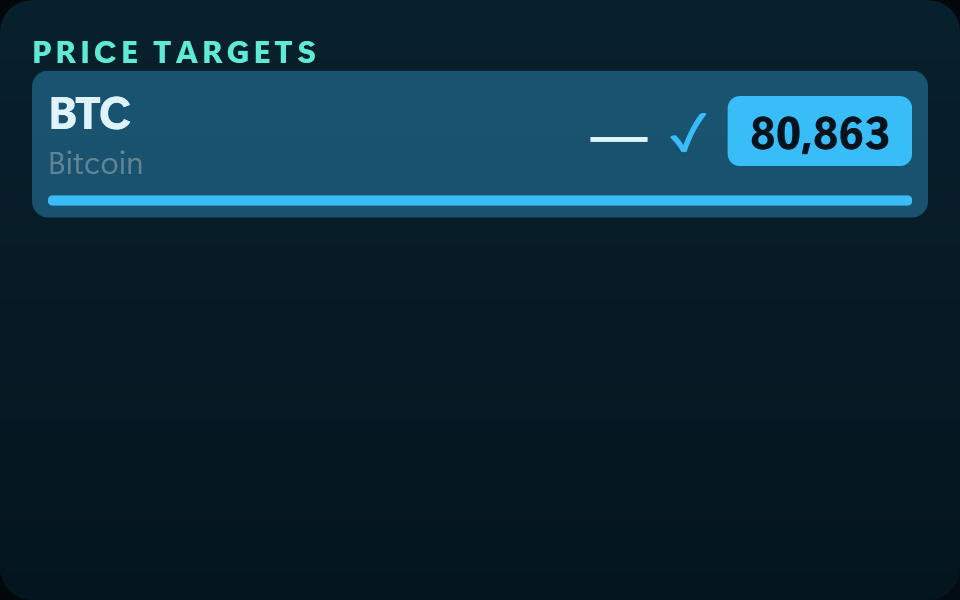
The Price targets widget
Price targets An alarm clock for investments: a list of targets, the price now beside the target in big figures, and a ring when it gets there. Updates live. Click the tile to edit the list.
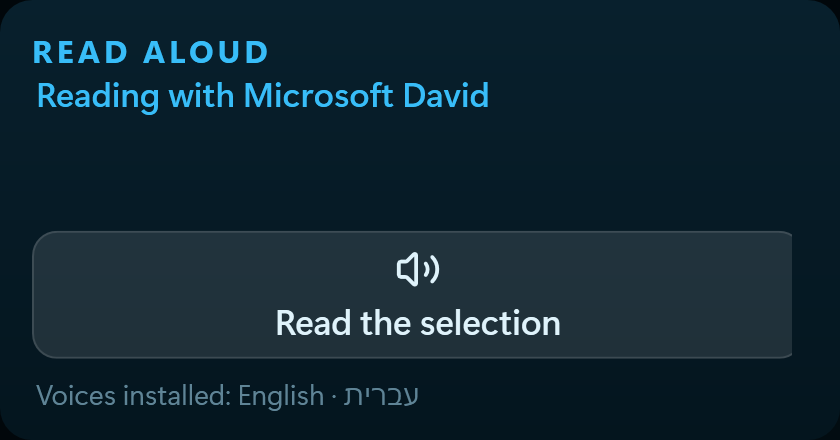
The Read aloud widget
Read aloud Reads the selected text in a voice of the language it is written in, using the voices installed in Windows. Missing a voice? Windows Settings → Speech → Add voices.
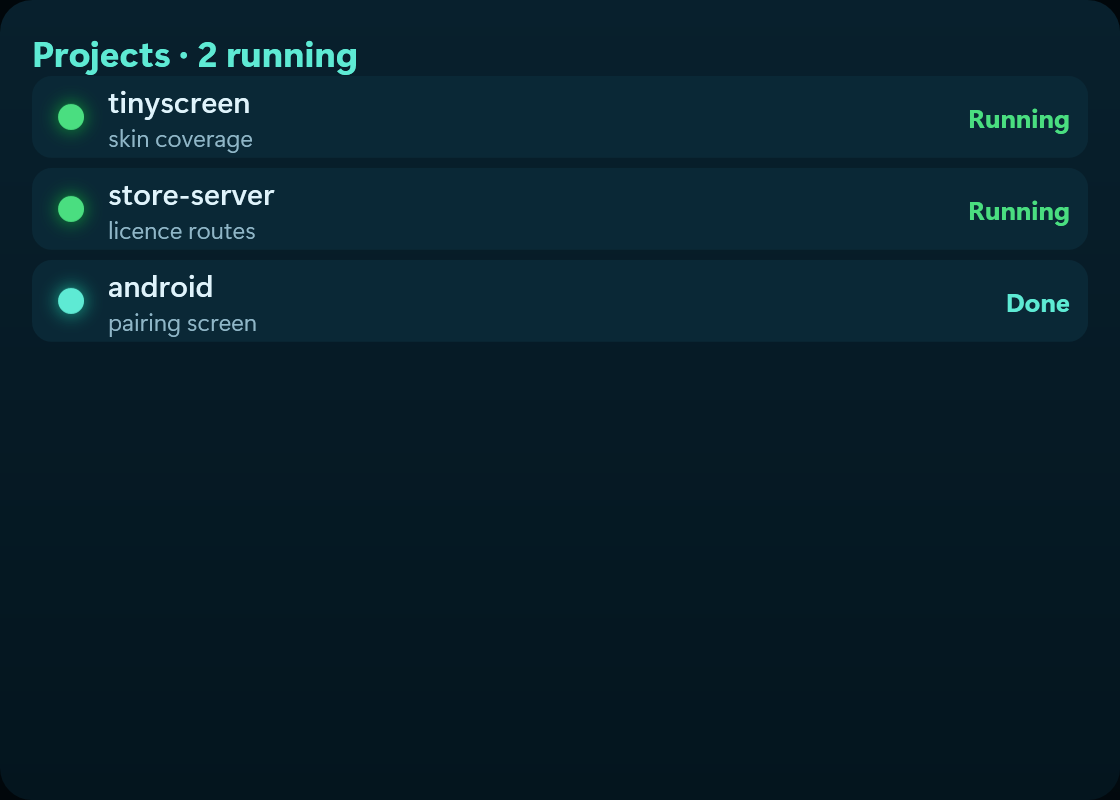
The Running projects widget
Running projects Connection: Claude. Which projects are running and which have finished and are waiting for you.
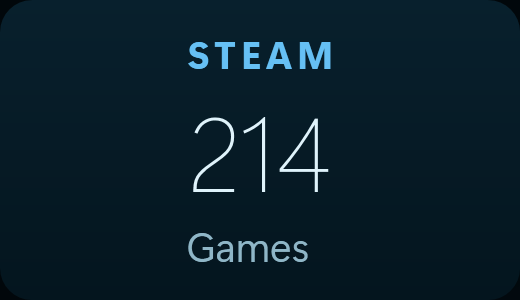
The Steam · library widget
Steam · library Connection: Steam. How many games you have installed.
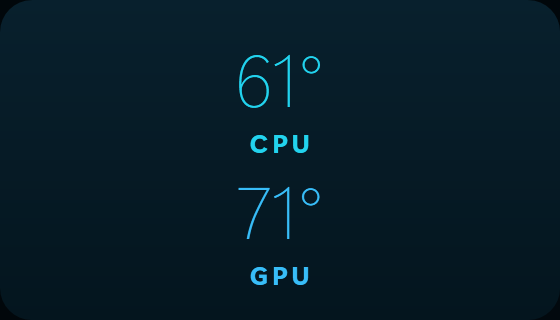
The Temperatures widget
Temperatures CPU and GPU temperatures side by side.
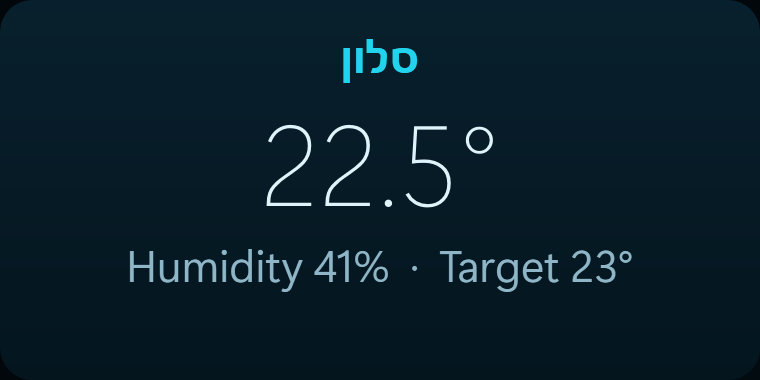
The Thermostat widget
Thermostat Connection: Google Home. The temperature and humidity at home, and what the thermostat is doing about it. Read from Nest devices — lights and plugs are not reachable through Google's interface.
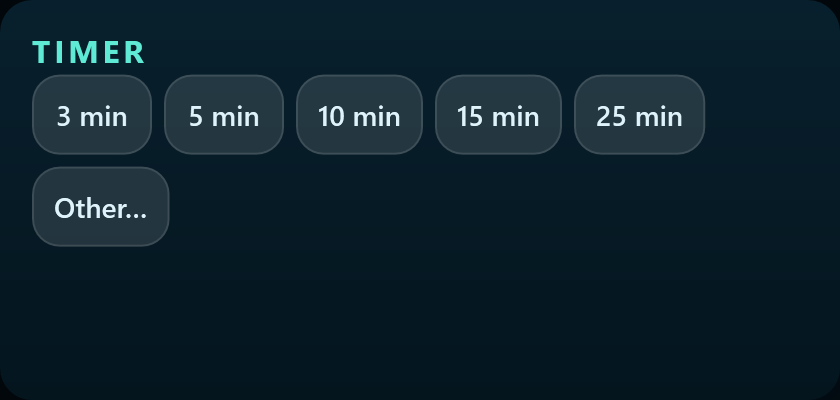
The Timer widget
Timer A countdown you can read across the room: press a length and it starts. The last minute turns colour and breathes, and the countdown survives a restart.
The Today's cost widget
Today's cost Connection: Claude. What today has cost so far, in dollars.
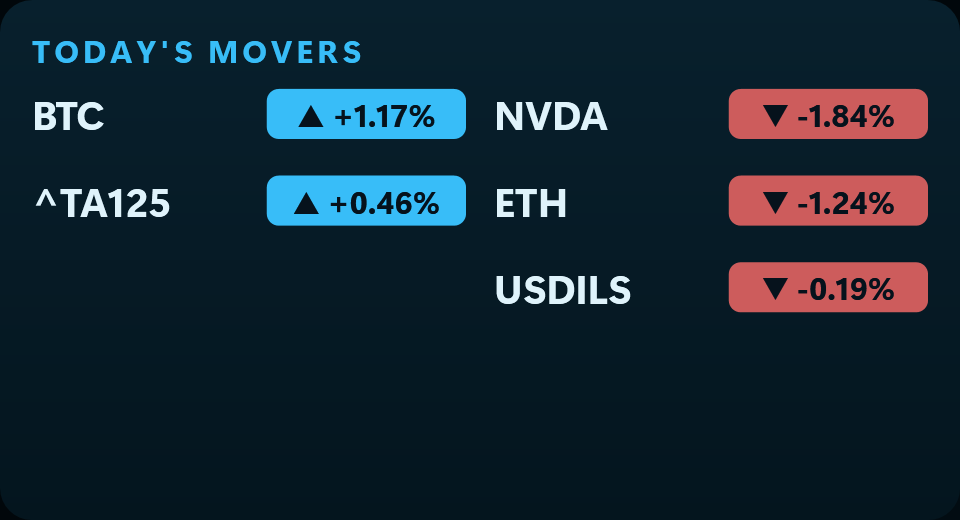
The Today's movers widget
Today's movers Which of your list rose the most today and which fell the most.
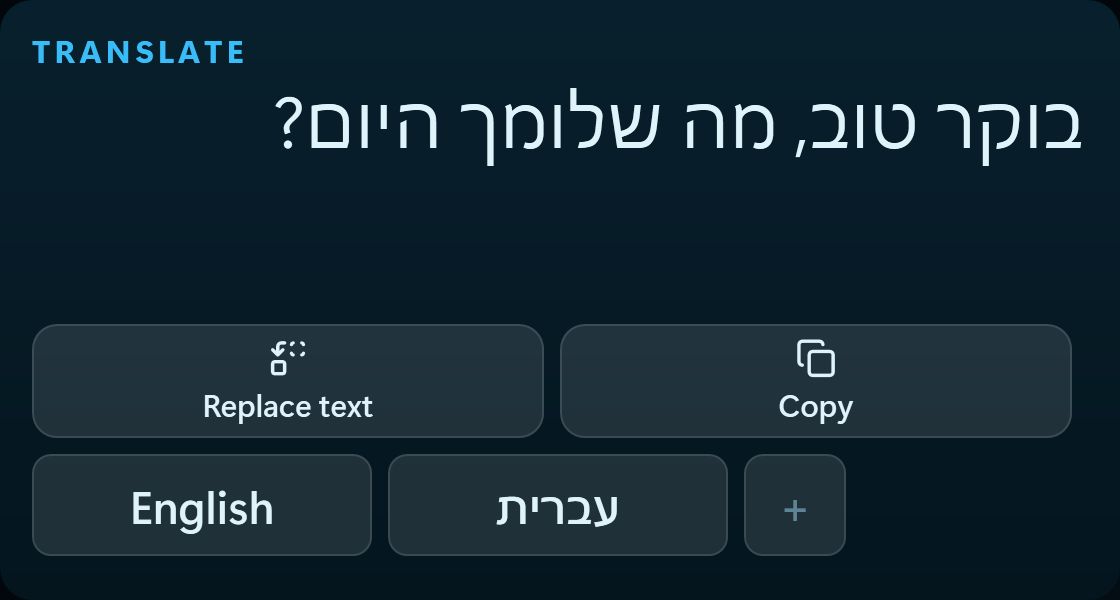
The Translate widget
Translate Select text in any window, press a language — the translation appears on the strip, with a key to replace the original or copy it. Any language to any language; the languages on your keyboard are already on the widget.
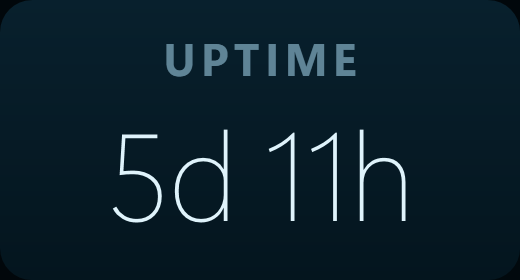
The Uptime widget
Uptime How long this computer has been on since it last started.
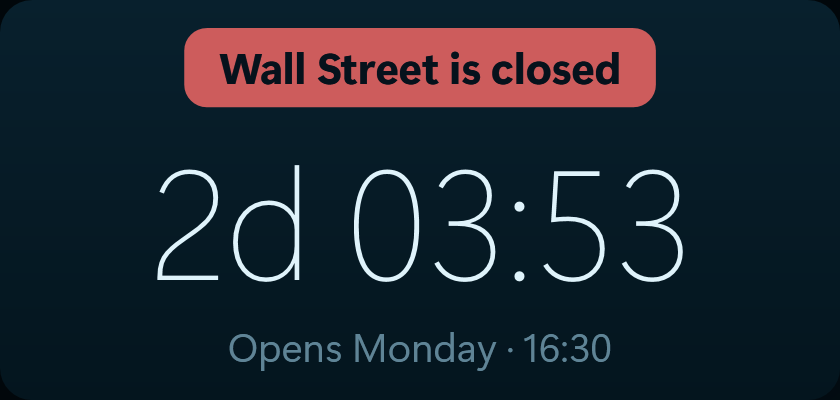
The Wall Street clock widget
Wall Street clock Whether Wall Street is open now, and a countdown to the opening or closing bell — in your own time, with pre-market, after-hours and holidays.
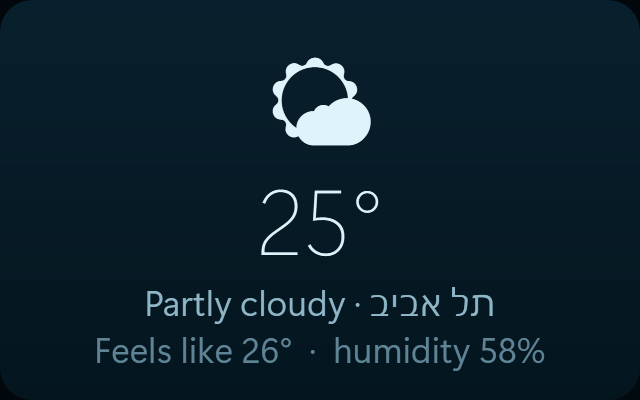
The Weather widget
Weather Connection: weather. Temperature and how it feels, wherever you set.
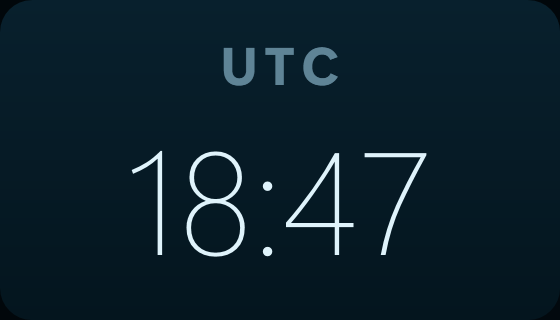
The World clock widget
World clock The time in UTC — useful for working across time zones. Needs nothing connected.
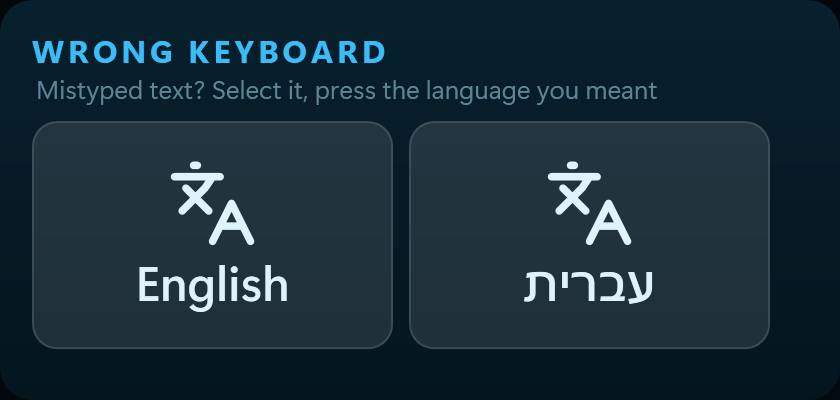
The Wrong keyboard widget
Wrong keyboard Text typed with the keyboard in the wrong language — select it, press the language you meant, and it is rewritten. The buttons are built from the languages installed on your keyboard.
The Claude · Model widget
Claude · Model Connection: Claude. The weekly allowance for a single model — Opus on its own, say.
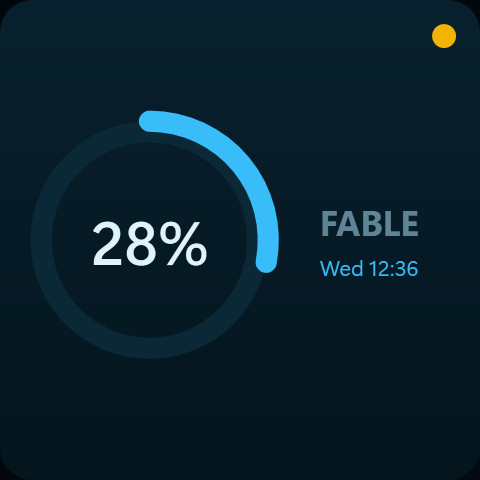
The Claude · Session widget
Claude · Session Connection: Claude. How much of the current session window is used, and when it resets.
The Claude · Week widget
Claude · Week Connection: Claude. How much of the weekly allowance every model has used between them.
The Graphics card widget
Graphics card GPU load as a percentage, its temperature and the memory in use.
The Graphics memory widget
Graphics memory Graphics memory — how much is in use out of the total.
The Memory widget
Memory How much memory is in use, and out of how much.
The Processor widget
Processor CPU load as a percentage, and its temperature. Read from this computer's sensors.
And who said you need a little screen?

TinyScreen was built for a strip display, and it does not depend on one. The same board runs in a window on your ordinary monitor, docks to an edge of it, and mirrors to a phone or a tablet through the app.

An 8.8-inch strip display showing the dashboard

8.8-inch strip

What it was built for: 1920 × 480, sitting above the keyboard and stealing room from nothing. That is the true ratio — four times wider than it is tall.
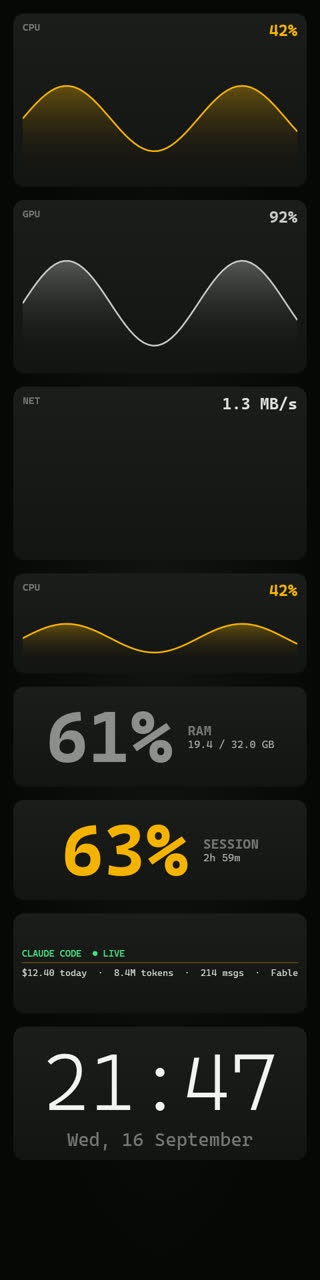
The dashboard docked along the top of an ordinary monitor
The dashboard on a monitor turned on its pivot

Pivoted monitor

An ordinary monitor, landscape or pivoted

Dock it as a band at the top or bottom and other windows simply make room for it. A monitor turned on its pivot gets the upright arrangement, exactly as the phone does.
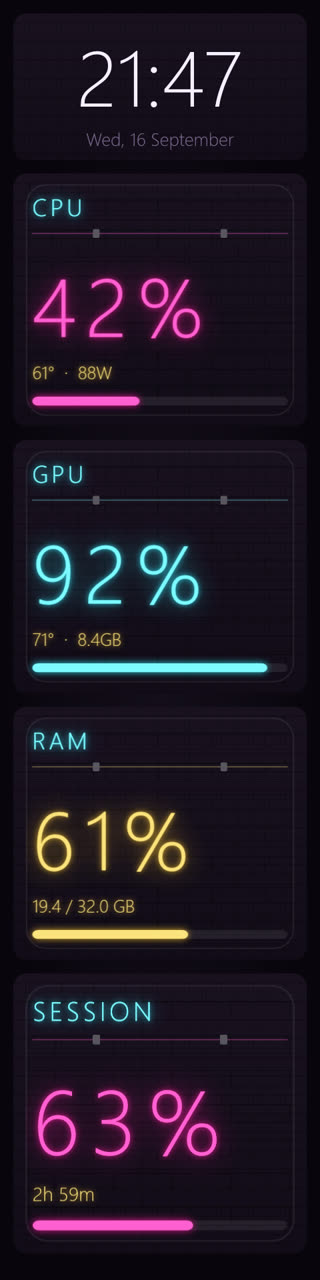
The dashboard upright on a phone

Upright

The dashboard on a phone held sideways

On its side

Phone and tablet

Turn the device and the board rearranges itself — an upright arrangement of its own one way, the wide strip the other. It is not the same shape lying down, it is a different one. Scan a code once and that is it.

And who is it for?

66 widgets, and nobody needs all of them. These are the sets people build for themselves.

Developers

Your Claude Code quota, today's cost, and which agents are running — without switching to a terminal and breaking concentration.

  • Claude quota
  • Today's cost
  • Running agents
  • CPU and RAM

Gamers

Temperatures and frame rate while the game is full-screen, what is running from Steam and Battle.net, and an incoming Discord call that does not cover your screen.

  • Temperatures
  • GPU
  • Steam and Battle.net
  • Discord calls

Streamers

OBS status, how many are watching right now, and who just arrived — on a screen the audience never sees and that steals no room from the scene.

  • OBS
  • Live viewers
  • Twitch and Kick
  • Now playing

Smart home

Lights, boiler and air conditioning one press away on the desk, without reaching for a phone or opening an app. Through Google Home or Home Assistant.

  • Home devices
  • Google Home
  • Home Assistant
  • Weather

Traders

A candle chart you can draw on, your portfolio, what is moving, and a price target that tells you when it arrives — all at the edge instead of on top of your work.

  • Candle chart
  • Portfolio
  • Movers
  • Price targets
  • Crypto moves every second from the exchange's live feed; stocks stream in real time during US market hours, with your own free Alpaca account

Anyone running a day

Your tasks with a one-press tick, the week as a grid where you can see what is busy and what is free, and how much mail is waiting — without opening a tab.

  • Google Tasks
  • Weekly calendar
  • Inbox
  • Notifications

What people say

Real quotes from real users.

Sample
“My second screen was a monitoring tab I never looked at. Now the temperatures and the incoming call are just there, without me going to find them.”
?Name · what they do
Sample
“Installed it over lunch and dragged widgets around until it looked like my desk. I never opened a config file.”
?Name · what they do
Sample
“The faces are what kept me. The same numbers look completely different in each skin, and I switch by what I am doing.”
?Name · what they do

A full week free. No credit card.

✓ No payment details asked for ✓ Every feature open ✓ Nothing charges at the end ✓ Uninstall whenever

Download it, install it, and look. If after a week it is not for you, simply do not buy it — and you will not have paid a thing.

Alpha · launch price
$4.99 then $30

Only after the free week, and only if you want it. One payment, no subscription. The price becomes $30 when we leave alpha — buy now and $4.99 is what you paid, every update included.

  • A full week free, no credit card
  • 66 widgets, dragged wherever you want them
  • 51 skins — each a complete hand, not a colour scheme
  • Full control of the opacity, cards and contents separately
  • Works on a strip, on an ordinary monitor, and on your phone
  • Updates included. Nothing to renew, nothing to be surprised by

The premium live wallpapers are sold separately, and you can generate one of your own from inside the app.

Windows 10/11 · installs in under a minute · uninstall whenever you like

Start free

Install it, run it, and it is there. Credits are only for generating wallpapers or buying skins.

Free trial
Free

A full week, no credit card

Everything is open for a week. After that a one-off purchase — no subscription.

  • Every hardware widget and connection
  • Ten interface skins
  • Phone mirroring
  • Full layout editing
↓ Download for Windows
Windows 10 / 11 Installer 70 MB 1920 × 480

Before you download

Do I need special hardware?

A strip display — usually 8.8 inches at 1920×480, connected over HDMI or USB. Windows sees it as an ordinary second monitor. Without one you can still run TinyScreen in a window, but it was built for that shape.

Why does it want administrator rights?

CPU temperature and power draw are not readable on Windows without them: they live in registers on the processor and need a driver. Every tool that shows a real CPU temperature does this. Installing does not need administrator rights.

Is it a subscription?

No. A free week with everything open and no card, then a one-off purchase. Credits are only needed if you want to generate new wallpapers or buy skins from the store. Have a coupon code from the shop that sold you the screen? Enter it in the app: Settings → Account → coupon box above the Buy buttons, and the BASE price drops before you pay.

What does it cost in performance?

Reading sensors once a second and drawing on a 1920×480 screen. The effect on games is within measurement noise. A live wallpaper adds a small video decode, and can be turned off.

Does my data go anywhere?

Hardware readings stay on your machine. What reaches the server is only what is needed to connect services you asked for and to mirror to your own phone, and every connection is made by signing in with that service yourself.

Is there a Mac version?

Not yet. TinyScreen leans on Windows interfaces for sensors, docking and notifications, and some of them have no macOS equivalent.

Read more

Guides on these screens, on hardware monitoring, and on keeping an eye on Claude Code usage.

TinyScreen costs $4.99 once.

This is an alpha: the software works and changes every week, and the people who join now shape it. The price is set to become $30 when we leave alpha. Buy now and $4.99 is what you paid — no subscription, nothing to renew.

And before any of that — a full week free, no credit card and not a penny paid. You decide only afterwards.

↓ Start the free week
↓ Free download