Press kit
Writing about TinyScreen
Everything on this page may be quoted and reproduced without asking. For anything else — a review copy, an interview, a question — write to xlggtech@gmail.com.
One sentence
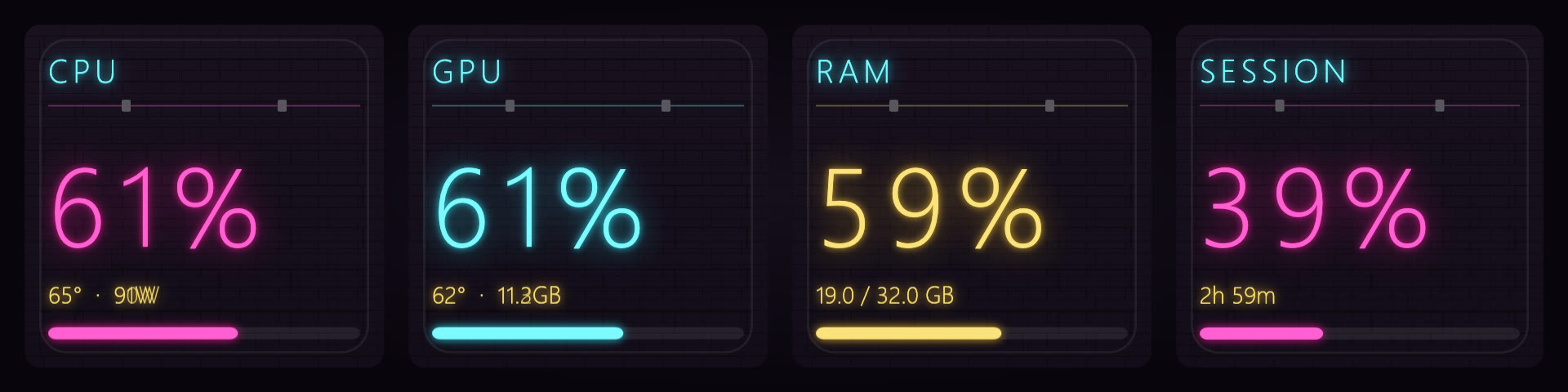
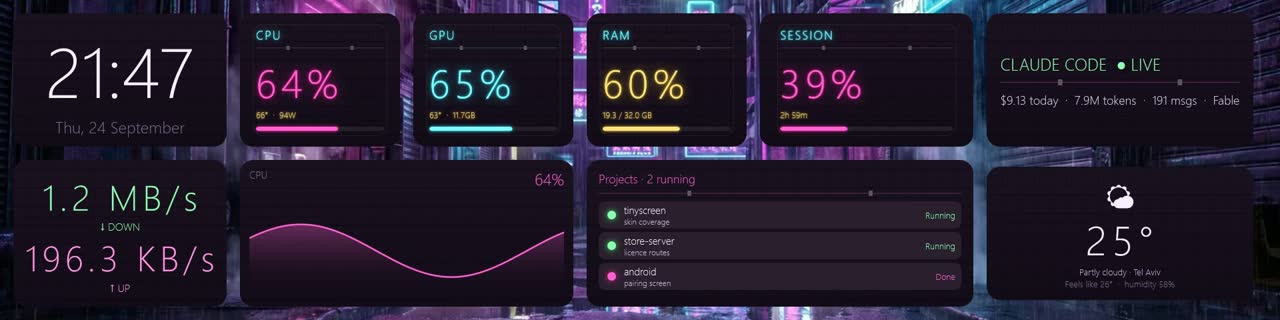
TinyScreen turns an 8.8-inch 1920×480 strip display into a live dashboard for a Windows PC: temperatures, loads, now playing, messages, markets and Claude Code usage, in 51 skins that each look like a different object.
One paragraph
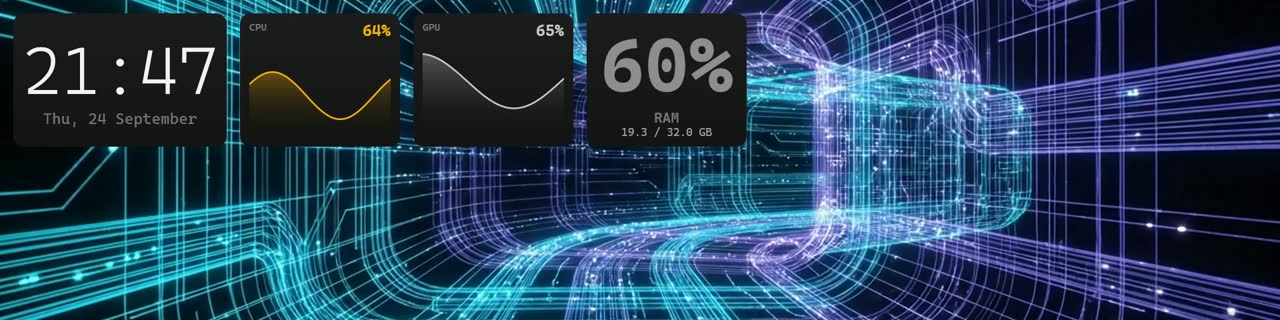
Strip displays — the wide, short 1920×480 panels that sit above a keyboard or inside a PC case — have had a software problem since they appeared: nothing is drawn for a screen four times wider than it is tall. TinyScreen is a Windows dashboard built for exactly that shape. It shows CPU and GPU temperatures, power draw, RAM, disks and network; what is playing; WhatsApp messages and Discord calls; calendar, stocks and crypto; a speed test; and the session and weekly usage of Claude Code. 66 widgets are dragged into place on the screen itself, and 51 skins change not just the colours but the whole visual language — nixie tubes, an airport departures board, an oscilloscope, a corkboard. It also runs on a normal monitor, docked to one edge or painted onto the wallpaper, and mirrors to an Android phone. It is free for a week with no card, then a single one-off purchase.
Facts
| Name | TinyScreen |
| What | Live dashboard for 1920×480 strip displays (and ordinary monitors) |
| Platform | Windows 10 and 11, 64-bit. Android companion app. |
| Screens | Any panel Windows shows as a display: HDMI, USB-C, DisplayLink. Not USB-serial (Turing-style) screens. |
| Widgets | 66, drag-and-drop |
| Skins | 51 built in; premium live wallpapers sold separately; users can generate their own skin in the app |
| Price | Free for one week, no card. Then a one-off purchase; the alpha launch price is $4.99, rising to $30 at release. No subscription. |
| Install | MSI, per-user, about 70 MB. Running needs administrator rights (CPU temperature is not readable without them). |
| Privacy | Hardware readings stay on the PC. Cloud features (phone mirror, account) are opt-in. Privacy policy. |
| Made in | Israel, by an independent developer |
| Site | tinyscreen.net |
| Contact | xlggtech@gmail.com |
Why it exists
The developer bought a strip display, put a system monitor on it, and got a wall of six-point text. Every program on the panel was something designed for a window and cropped. TinyScreen started as a fix for that and grew into the thing the panel should have shipped with. The Claude Code widget came from the same place: a developer who wanted to see the weekly limit without opening a terminal.
Images
Click to open at full size. All are free to use alongside coverage of TinyScreen.


Per-widget screenshots (66 of them, 840×340) are at
/media/shots/<Widget>.png, and skin previews at
/media/skins/<skin>.jpg. Short demo clips:
widgets,
skins,
drag,
pointer ghosting.
On YouTube: the strip in motion
(channel).
Sell the screens?
Makers and resellers of 1920×480 panels can bundle TinyScreen with a coupon for their buyers. Details on the partners page.
Review copies
The free week is the review copy: install from the download link and everything is open. If a week is not enough, email and we will extend it.