for 1920 × 480 strip displays
Your little screen
finally does something.
TinyScreen turns an 8.8-inch strip display into a live dashboard — temperatures, loads, music, messages and your Claude Code usage. All of it at a glance, without taking your eyes off the main screen.
Windows 10/11 · no credit card · installed and running in a minute
39 seconds. Every frame is the application itself, over its own live wallpapers.
This is what it looks like on the strip — 1920 × 480, above the keyboard.
Demonstration
Four things a screenshot cannot show you
All of it is the application itself, over its own live wallpapers. No screen recording, no mock-up.
One board, twelve hands
Not a widget moves and not a number changes — only the way they are drawn. Neon tubes, an oscilloscope, nixie tubes, airport flaps, liquid in glass, mosaic, comic, handwriting.
Add until it is your board
Start with four, add four more, keep going. Fifty-five to choose from, and every one of them takes the skin you chose without asking you anything.
A live wallpaper behind, and the cards dissolve
Thirty live wallpapers to choose from. And two separate opacity controls — one for the card, one for what is inside it — so you can go from a solid panel all the way to nothing but the readings, floating over the artwork.
Edit mode: drag it, size it, and it stays that way
This is edit mode itself: a frame around every tile, a blue corner to resize, an ✕ to delete. Take a widget with the mouse and drag it wherever you like. The arrangement is remembered per skin, and separately for across and upright — because a turned screen is a different shape, not the same shape lying down.
Every skin has its own handwriting
The same reading, six design languages. Change the skin and every widget changes shape together — not only its colour. Including one you add tomorrow.
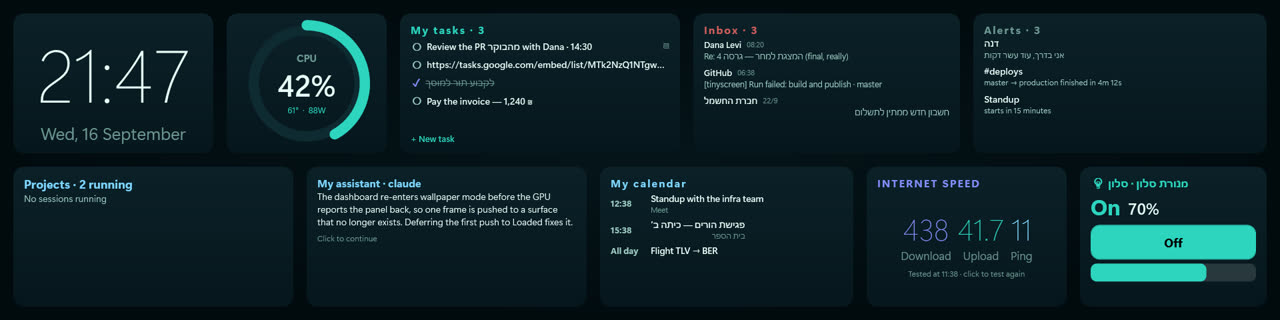
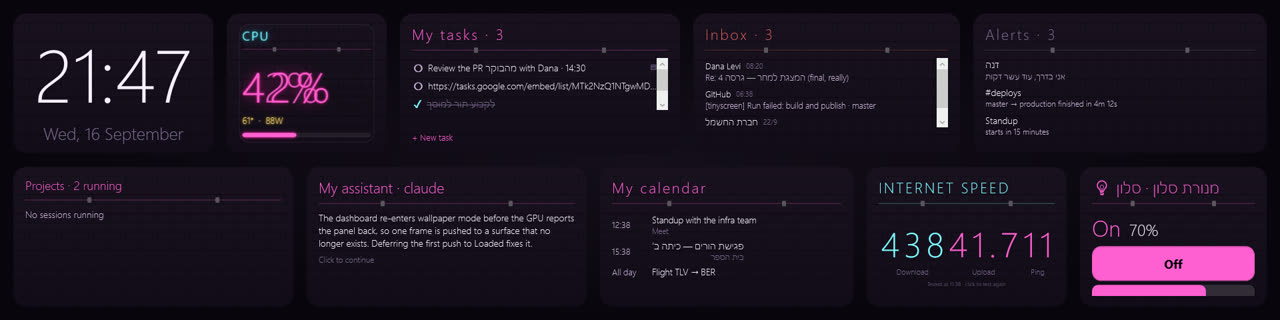
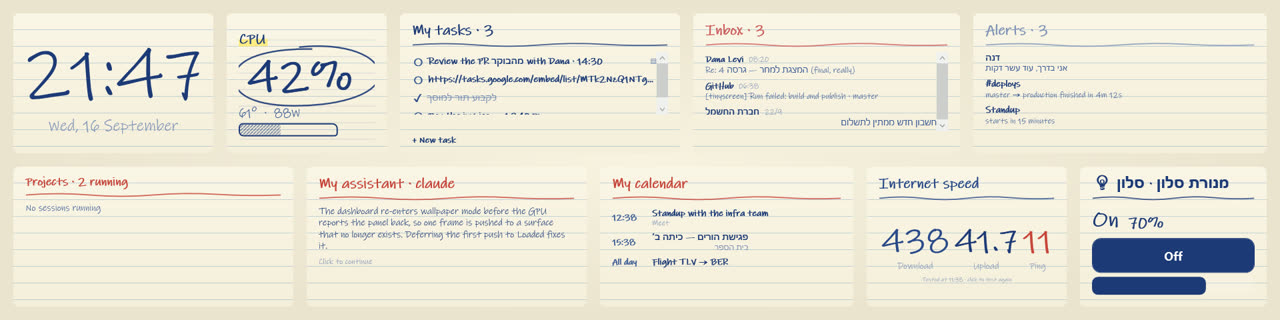
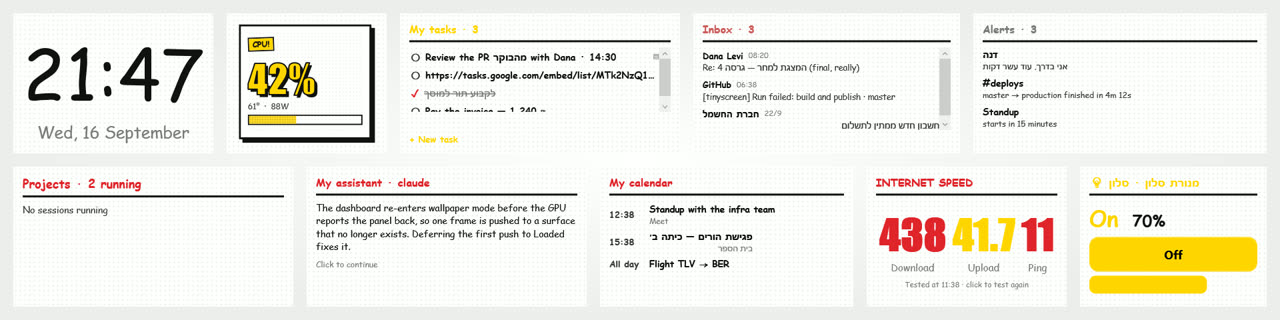
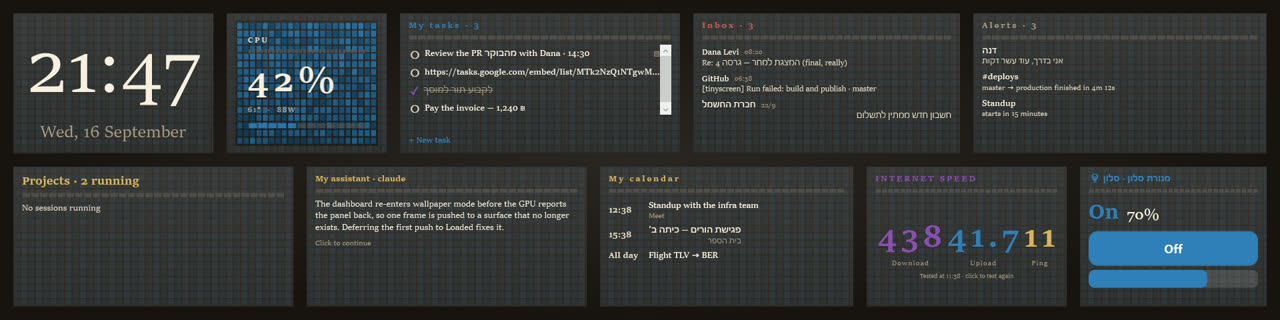
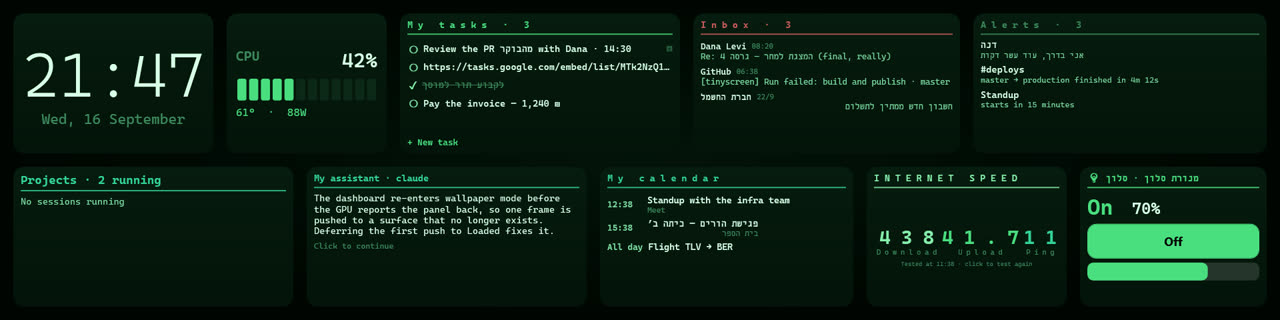
Look at the task list, the inbox and the home device — it is not only the gauges that change.
What it shows
Drag widgets wherever you like. The layout is kept separately for across and upright.
Hardware, live
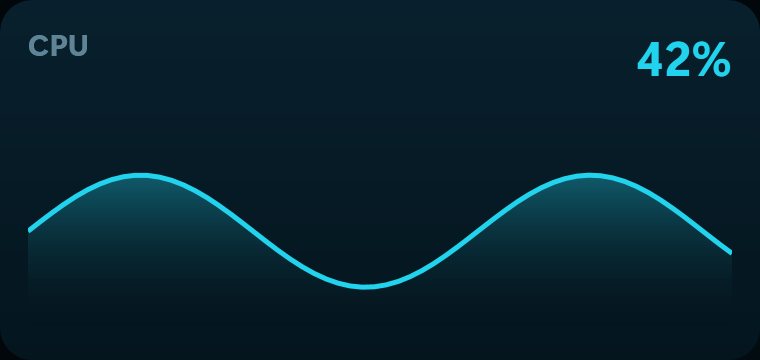
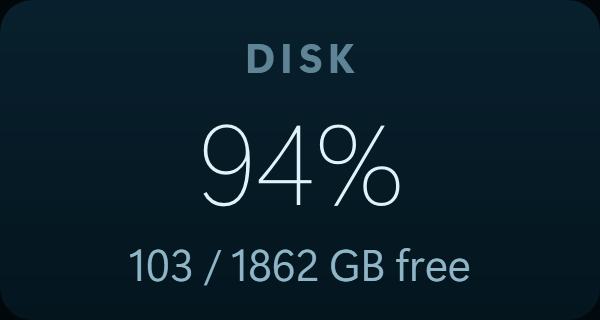
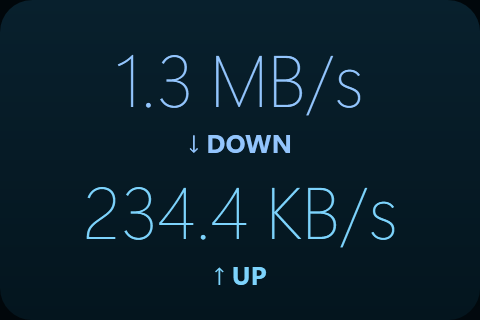
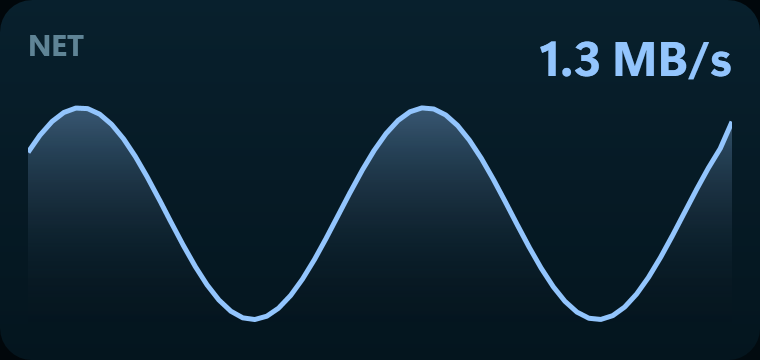
Processor, graphics, memory, temperatures, fans, drives and network — read straight from the sensors.
Claude Code
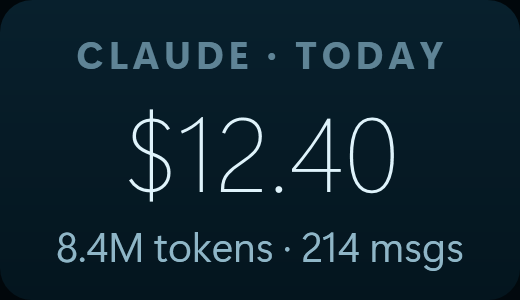
How much of the usage window is left, what today has cost, and which projects are running.
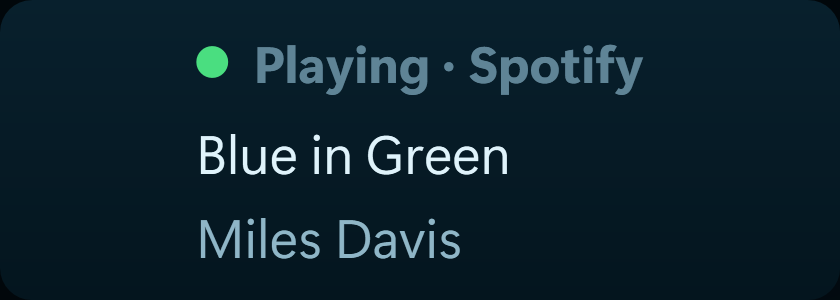
What is playing
The current track from any Windows player, with no plugin to install.
Messages and calls
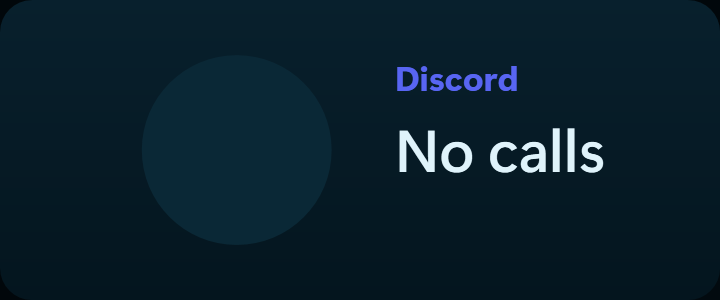
WhatsApp, Windows notifications, and an incoming Discord call with the caller's picture.
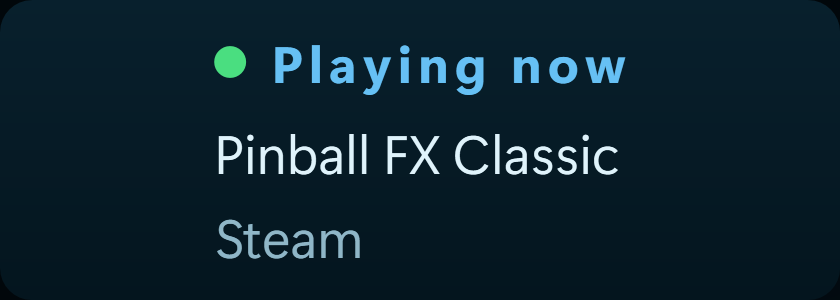
Gaming and streaming
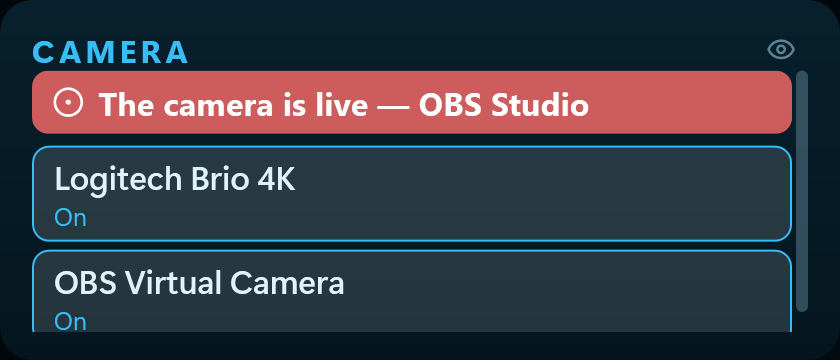
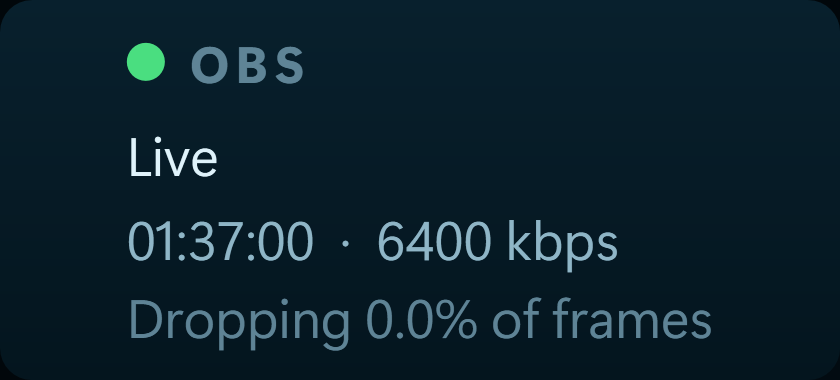
Steam, Battle.net, Riot, and your OBS stream — connection health included.
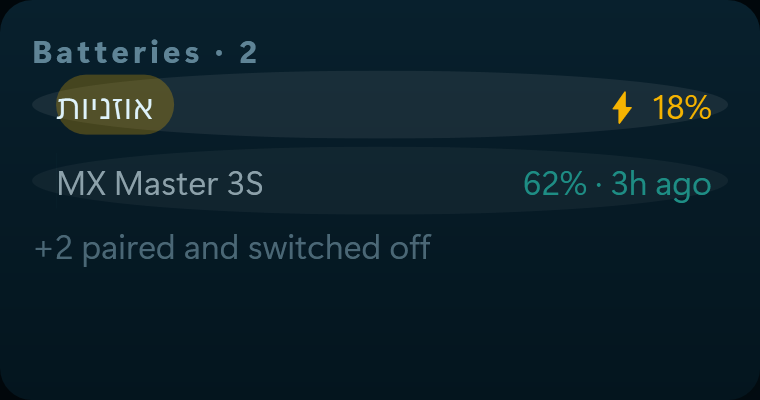
Your batteries
Phone, tablet and headphones — all in one place.
30 live wallpapers
Not pictures. Smoothly looping video — fire breathing, neon rain, an aurora. And you can generate one of your own from inside the app, by describing it.
Fire · ice · lightning · space
Ten classics, every one of them moving.
Fantasy
An elder tree, sky islands, a rune forge, a moonlit lake, a phoenix.
Cyberpunk
Neon rain, a megacity, a datastream, a black market.
On your phone too
An Android app mirroring exactly the same board — the same widgets, the same skin, the same layout. Paired once, by scanning a code.
Fifty-one skins. Not one of them is a colour scheme.
Every skin is a complete hand: typeface, texture, how a figure is set and how a list reads. These are real frames from the application, not mock-ups.
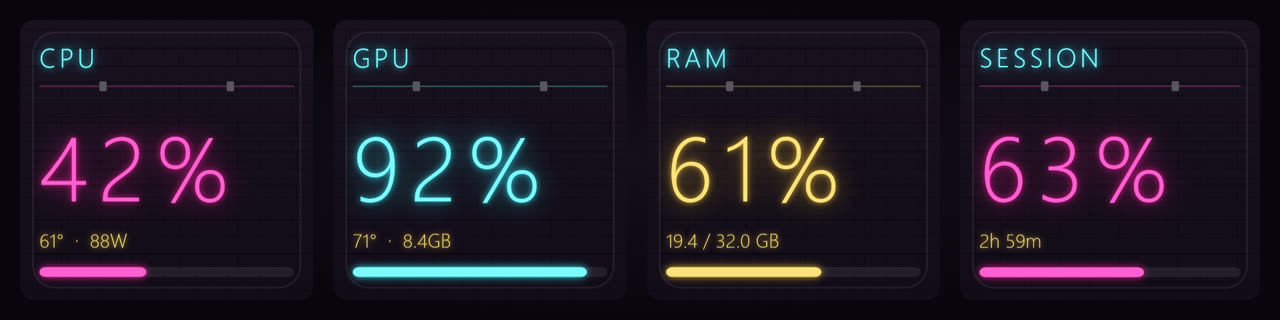
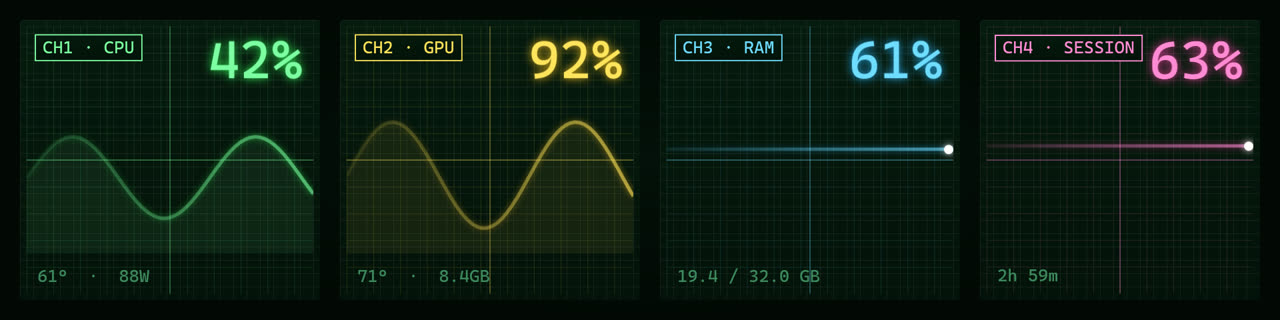
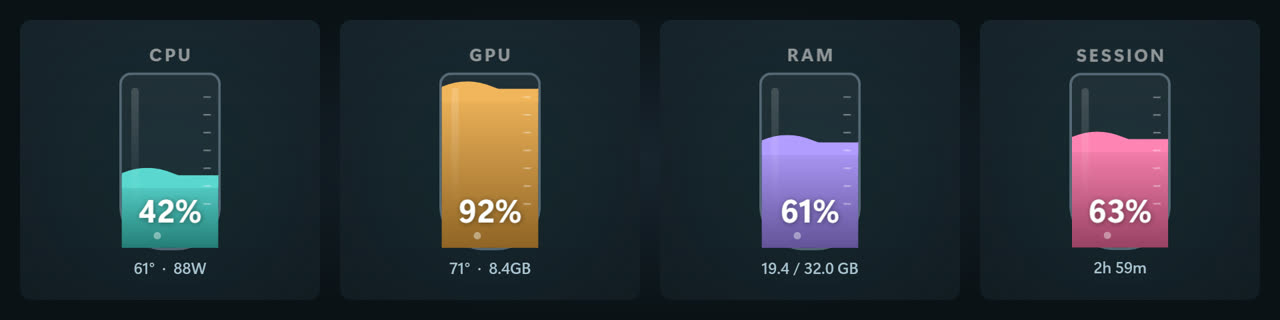
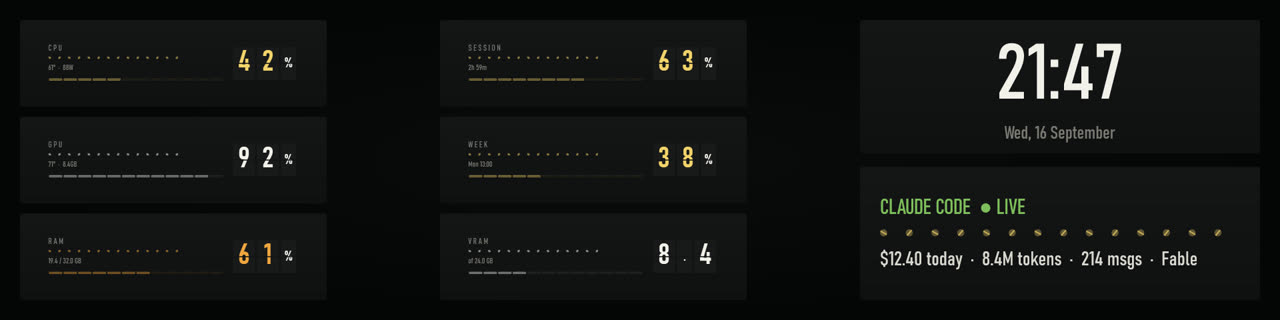
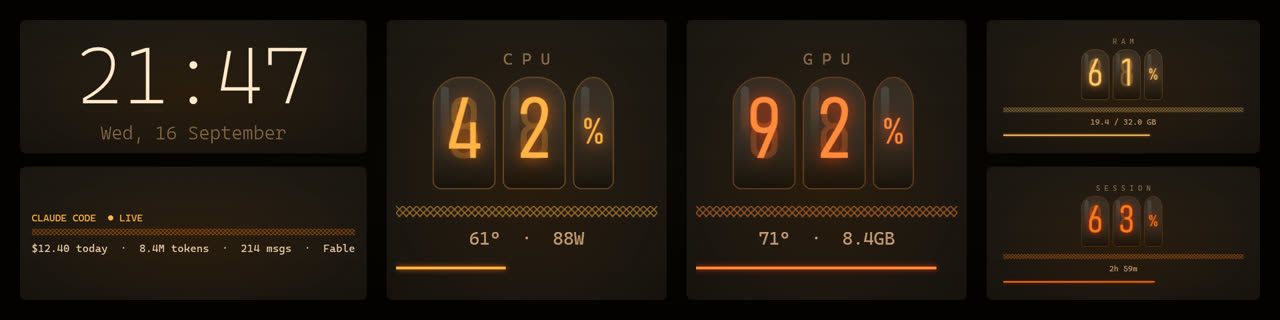
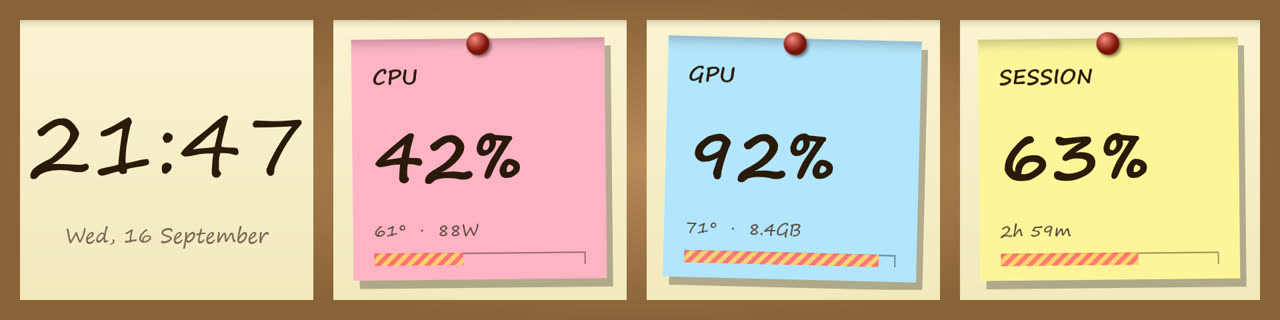
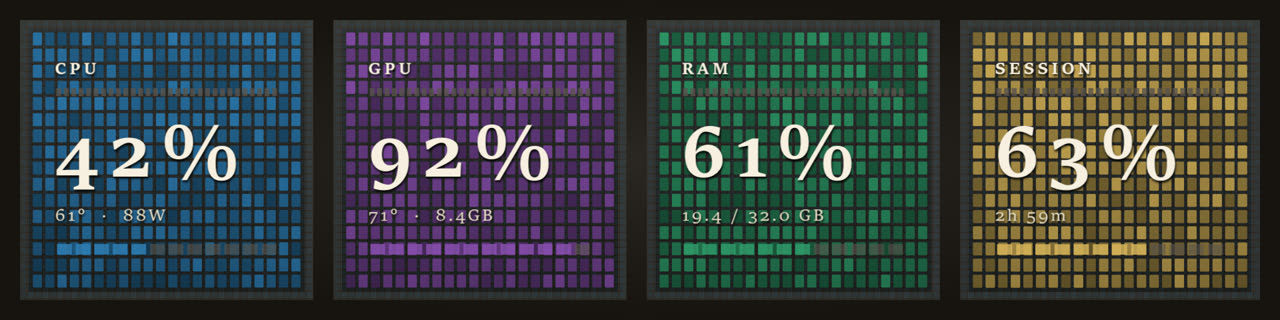
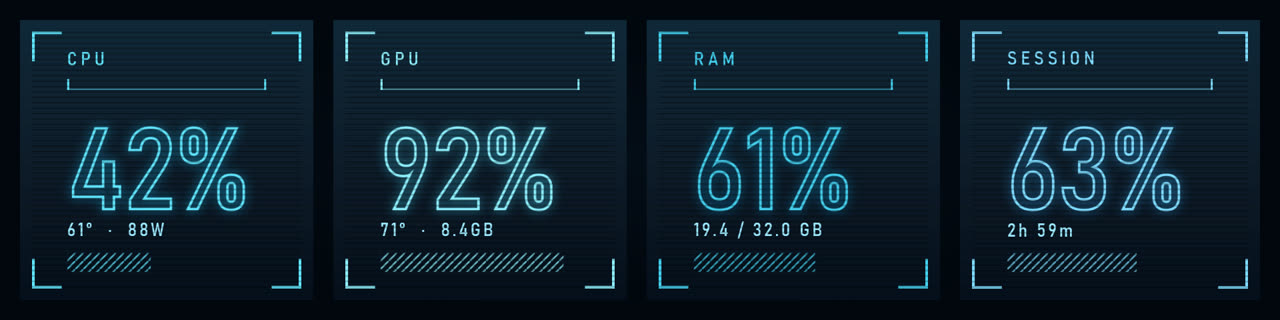
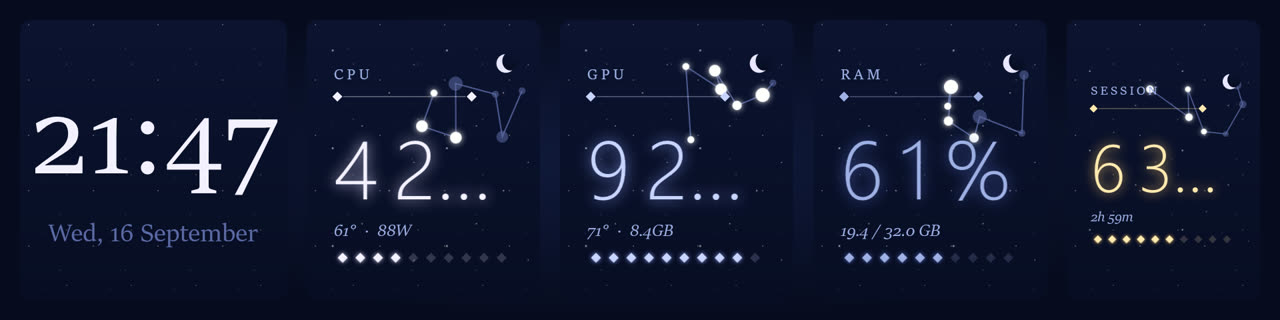
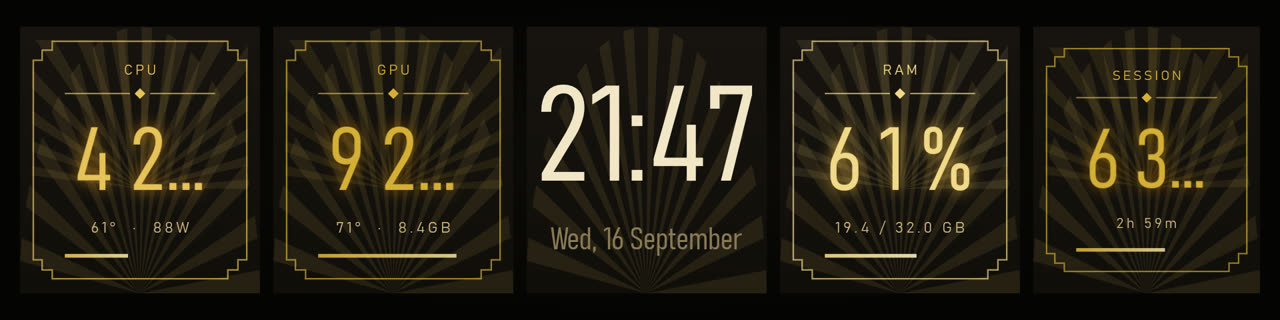
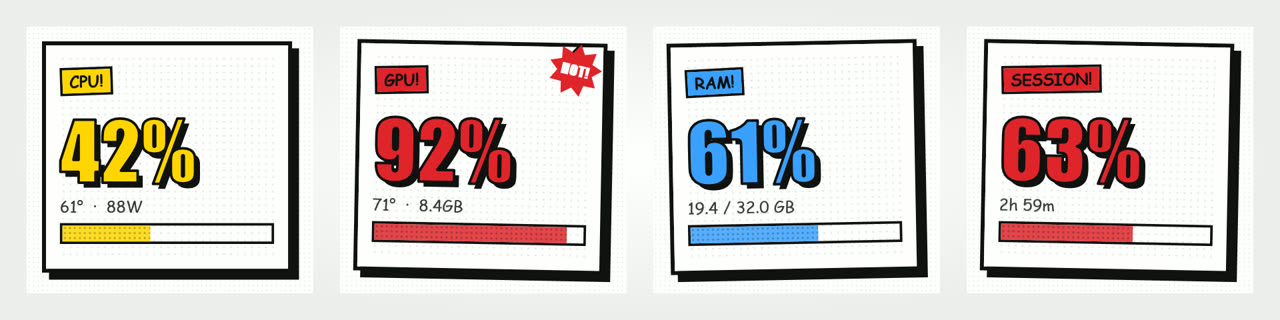
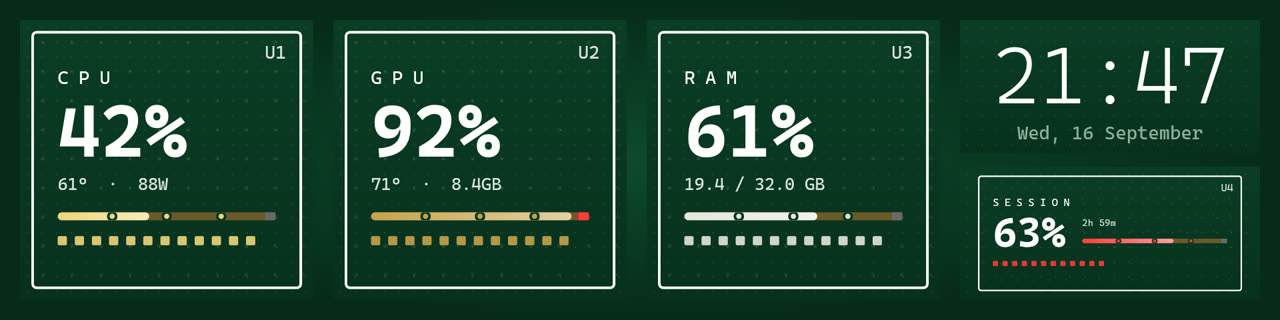
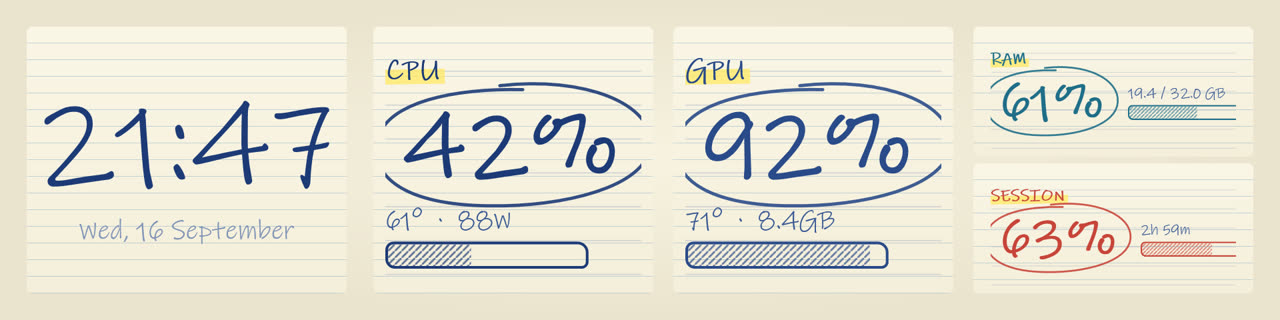
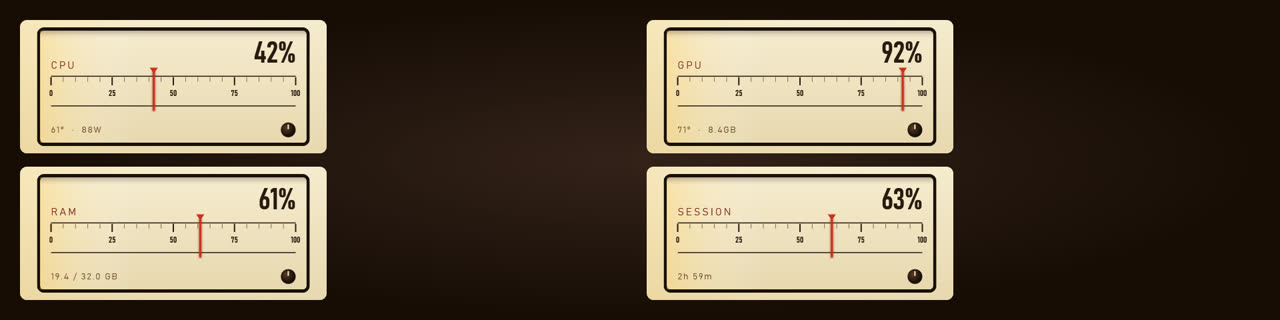
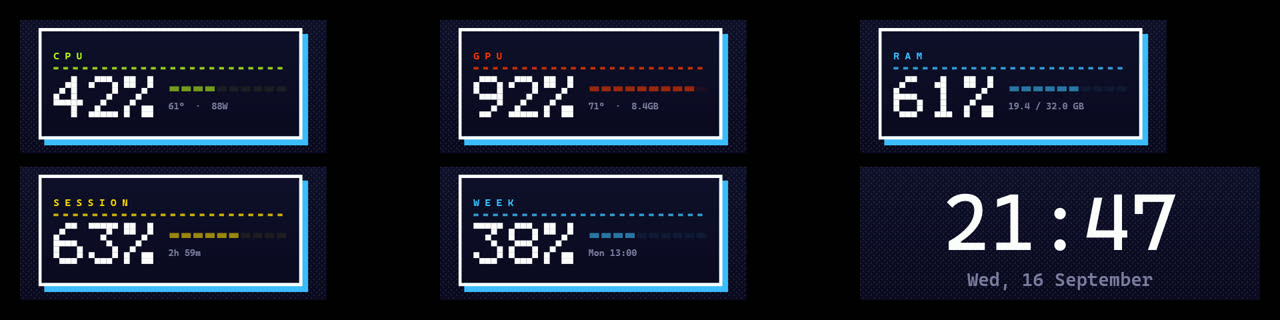
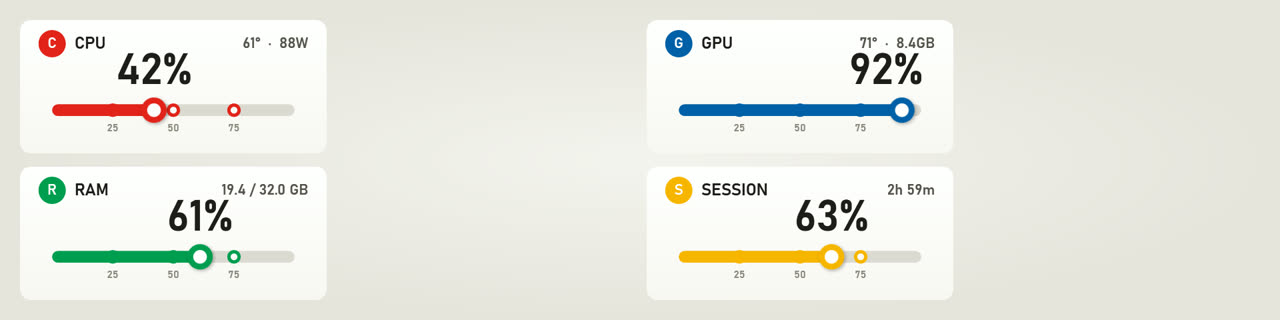
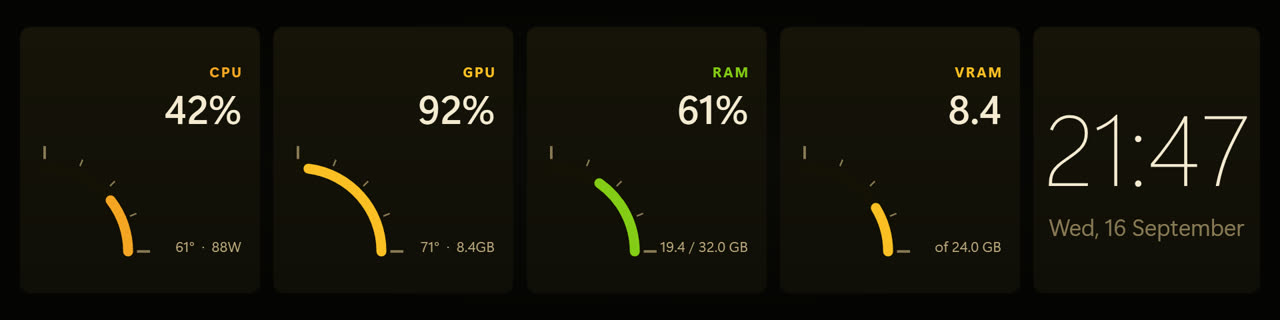
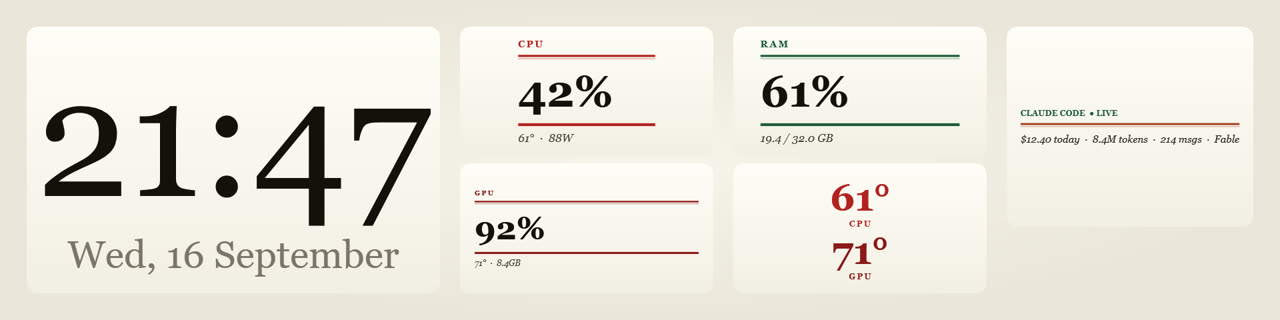
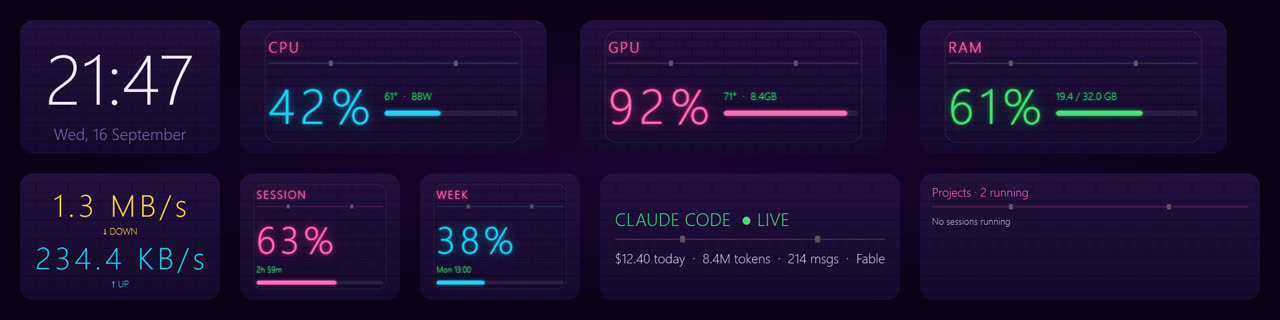
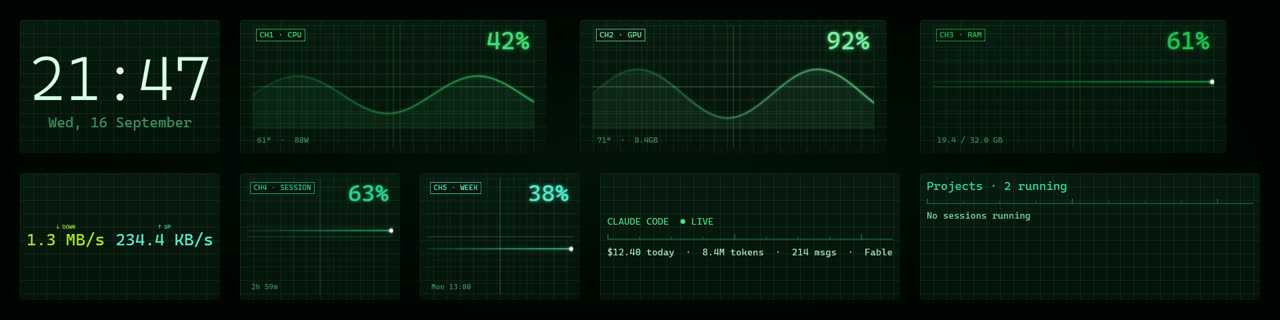
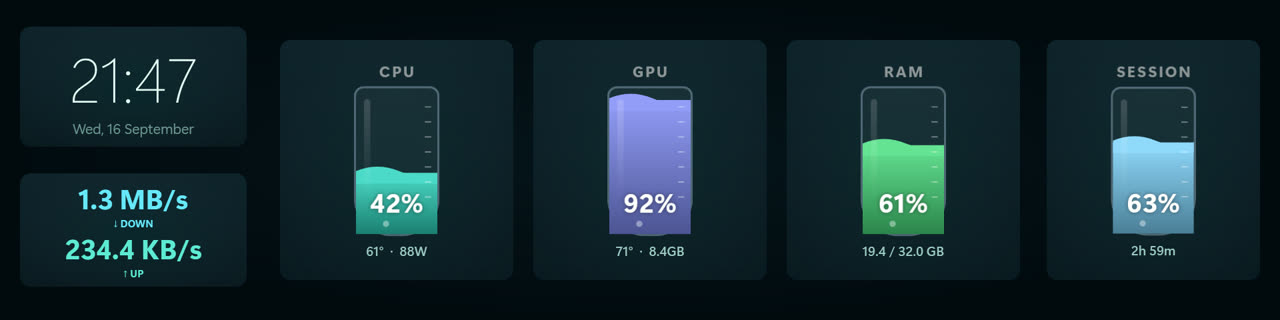
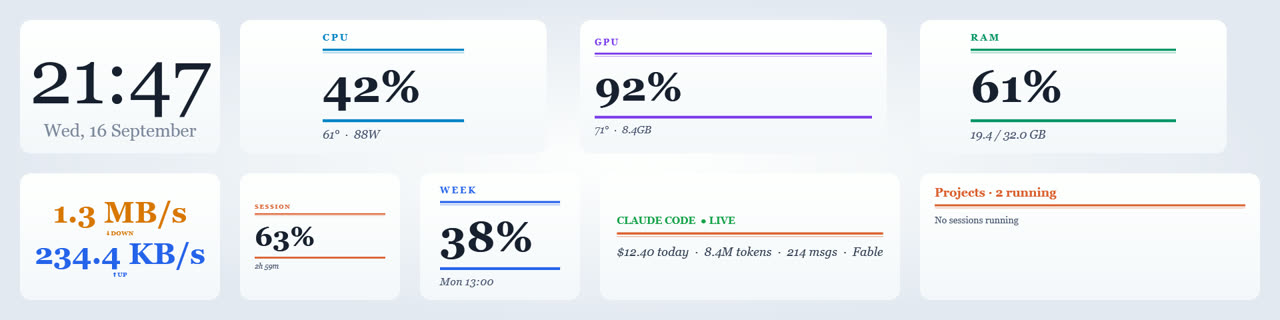
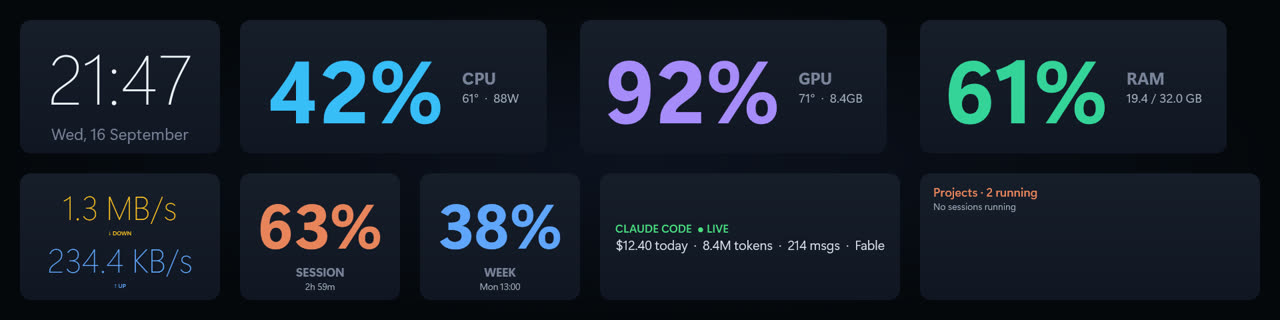
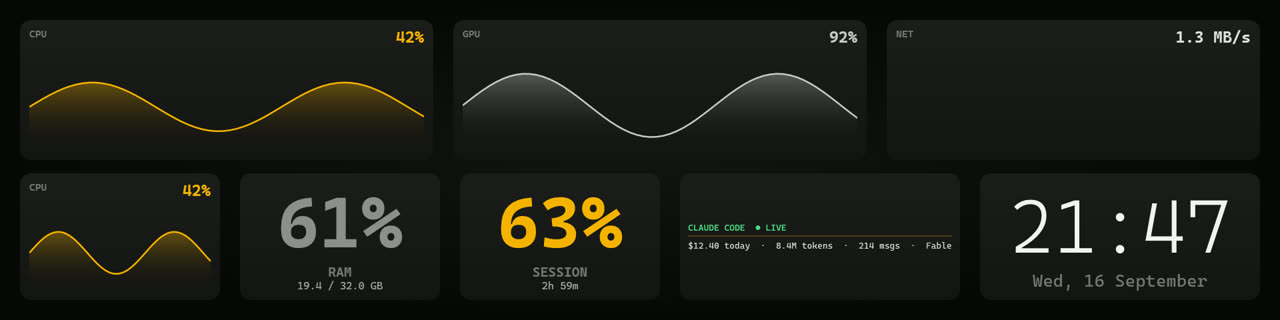
And once you have chosen, drag any widget anywhere. The arrangement is remembered per skin.
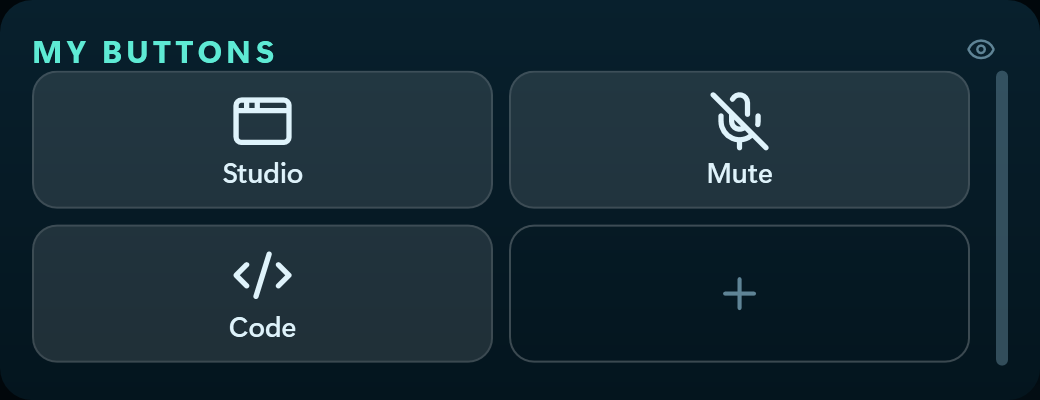
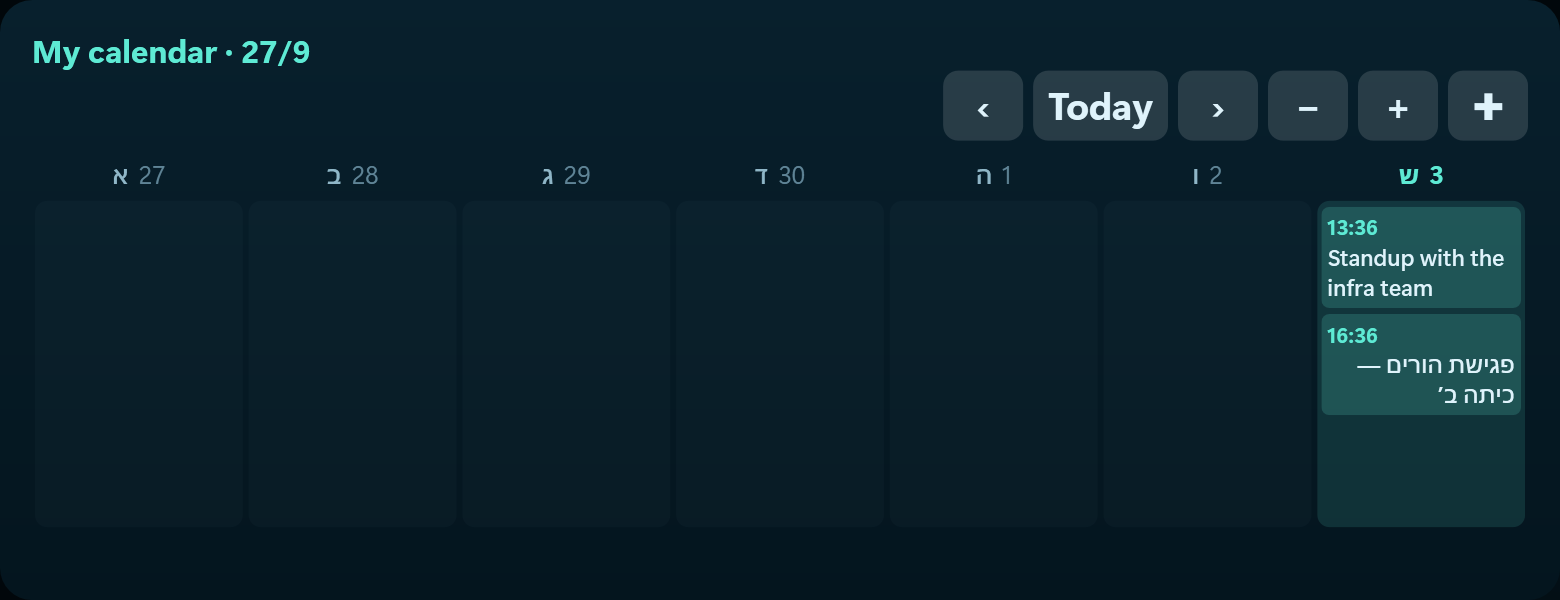
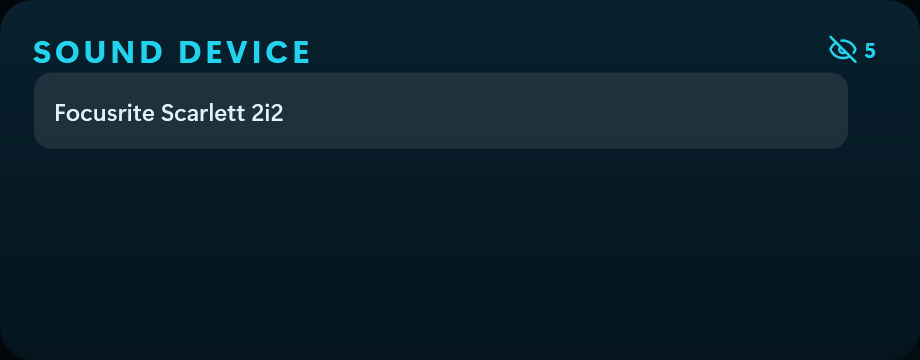
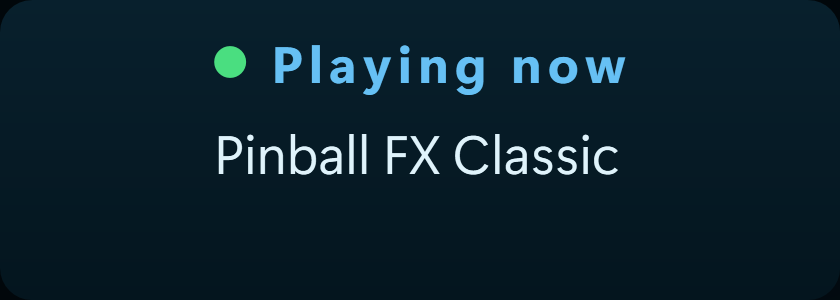
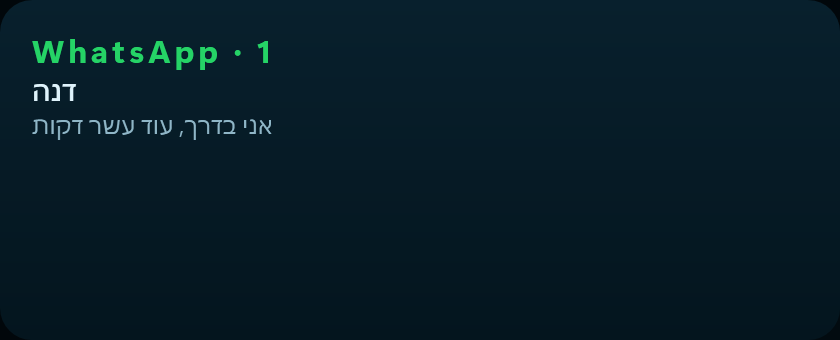
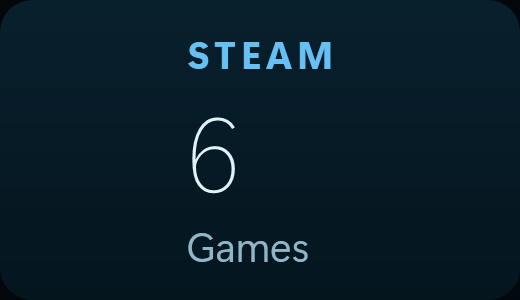
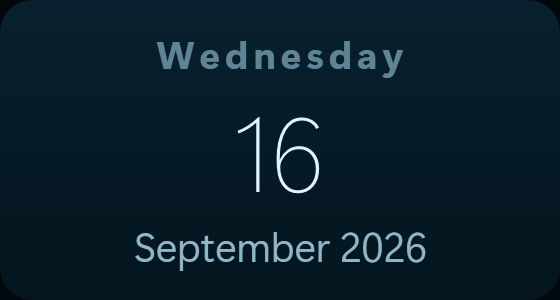
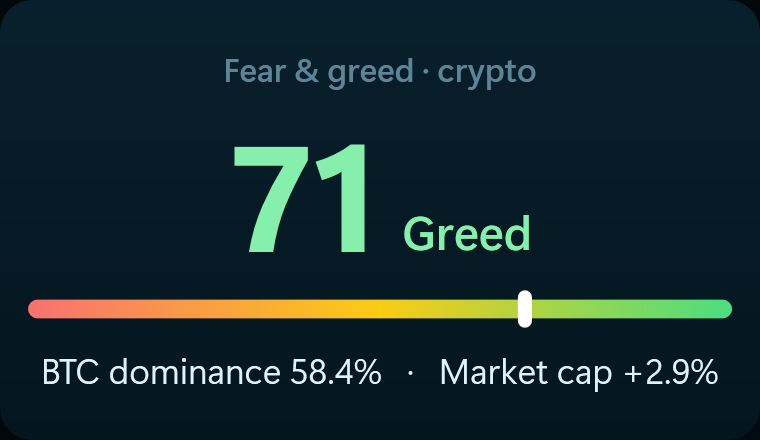
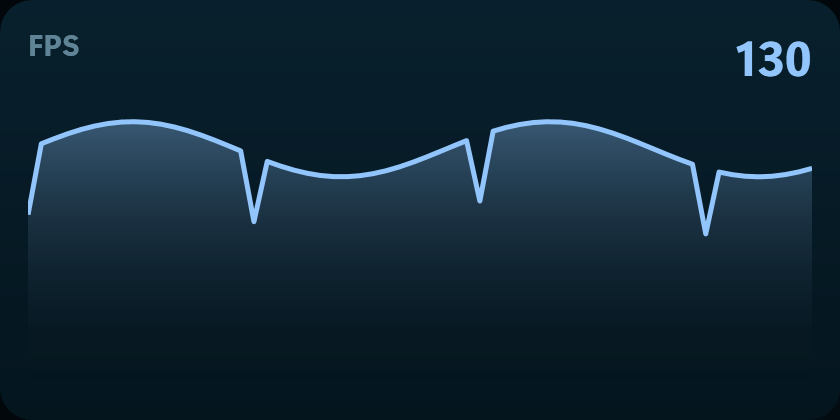
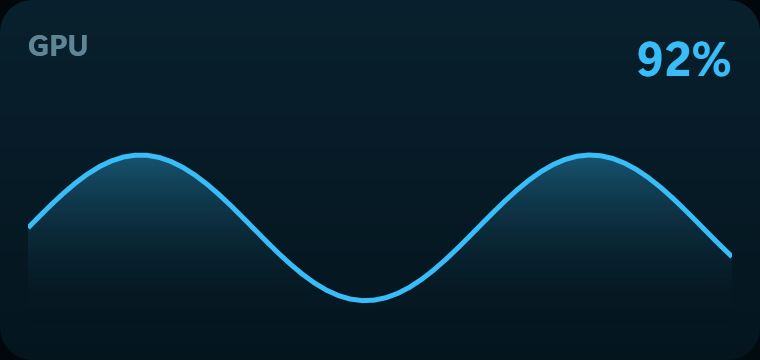
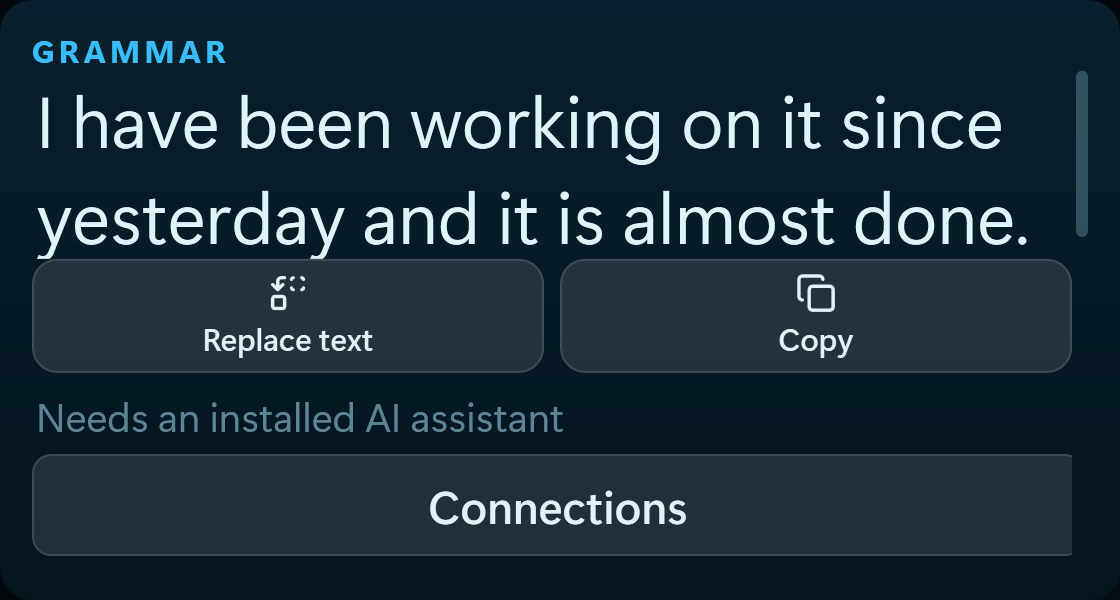
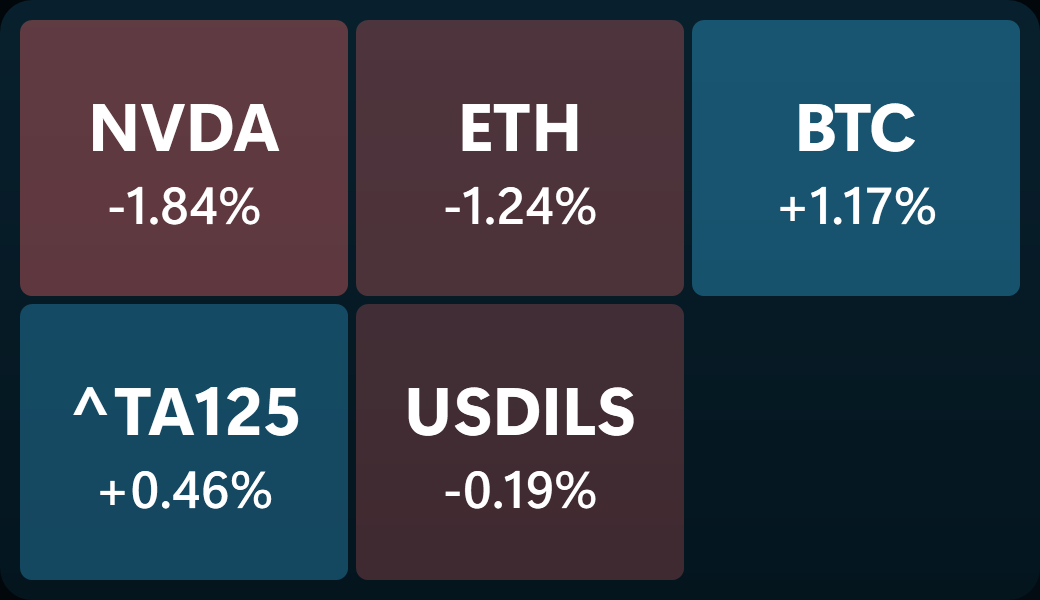
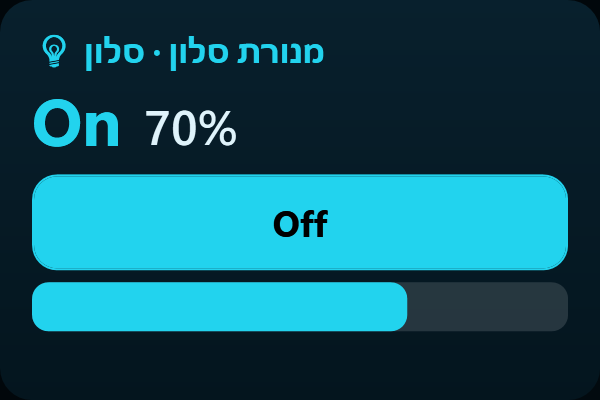
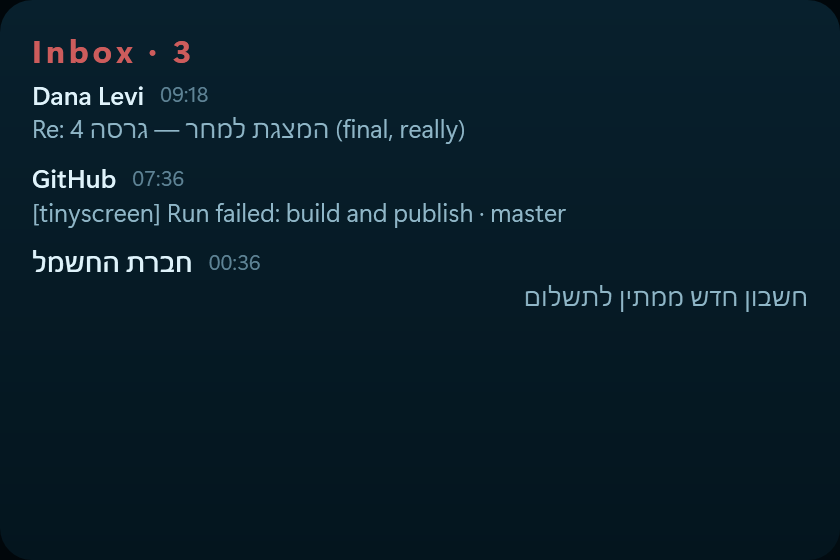
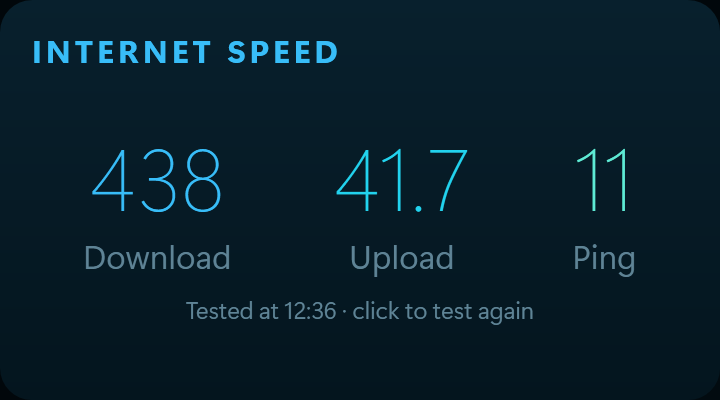
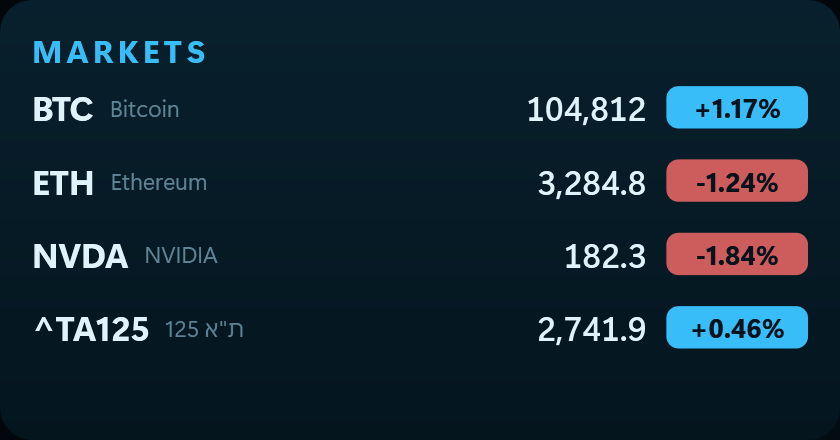
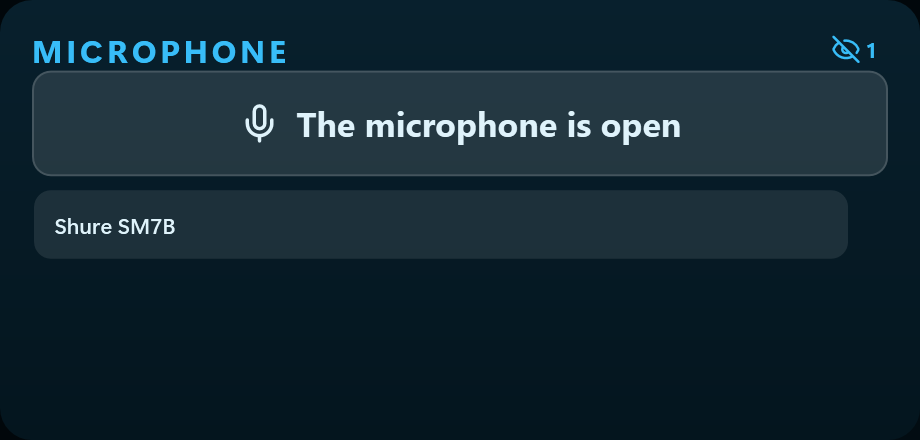
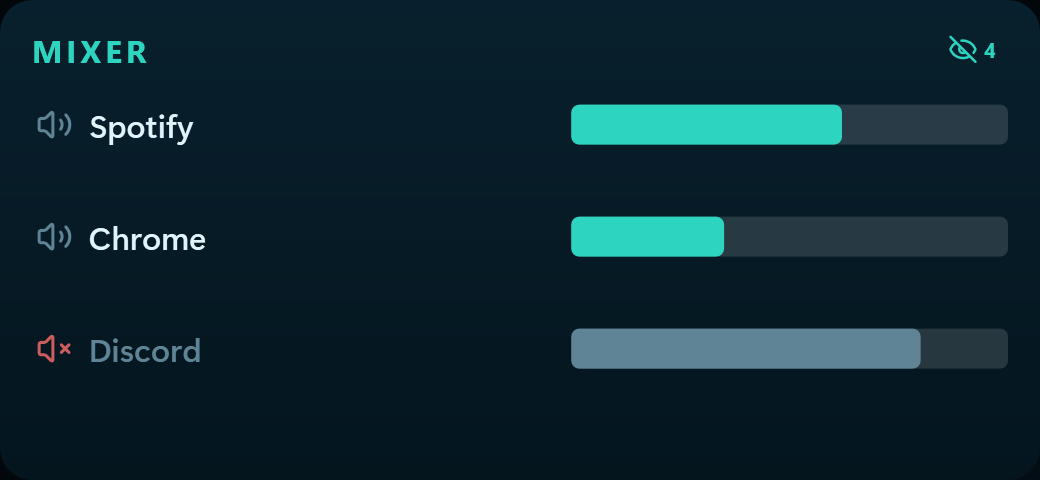
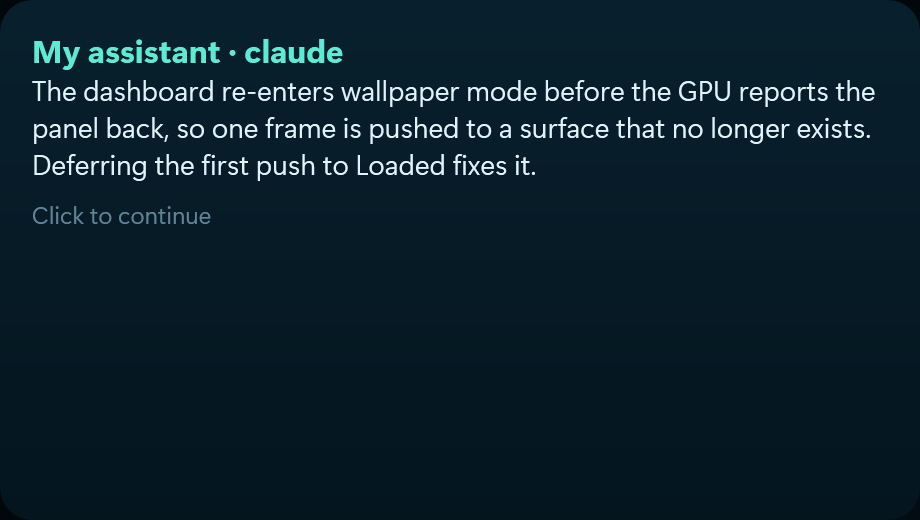
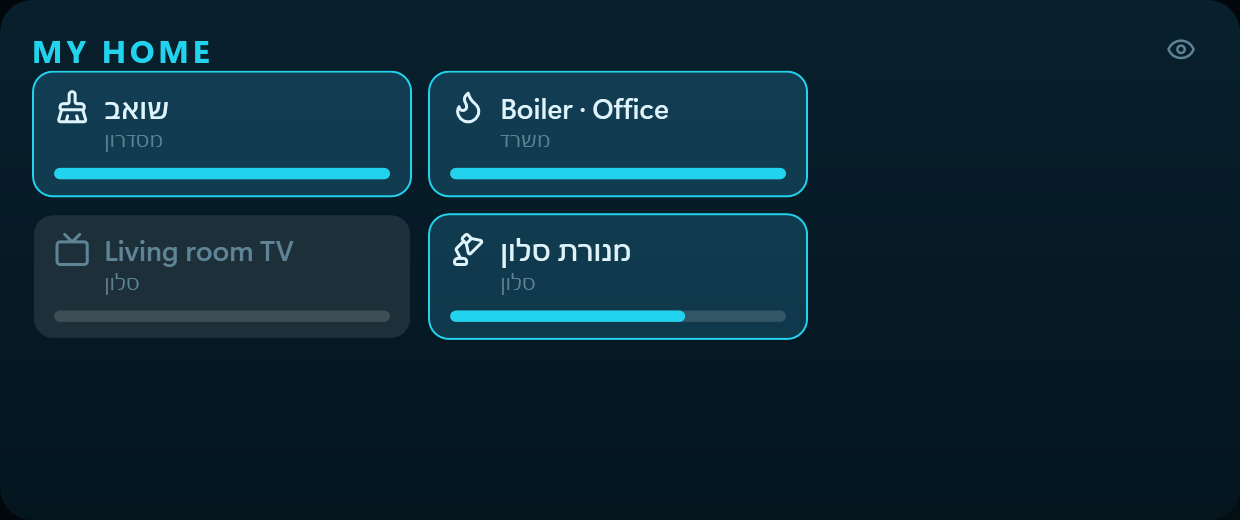
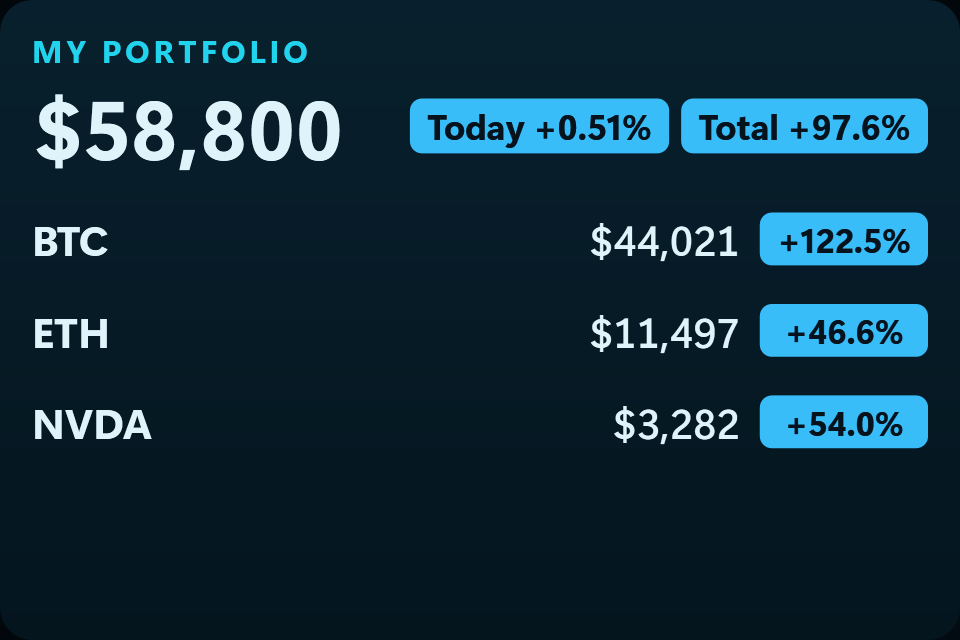
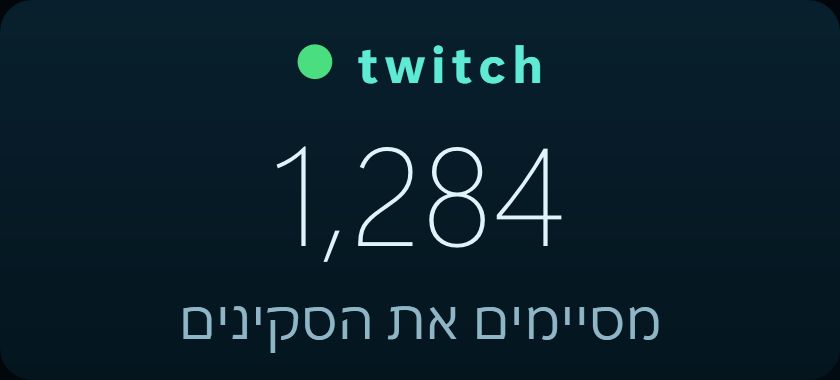
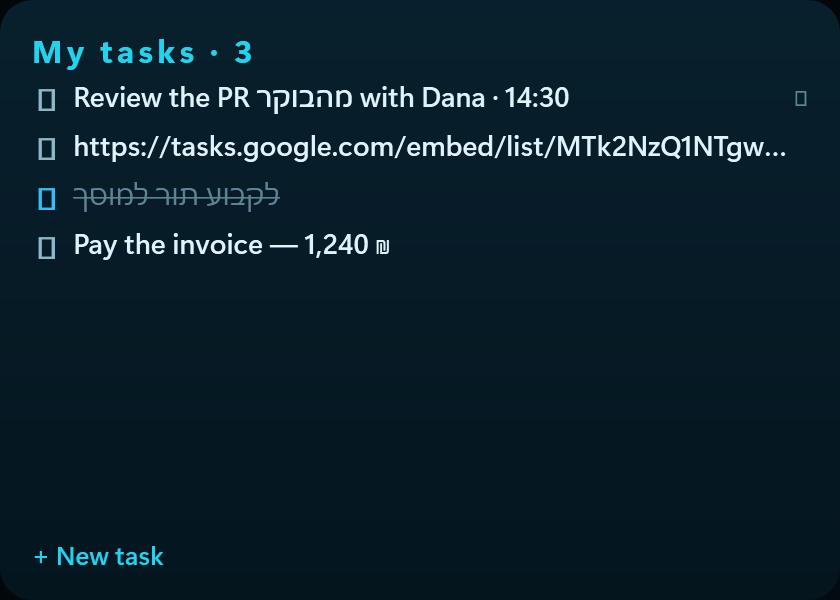
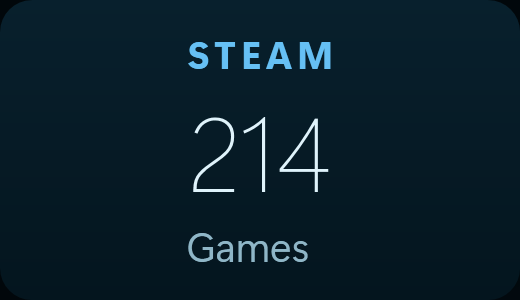
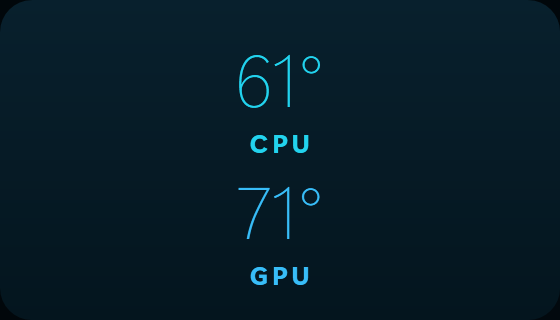
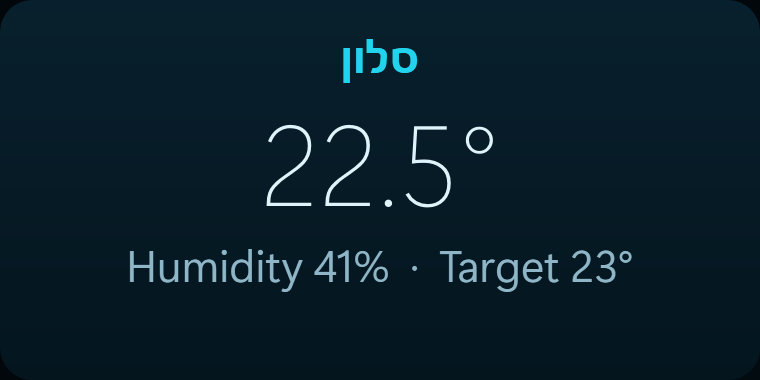
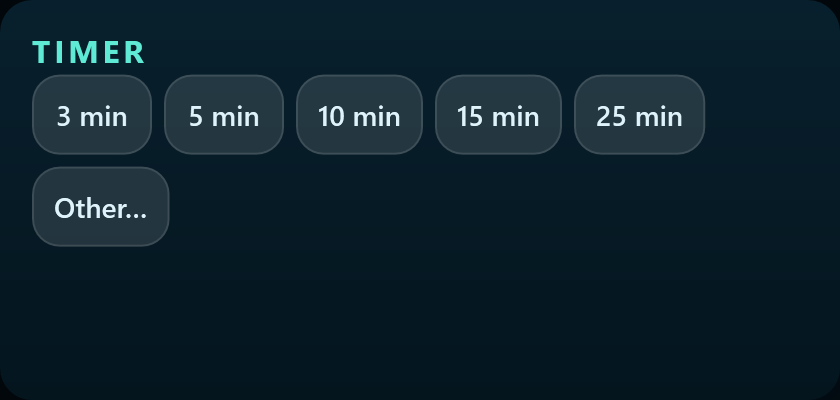
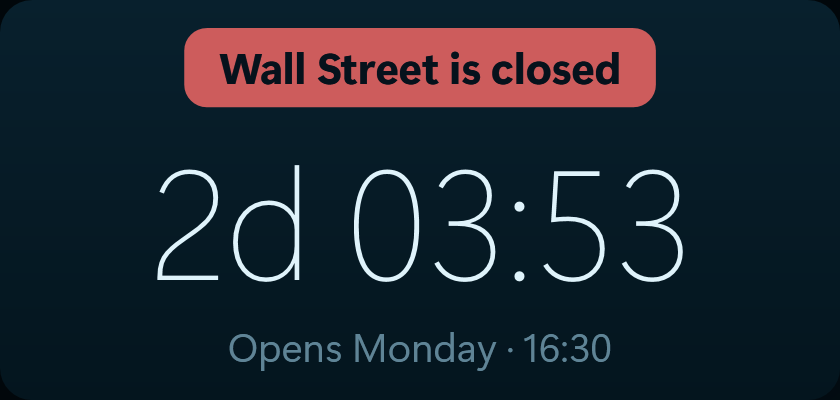
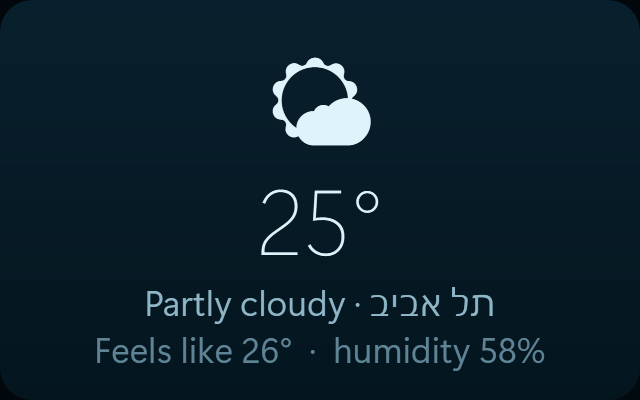
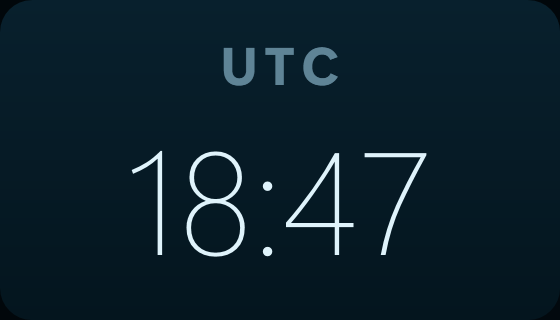
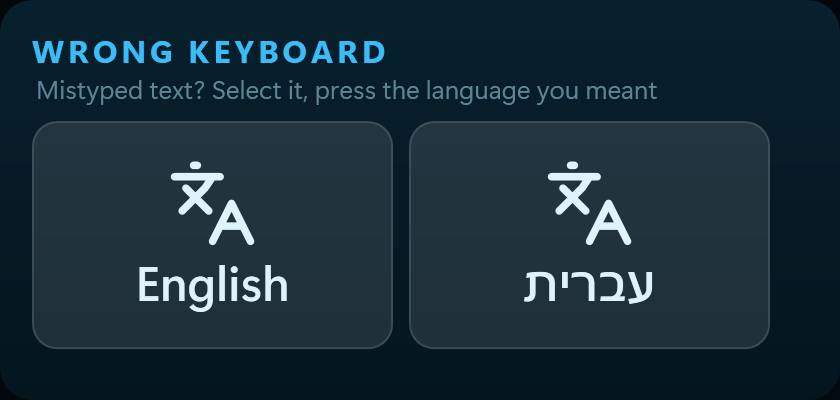
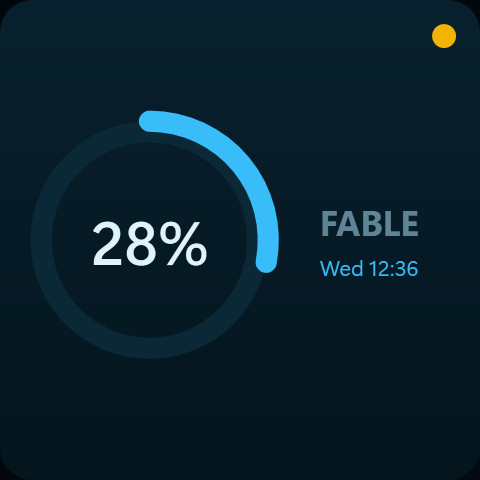
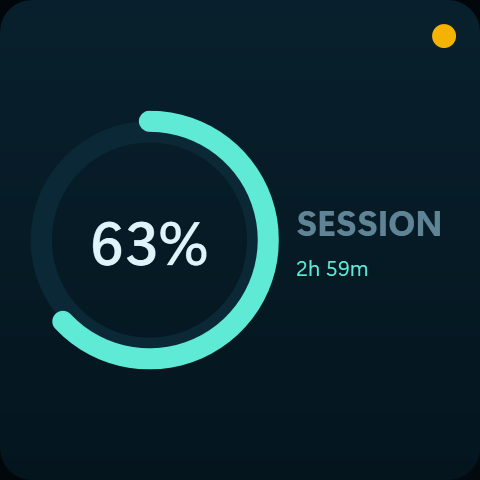
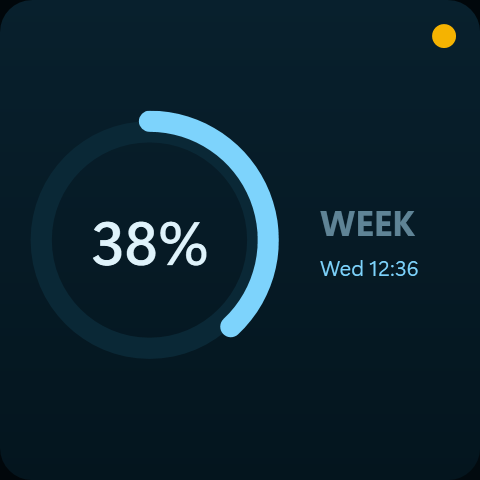
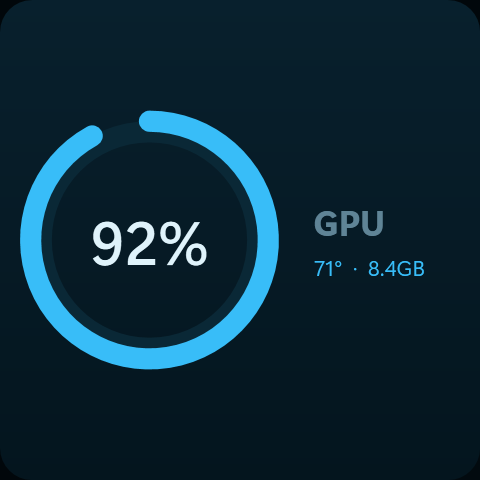
66 widgets, and this is how they look
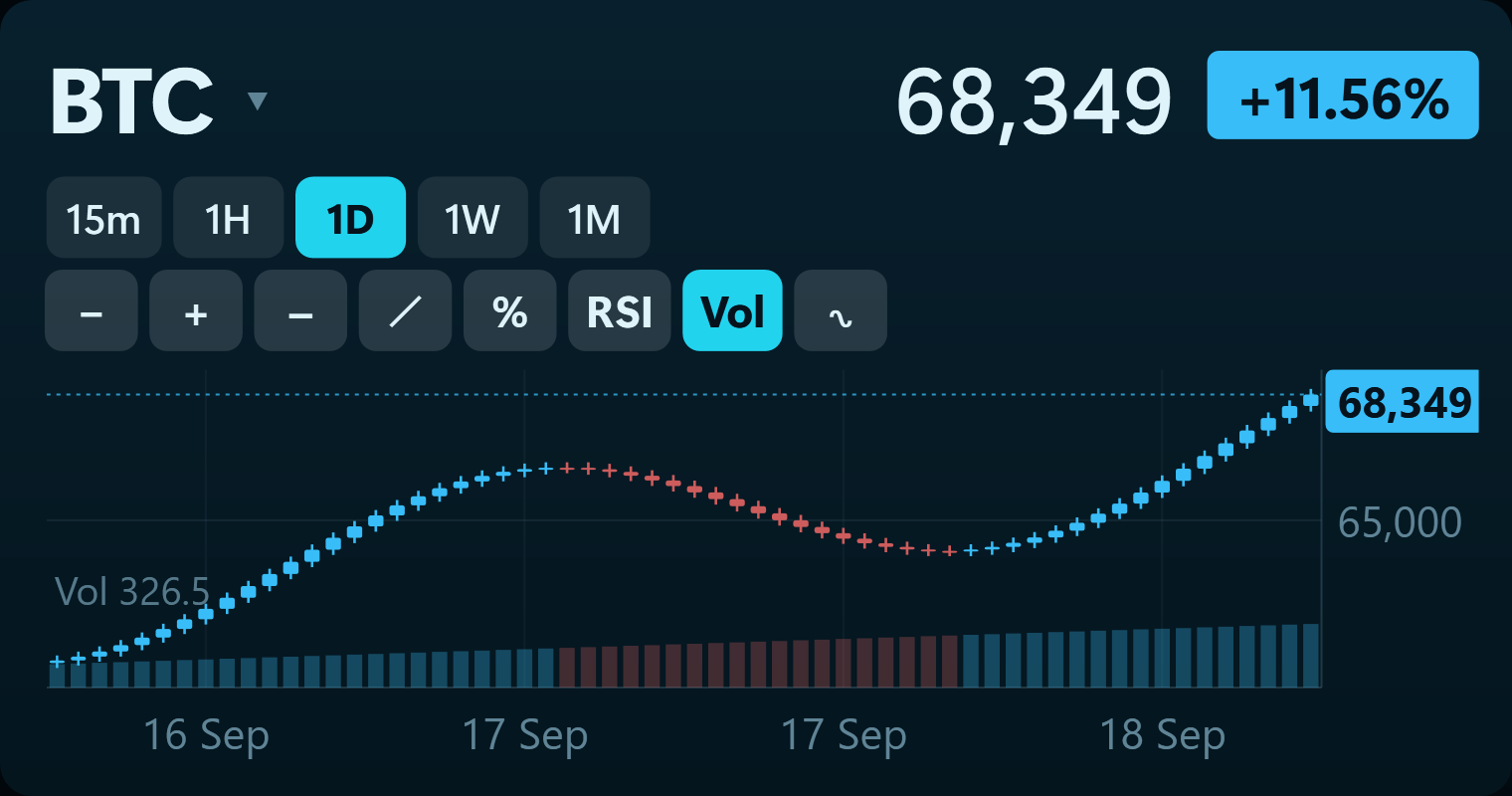
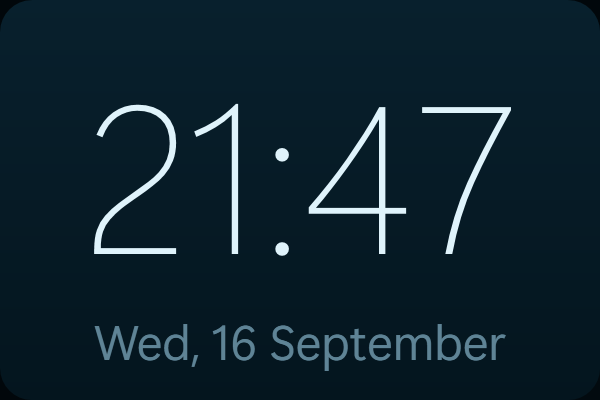
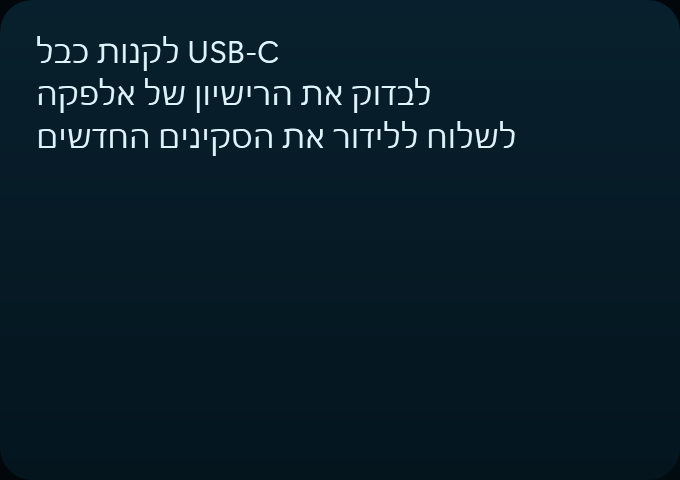
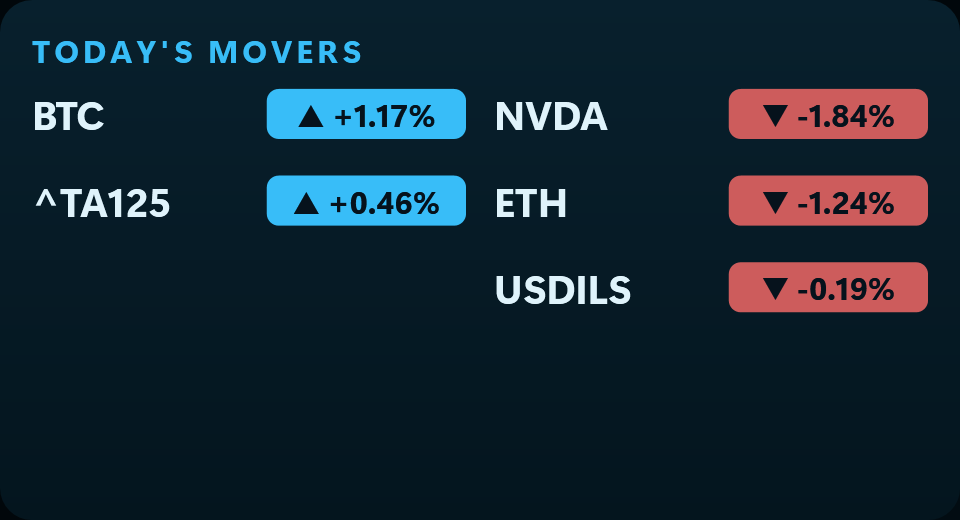
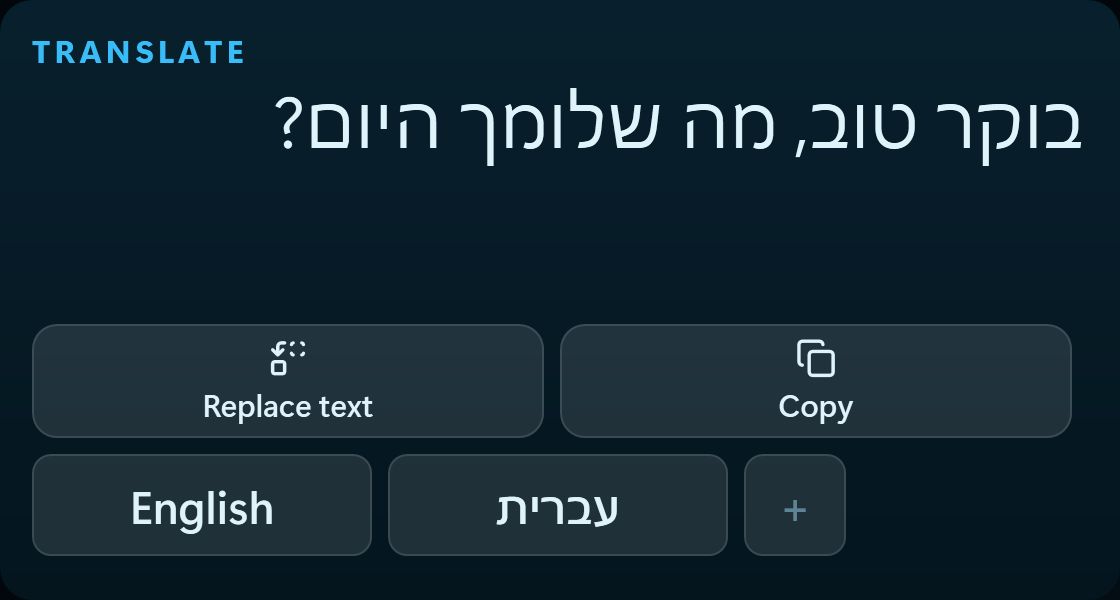
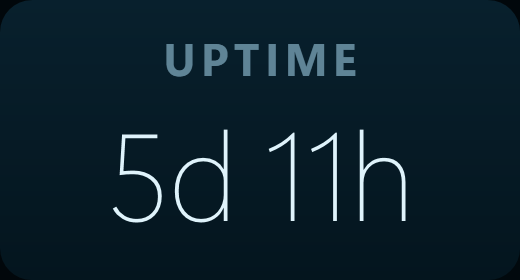
Every picture here is the widget itself, drawn by the application in one skin. Drag them where you like, and they take on whichever skin you choose.
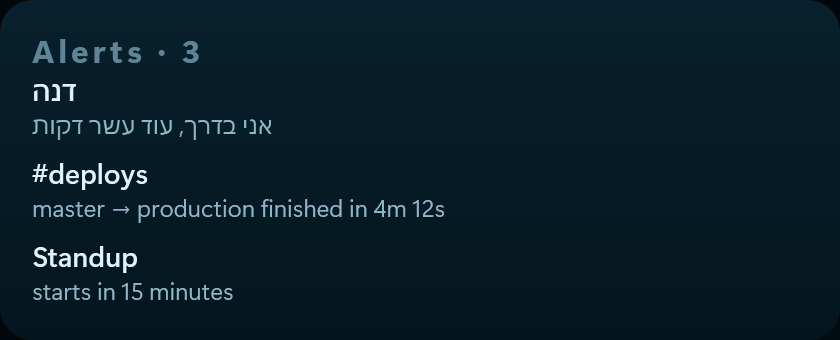
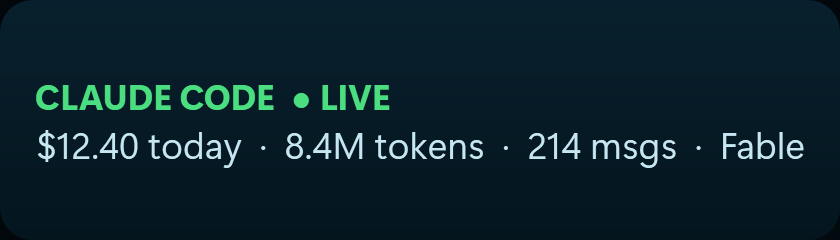
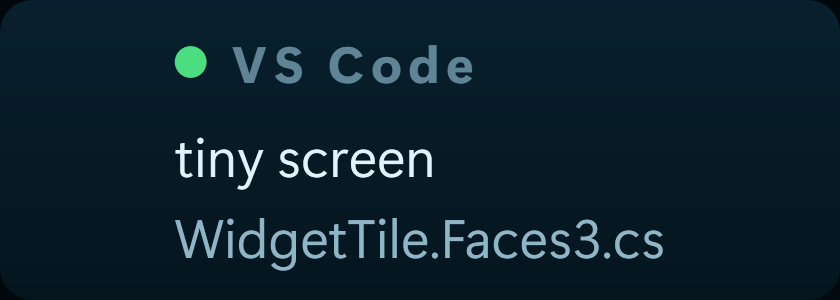
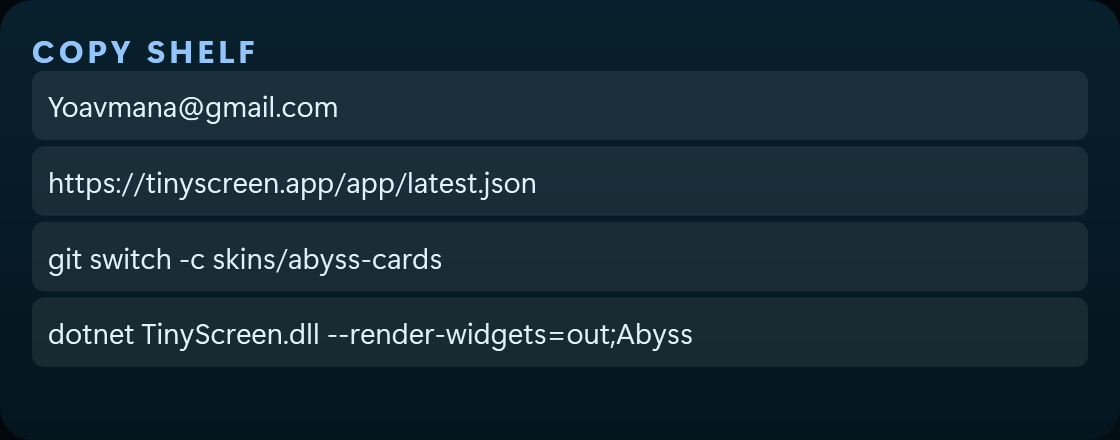
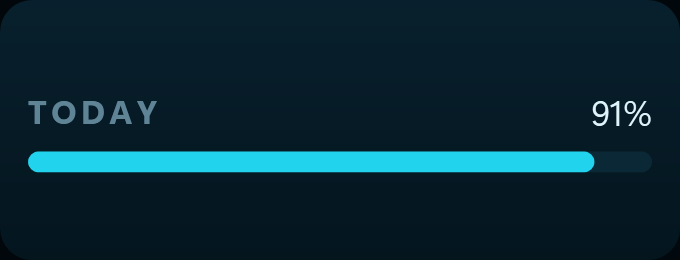
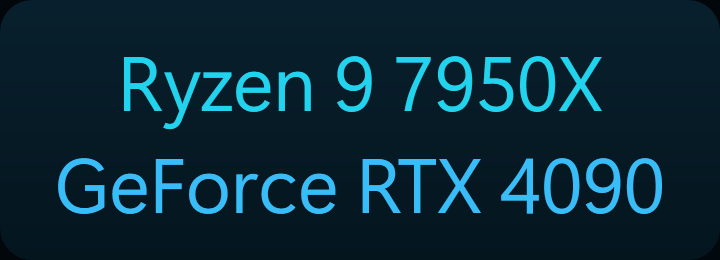

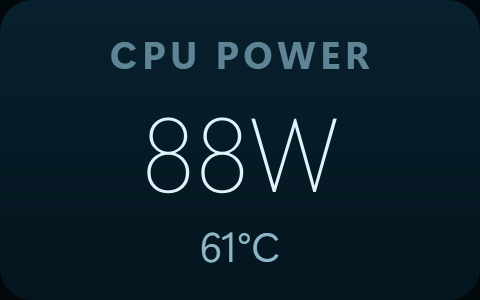
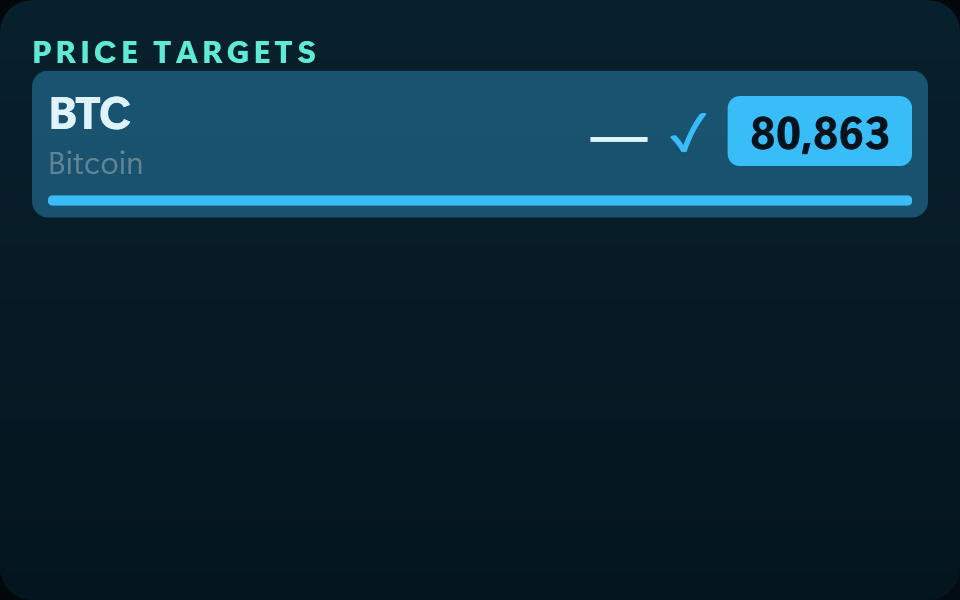
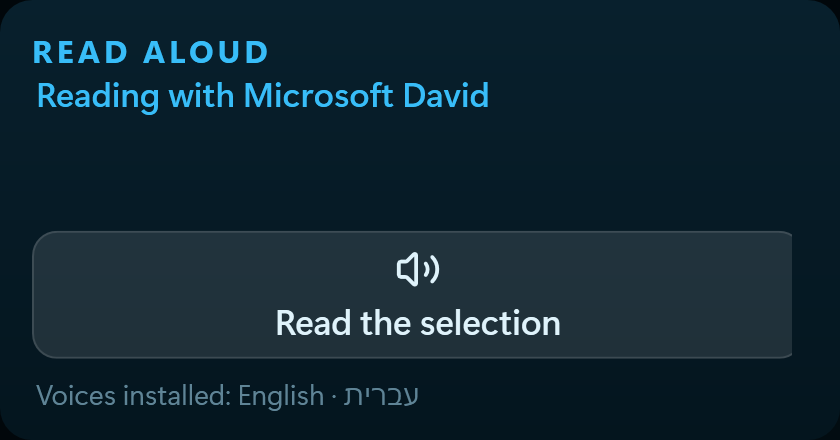
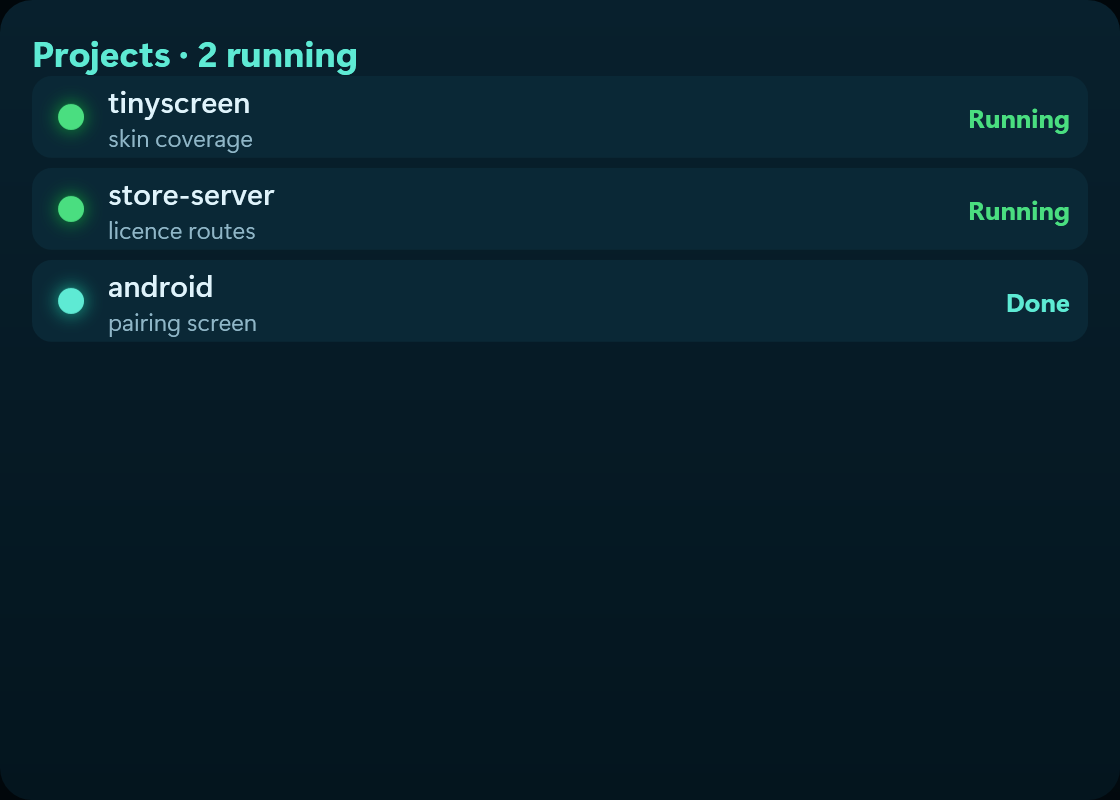
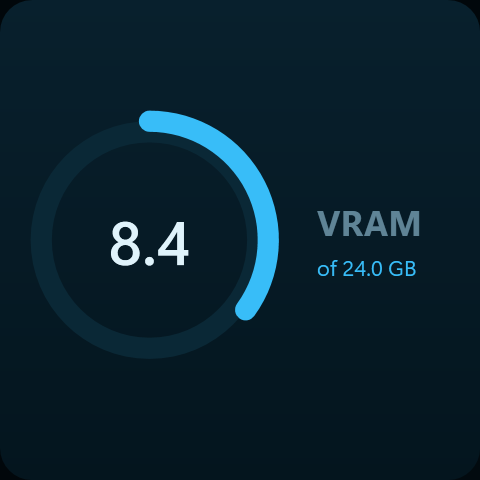
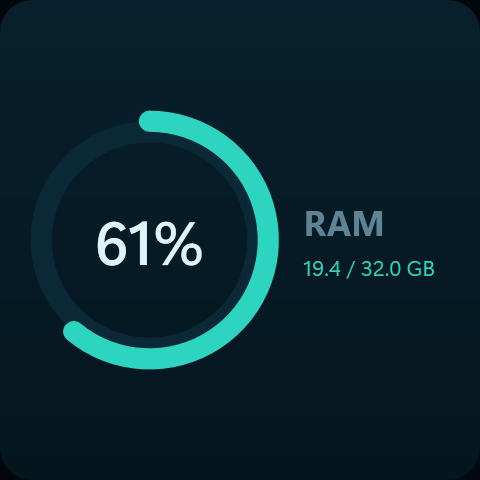
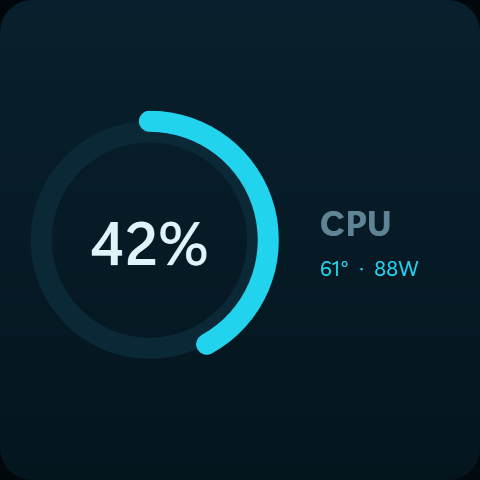
And who said you need a little screen?
TinyScreen was built for a strip display, and it does not depend on one. The same board runs in a window on your ordinary monitor, docks to an edge of it, and mirrors to a phone or a tablet through the app.
8.8-inch strip
What it was built for: 1920 × 480, sitting above the keyboard and stealing room from nothing. That is the true ratio — four times wider than it is tall.
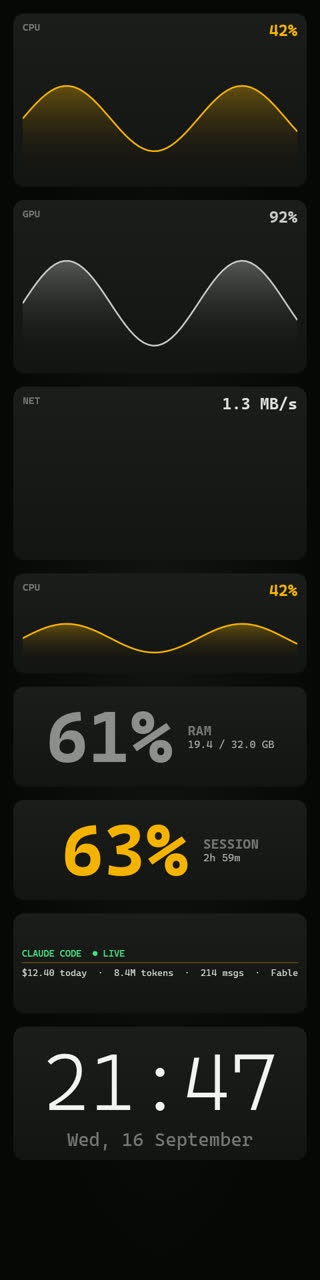
Pivoted monitor
An ordinary monitor, landscape or pivoted
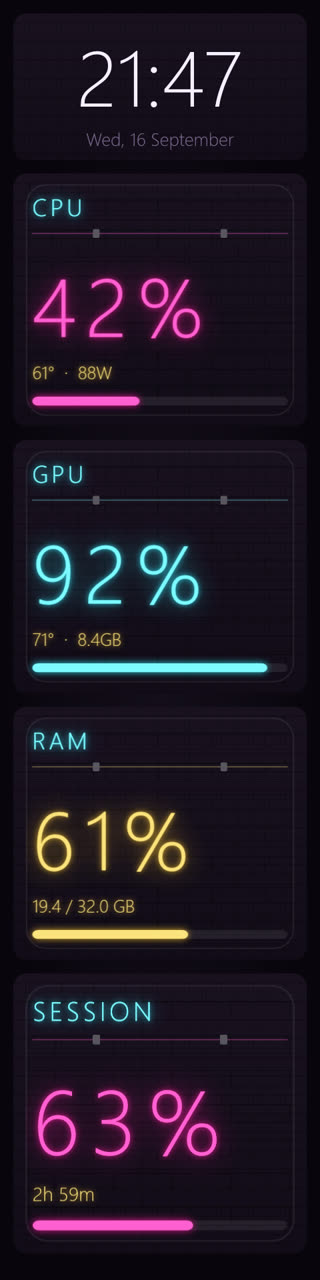
Dock it as a band at the top or bottom and other windows simply make room for it. A monitor turned on its pivot gets the upright arrangement, exactly as the phone does.
Upright
On its side
Phone and tablet
Turn the device and the board rearranges itself — an upright arrangement of its own one way, the wide strip the other. It is not the same shape lying down, it is a different one. Scan a code once and that is it.
And who is it for?
66 widgets, and nobody needs all of them. These are the sets people build for themselves.
Developers
Your Claude Code quota, today's cost, and which agents are running — without switching to a terminal and breaking concentration.
- Claude quota
- Today's cost
- Running agents
- CPU and RAM
Gamers
Temperatures and frame rate while the game is full-screen, what is running from Steam and Battle.net, and an incoming Discord call that does not cover your screen.
- Temperatures
- GPU
- Steam and Battle.net
- Discord calls
Streamers
OBS status, how many are watching right now, and who just arrived — on a screen the audience never sees and that steals no room from the scene.
- OBS
- Live viewers
- Twitch and Kick
- Now playing
Smart home
Lights, boiler and air conditioning one press away on the desk, without reaching for a phone or opening an app. Through Google Home or Home Assistant.
- Home devices
- Google Home
- Home Assistant
- Weather
Traders
A candle chart you can draw on, your portfolio, what is moving, and a price target that tells you when it arrives — all at the edge instead of on top of your work.
- Candle chart
- Portfolio
- Movers
- Price targets
- Crypto moves every second from the exchange's live feed; stocks stream in real time during US market hours, with your own free Alpaca account
Anyone running a day
Your tasks with a one-press tick, the week as a grid where you can see what is busy and what is free, and how much mail is waiting — without opening a tab.
- Google Tasks
- Weekly calendar
- Inbox
- Notifications
What people say
Real quotes from real users.
“My second screen was a monitoring tab I never looked at. Now the temperatures and the incoming call are just there, without me going to find them.”
“Installed it over lunch and dragged widgets around until it looked like my desk. I never opened a config file.”
“The faces are what kept me. The same numbers look completely different in each skin, and I switch by what I am doing.”
A full week free. No credit card.
Download it, install it, and look. If after a week it is not for you, simply do not buy it — and you will not have paid a thing.
Only after the free week, and only if you want it. One payment, no subscription. The price becomes $30 when we leave alpha — buy now and $4.99 is what you paid, every update included.
- A full week free, no credit card
- 66 widgets, dragged wherever you want them
- 51 skins — each a complete hand, not a colour scheme
- Full control of the opacity, cards and contents separately
- Works on a strip, on an ordinary monitor, and on your phone
- Updates included. Nothing to renew, nothing to be surprised by
The premium live wallpapers are sold separately, and you can generate one of your own from inside the app.
Windows 10/11 · installs in under a minute · uninstall whenever you like
Start free
Install it, run it, and it is there. Credits are only for generating wallpapers or buying skins.
A full week, no credit card
Everything is open for a week. After that a one-off purchase — no subscription.
- Every hardware widget and connection
- Ten interface skins
- Phone mirroring
- Full layout editing
Before you download
Do I need special hardware?
A strip display — usually 8.8 inches at 1920×480, connected over HDMI or USB. Windows sees it as an ordinary second monitor. Without one you can still run TinyScreen in a window, but it was built for that shape.
Why does it want administrator rights?
CPU temperature and power draw are not readable on Windows without them: they live in registers on the processor and need a driver. Every tool that shows a real CPU temperature does this. Installing does not need administrator rights.
Is it a subscription?
No. A free week with everything open and no card, then a one-off purchase. Credits are only needed if you want to generate new wallpapers or buy skins from the store. Have a coupon code from the shop that sold you the screen? Enter it in the app: Settings → Account → coupon box above the Buy buttons, and the BASE price drops before you pay.
What does it cost in performance?
Reading sensors once a second and drawing on a 1920×480 screen. The effect on games is within measurement noise. A live wallpaper adds a small video decode, and can be turned off.
Does my data go anywhere?
Hardware readings stay on your machine. What reaches the server is only what is needed to connect services you asked for and to mirror to your own phone, and every connection is made by signing in with that service yourself.
Is there a Mac version?
Not yet. TinyScreen leans on Windows interfaces for sensors, docking and notifications, and some of them have no macOS equivalent.
Read more
Guides on these screens, on hardware monitoring, and on keeping an eye on Claude Code usage.
- What is a 1920×480 strip display, and what is it actually for?
- Setting up an 8.8-inch strip display on Windows
- Monitoring CPU and GPU temperature on a second screen
- How to see your Claude Code usage at a glance
- What to run on an 8.8-inch strip display: the software that actually fits
- AIDA64 SensorPanel alternatives for a strip display
- Turing Smart Screen vs an HDMI strip display: which to buy
TinyScreen costs $4.99 once.
This is an alpha: the software works and changes every week, and the people who join now shape it. The price is set to become $30 when we leave alpha. Buy now and $4.99 is what you paid — no subscription, nothing to renew.
And before any of that — a full week free, no credit card and not a penny paid. You decide only afterwards.
↓ Start the free week